Description
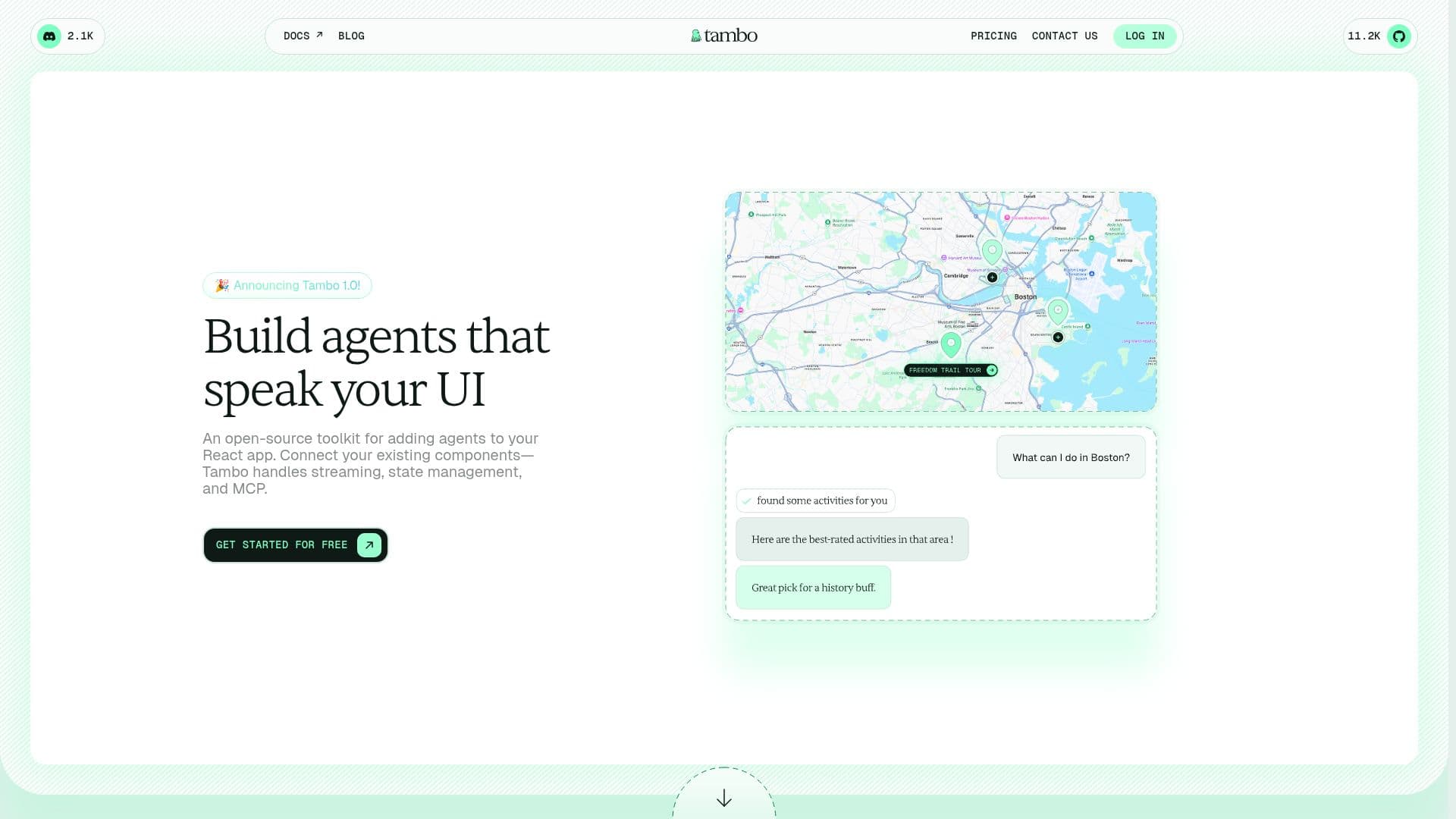
Tambo is an open-source toolkit for adding AI agents to React apps that speak your UI. Instead of returning plain text, the agent renders your own components with the right props. When a user asks "What seats are available?", Tambo's agent renders your SeatMap with your styling and logic and updates state as users interact — so you can ship AI features without rebuilding your interface.
Read More
Tambo includes a React SDK with hooks and providers for thread management, streaming, and component rendering, plus a built-in agent that requires no external framework. You register your components once, and the agent decides which one to render based on user messages and streams the props progressively. It supports two patterns: generative components rendered once in response to a message (charts, summaries) and interactable components that persist and update by ID across conversations (carts, task boards, dashboards). It handles the boring parts — error states, cancellation, message threads — and connects to databases, APIs, and external systems via the Model Context Protocol. Because the agent inherits your user's permissions, AI features stay secure.
You can self-host the backend or use Tambo Cloud for fast deployment. A free Starter plan includes 10K messages per month, unlimited OAuth users, chat-thread history, and analytics, with paid Growth and Enterprise plans adding higher message volumes, SSO/SAML, RBAC, single-tenant or on-prem options, and an uptime SLA.
- CategoryAI Agent Builders
- Pricing ModelFreemium
- DeploymentCloud, Self-hosted
- PlatformsWeb
Tambo's Core Features
Generative UI that renders your own React components from user messages
React SDK with hooks and providers for threads, streaming, and rendering
Built-in agent with no external framework required
Generative and interactable component patterns
Progressive prop streaming plus error, cancellation, and thread handling
MCP support to connect databases, APIs, and external systems
Auth that inherits the user's permissions
Self-host the backend or use Tambo Cloud
How to use Tambo?
Install: Add Tambo to your React app.
Register components: Tell the agent which components it can use.
Use Tambo hooks: Send messages and render responses with the SDK.
Add MCP: Connect databases, APIs, or your own MCP servers.
Deploy: Self-host the backend or use Tambo Cloud.
Tambo's Use Cases
- Conversational dashboards
- Interactive app features
- Agentic web apps
- MCP-connected tools