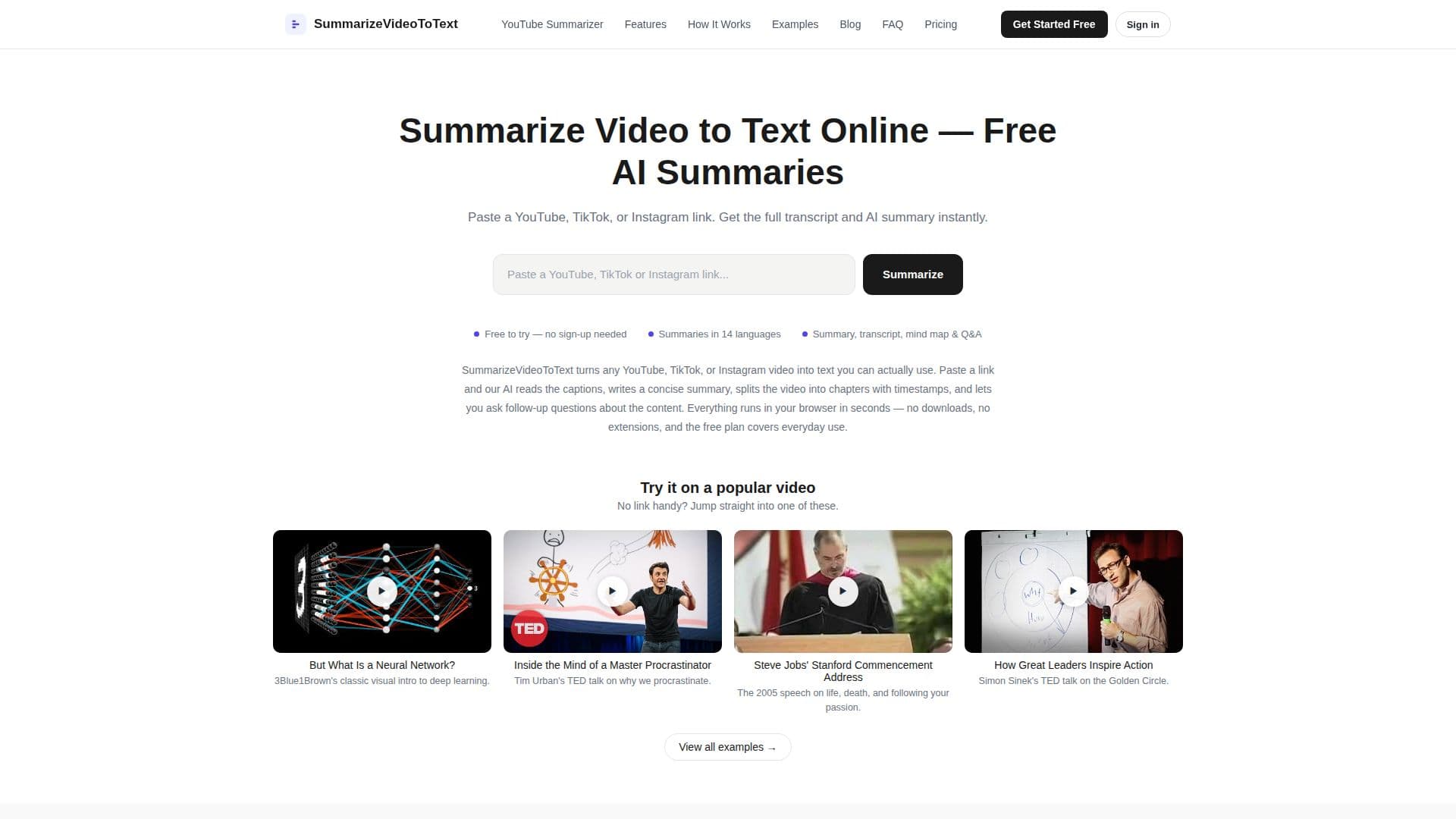
Description
Summarize Video to Text Online is a tool that converts video content into text, providing users with AI-generated summaries and full transcripts. By pasting a link from YouTube, TikTok, or Instagram, users can quickly receive a structured text workspace that includes a concise summary, timestamped chapters, a mind map, and a Q&A panel. The tool supports 14 output languages, allowing users to choose their preferred language for summaries and insights, regardless of the video's spoken language.
Read More
The service is free to start, offering up to two video summaries per day without an account. Signing in with a Google account increases this to three summaries per day and extends video length limits. For heavy users, a Pro plan is in development, which will remove daily limits and support videos up to six hours long.
Summarize Video to Text Online is particularly useful for students, professionals, content creators, and researchers who need to extract key information from video content quickly. The tool ensures accuracy by generating summaries from the video's captions, allowing users to verify claims against the original transcript. If a video lacks captions, the tool attempts to use auto-generated captions before concluding that it cannot be summarized.
Users can download transcripts and summaries, with PDF export functionality coming soon. The tool respects user privacy by not storing videos or tracking users across sites. It is designed to be fast and efficient, with results cached for quick access to previously summarized videos.
- CategoryAI Summarizers
- Pricing ModelFreemium
- DeploymentCloud
- PlatformsWeb
Summarize Video to Text Online's Core Features
AI-generated video summaries
Full transcript extraction
Timestamped chapters
Interactive mind map
Q&A panel for video content
Multi-language support
Free tier with daily quota
Cached results for instant access
Downloadable transcripts
Privacy-focused design
How to use Summarize Video to Text Online?
Paste a video link: Copy and paste a YouTube, TikTok, or Instagram link.
Get Transcript & Summary: AI fetches captions and provides summaries.
Explore, Export & Share: Read, download, or share the text output.
Use Q&A Panel: Ask questions about the video content.
Summarize Video to Text Online's Use Cases
- Lecture Summaries
- Meeting Reviews
- Content Research
- Podcast Analysis
- Tutorial Checks