Description
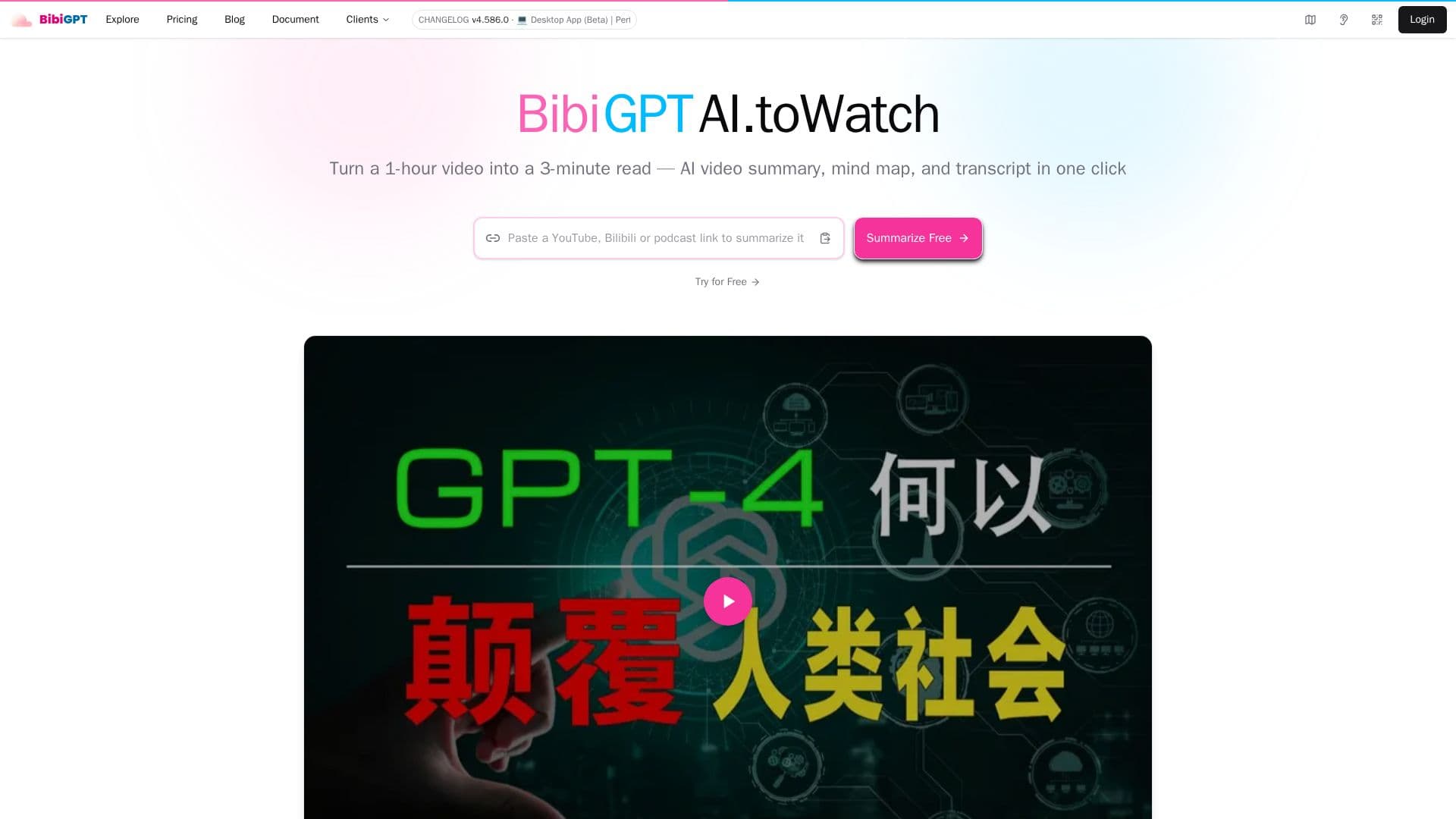
BibiGPT is an innovative AI-driven video and audio summarizer designed to help users efficiently process and understand audiovisual content. By simply pasting a link or uploading a file, users can generate structured, time-stamped summaries, full transcripts, and mind maps in seconds. This tool supports over 30 platforms, including YouTube, Bilibili, TikTok, and various podcast services, making it a versatile solution for anyone looking to streamline their learning or content creation processes.
Read More
The primary function of BibiGPT is to convert lengthy videos and audio recordings into concise summaries that highlight key points and insights. Users can easily access these summaries, which are organized by chapters and timestamps, allowing for quick navigation to the most relevant sections. Additionally, BibiGPT offers features such as multi-turn AI chat, article rewriting, and subtitle translation, further enhancing its utility for students, researchers, and content creators alike.
BibiGPT is particularly beneficial for knowledge workers who need to distill information from meetings or lectures into actionable insights. Content creators can repurpose their audiovisual materials into written formats suitable for blogs or social media, while educators and students can efficiently capture and review lecture content. With a focus on data privacy, BibiGPT ensures that uploaded files are deleted after 30 days and that summaries remain private unless shared by the user.
Whether you're looking to save time on content consumption or enhance your learning experience, BibiGPT provides a powerful set of tools to help you achieve your goals. Start your free trial today and discover how BibiGPT can transform the way you interact with audio and video content.
- CategoryAI Summarizers
- Pricing ModelFreemium
- DeploymentCloud
- PlatformsYouTube, Bilibili, TikTok, Podcasts
BibiGPT's Core Features
Video summarization with timestamps
Full audio/video transcript extraction
Mind map generation
Multi-turn AI chat grounded in video content
Article rewriting
Subtitle translation and burn-in
Visual content analysis
Notion/Obsidian sync
OpenAPI REST API
Supports 30+ platforms
How to use BibiGPT?
Paste a link: Copy the URL of the video or audio content you want to summarize.
Use BibiGPT: Paste the link into BibiGPT's interface or upload a local file.
Generate summary: Click to generate a structured, time-stamped summary and transcript.
Access features: Utilize mind maps, AI Q&A, and export options for further use.
BibiGPT's Use Cases
- Content Creation
- Education
- Research
- Meetings
- Language Learning