
Description
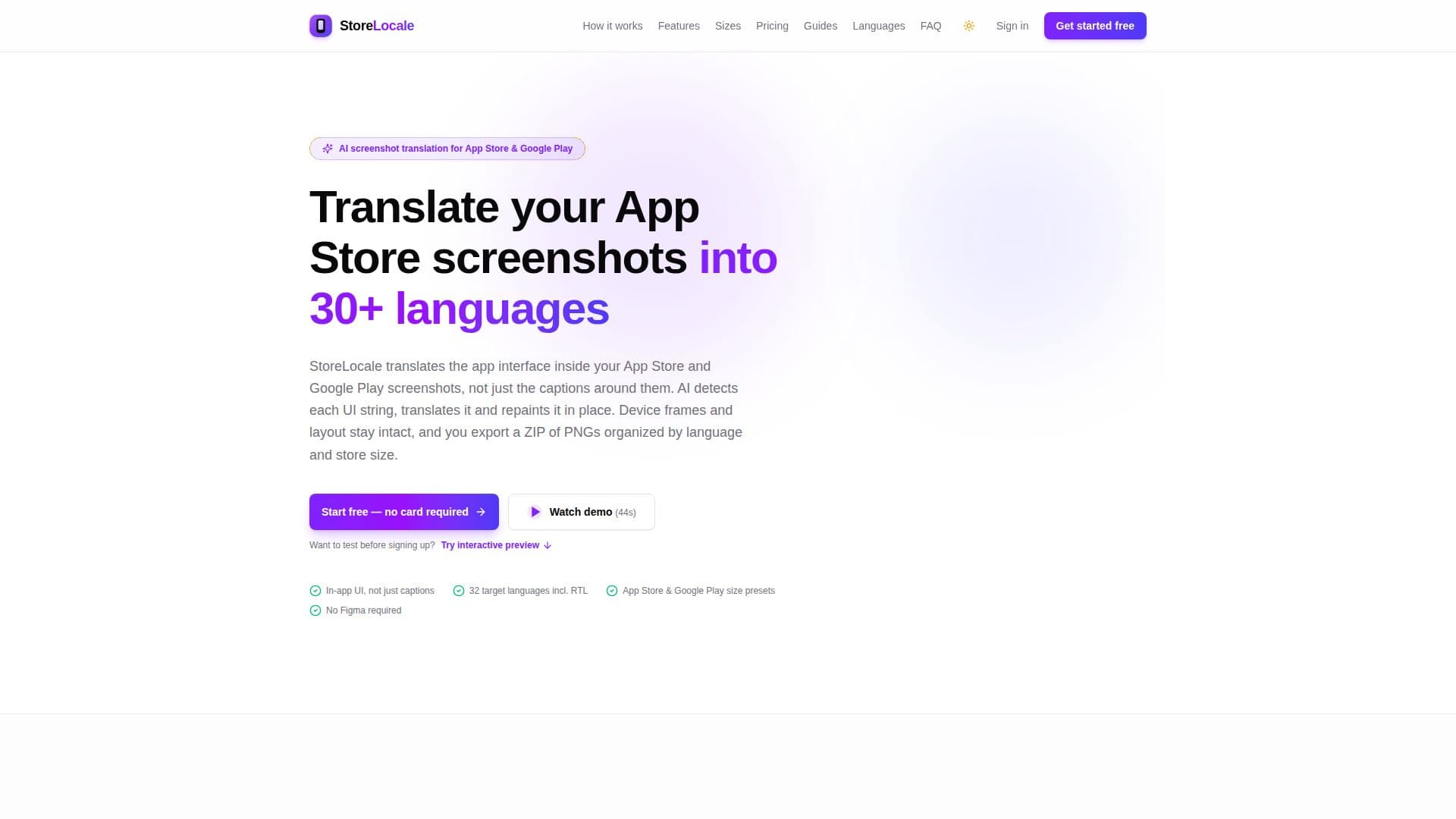
StoreLocale is a specialized AI tool that enables developers and ASO teams to localize their App Store and Google Play screenshots by translating the actual in-app user interface (UI) elements, not just the surrounding captions. This comprehensive approach ensures that buttons, tabs, labels, and content inside the screenshots are presented in the user's native language, providing a more immersive and relevant experience for potential app users.
Read More
The process begins with users uploading their screenshots and selecting target languages from a list of 32 supported options, including right-to-left languages like Arabic and Hebrew. A vision model then accurately detects each UI string within the image, identifying its position, color, and weight. These strings are subsequently translated by a language model, with the option for users to edit any translation before proceeding. Finally, an image model generatively repaints the translated strings back into the screenshot, maintaining the original device frames, backgrounds, and overall layout. The tool also masks and leaves untouched elements like posters, video frames, and rating badges.
StoreLocale offers a robust in-browser canvas editor that includes various device frames (e.g., iPhone 16 Pro Max, Samsung Galaxy S24 Ultra, iPad Pro 13"), gradient backgrounds, typography controls, and slide templates. Users can build multi-slide screenshot sets, reorder layers, utilize 50-step undo functionality, and benefit from browser autosave and cloud sync. The platform exports store-ready PNGs organized by platform, language, and size presets, ensuring compatibility with App Store Connect and Google Play Console. While the editor, device frames, and exports are free, AI repaint functionality requires one-time credit packs (Starter, Launch, Scale) that never expire. Alternatively, users can connect their own OpenRouter or Google Gemini API key to generate translations without using StoreLocale credits.
This tool is ideal for indie developers seeking localized store listings without manual recreation, mobile teams looking to automate screenshot localization, and ASO/marketing teams preparing localized variants for market testing. StoreLocale emphasizes human review, allowing users to compare localized slides side-by-side with the original before exporting, ensuring accuracy and quality. The platform also supports two-factor authentication and robust data protection measures for user accounts and project data.
- CategoryAI Translators
- Pricing ModelFreemium
- DeploymentCloud
- PlatformsWeb
StoreLocale's Core Features
In-App UI Translation: Translates buttons, tabs, labels, and content inside screenshots.
30+ Target Languages: Supports a wide range of languages including Japanese, Korean, German, French, Spanish, Italian, Turkish, Hindi, Simplified and Traditional Chinese, Arabic, and Hebrew.
AI Text Detection & Repaint: Vision model detects UI strings, language model translates, and image model repaints in place.
Device Frames: Offers various device frames (iPhone, Samsung, Google Pixel, iPad, MacBook, clay, browser, TV) that maintain layout across languages.
In-Browser Canvas Editor: Includes typography controls, gradient backgrounds, slide templates, and multi-slide sets.
Store-Ready ZIP Exports: Exports PNGs organized by platform, language, and size presets for App Store Connect and Google Play Console.
Per-Language Captions & Styling: Allows different headlines and styling for each language.
Credit Packs & BYOK: Pay-as-you-go credit packs or option to use own OpenRouter/Gemini API key for generations.
Side-by-Side Comparison: Enables users to review and compare localized screenshots with originals.
Autosave & Cloud Sync: Projects autosave in browser and sync to account for access across devices.
Two-Factor Authentication: Optional TOTP two-factor authentication for account security.
Video Thumbnail Localization: Translates text within video thumbnails and cover images.
No Subscription Model: One-time credit purchases with no recurring fees and non-expiring credits.
Refunds for Unused Credits: Available for unused credits purchased within 14 days.
How to use StoreLocale?
Upload Screenshots: Drop PNG, JPEG, WebP, or GIF screenshots into the editor.
Pick Target Languages: Choose from 32 supported languages for localization.
Detect, Translate, Repaint: AI automatically detects UI strings, translates them, and repaints them in place; edit translations as needed.
Review & Export: Compare localized results with the source side-by-side, then download a ZIP of PNGs grouped by platform, language, and size.
StoreLocale's Use Cases
- Localizing App Store Listings
- Automating Screenshot Localization
- ASO Screenshot Testing
- Translating Video Thumbnails
- Designing Localized Visuals
- Expanding App Market Reach
- Reducing Localization Costs