
Description
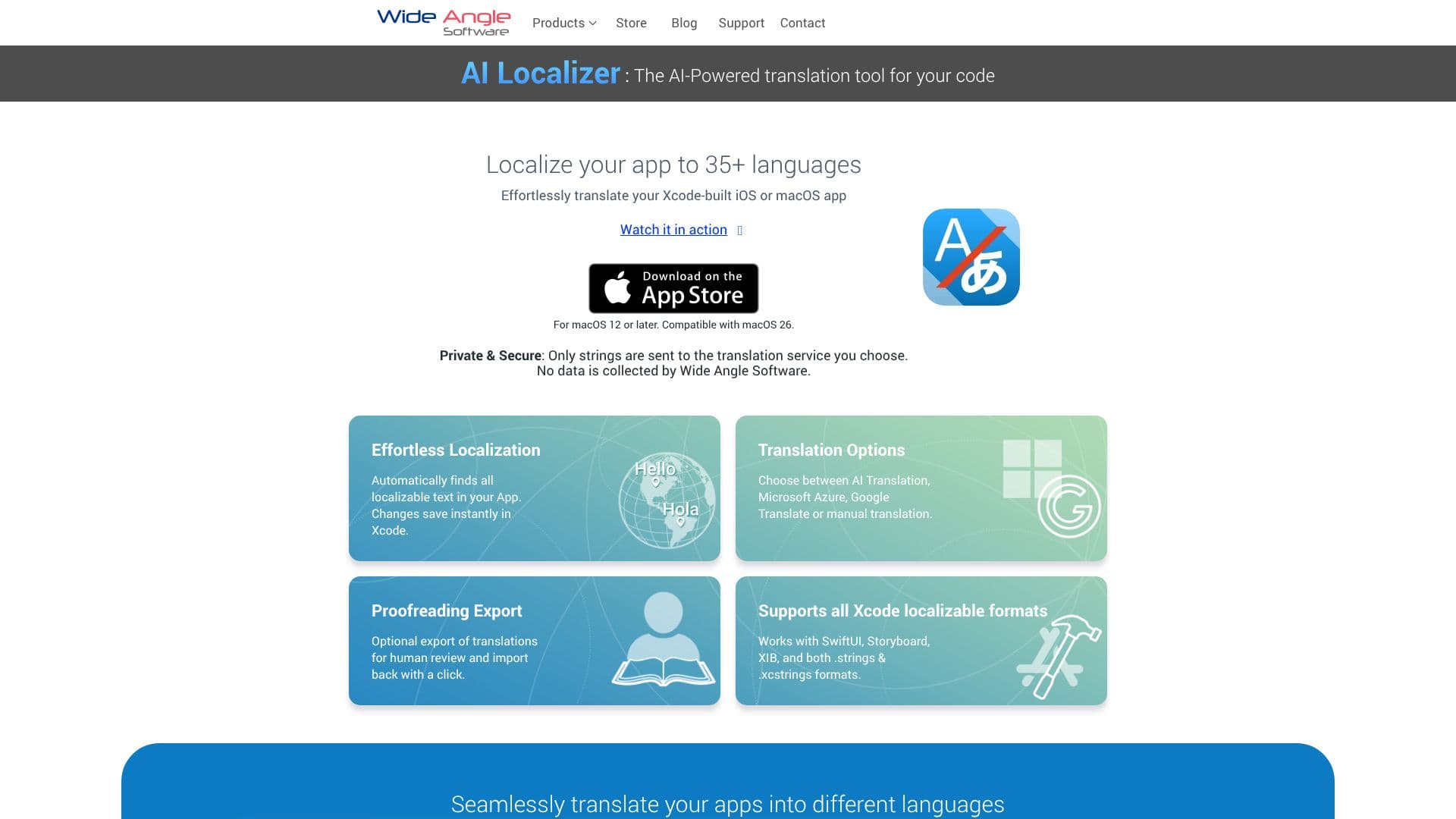
AI Localizer is a powerful AI-driven application designed to simplify the localization process for iOS and macOS developers using Xcode. It automates the translation of your project's localizable strings, enabling you to reach a global audience by supporting over 35 languages. The tool is compatible with macOS 12 or later and integrates directly with Xcode, ensuring that changes are saved instantly.
Read More
This application streamlines the entire localization workflow. Upon quick setup, AI Localizer automatically identifies all localizable text within your Xcode project, including support for SwiftUI, Storyboard, XIB, and both .strings and .xcstrings formats. You can then select up to 37 languages into which your app will be translated. The core translation engine leverages AI, but users also have the flexibility to choose between Microsoft Azure, Google Translate, or perform manual translations. For projects requiring human oversight, AI Localizer offers an optional export feature for proofreading, allowing translations to be reviewed externally and then easily imported back into the project with a single click.
Privacy and security are paramount. AI Localizer ensures that only the strings requiring translation are sent to your chosen translation service. Wide Angle Software does not collect any user data. The application is designed for developers who want to efficiently expand their app's reach without the manual overhead of traditional localization methods. It caters to individual developers and teams looking to enhance their app's international presence by making the translation process quick, accurate, and manageable directly within their existing Xcode environment.
- CategoryAI Translators
- DeploymentCloud
- PlatformsmacOS
AI Localizer's Core Features
AI-powered code translation for Xcode projects
Supports over 35 languages for app localization
Automatic detection of localizable text
Instant saving of translation changes in Xcode
Compatibility with SwiftUI, Storyboard, XIB, .strings, and .xcstrings formats
Choice of translation services: AI, Microsoft Azure, Google Translate, or manual
Optional export/import for human proofreading of translations
Private and secure: only strings sent to translation service, no data collected
Quick setup and automatic loading of project resources
User-friendly interface for editing translated strings
How to use AI Localizer?
Configure: Set up AI Localizer by launching it within your macOS environment.
Select Languages: Choose up to 37 target languages for your app's localization.
Translate: Utilize the AI translation service or select your preferred translation option.
Review & Edit: Optionally export translations for proofreading or edit them directly within the app.
Integrate: Save changes directly back into your Xcode project with a single click.
AI Localizer's Use Cases
- App Localization
- International Expansion
- Streamlined Workflow
- Quality Assurance
- Developer Productivity
- Multi-language Support