Description
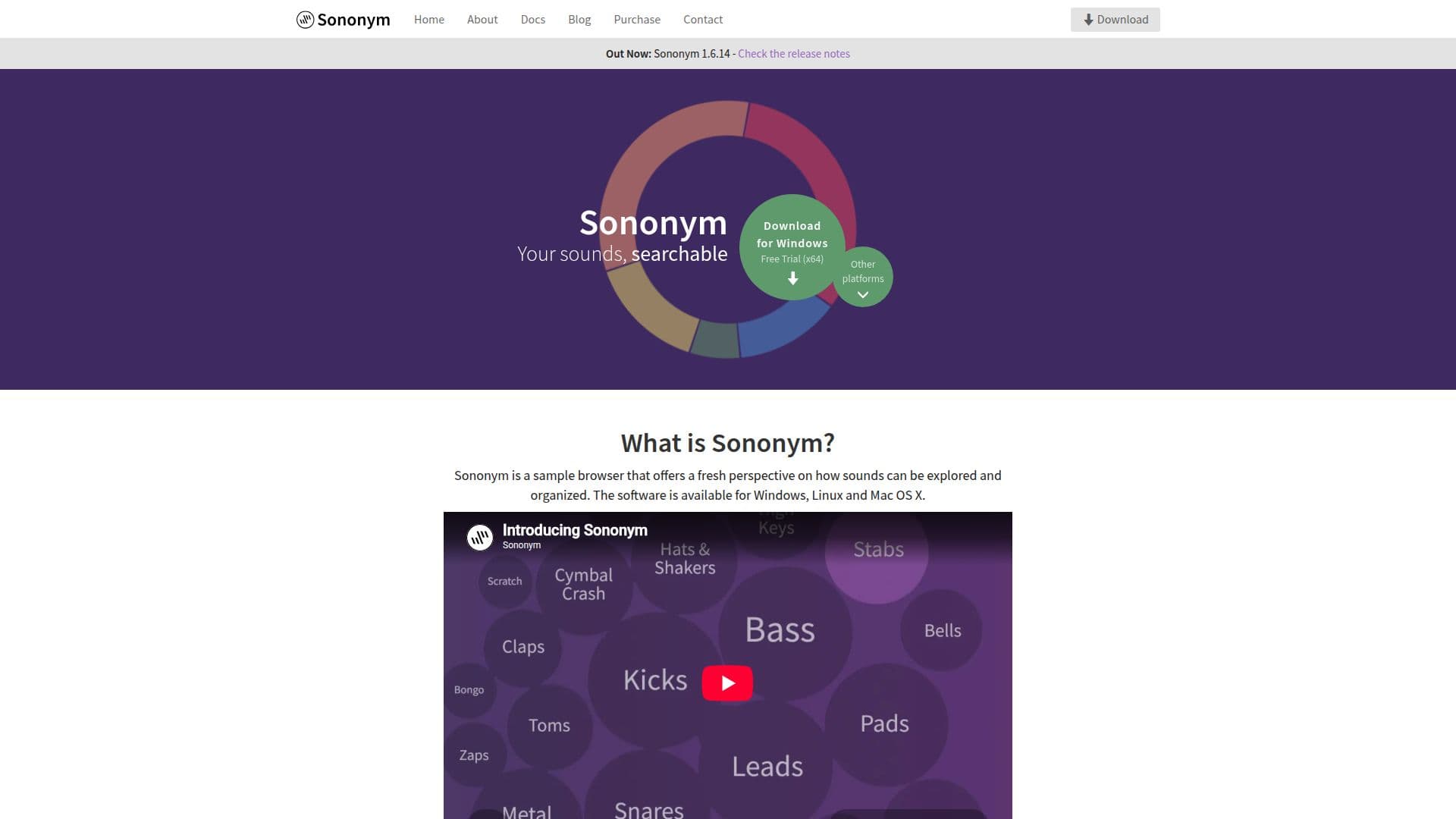
Sononym is an innovative audio sample browser designed to revolutionize how users explore and organize their sound collections. Utilizing machine learning, Sononym categorizes sounds based on their relationships rather than relying solely on descriptive names or tags. This software is compatible with Windows, MacOS, and Linux, making it accessible to a wide range of users.
One of Sononym's standout features is its powerful sample discovery capabilities. It extracts detailed information from samples, including unique properties like perceived brightness, crest factor, and timbre. This allows users to search, filter, and sort samples with ease, potentially reigniting their passion for their sample collections.
The similarity search function is particularly noteworthy, enabling users to find similar-sounding samples effortlessly. By selecting any sound as input, users can explore variations and discover new samples, even using live audio recordings as a basis for searches.
Sononym also offers duplicate detection, identifying not only identical sounds but also nearly identical ones. This feature is especially useful for users with sample packs containing multiple versions of the same sound, helping to streamline libraries and free up disk space.
The software's AI-based categorization organizes samples into categories relevant to electronic music production, such as 'snare drums' or 'synth pads'. Additionally, it classifies sounds as looped or non-looped, aiding in efficient sample management.
Sononym operates without requiring an internet connection, ensuring full functionality offline. This eliminates concerns about online activation or deauthorization, providing a seamless user experience. Users can also integrate cloud-synchronized folders if desired, offering flexibility in sample management.
Sononym's Core Features
Machine learning-based sound organization
Compatibility with Windows, MacOS, and Linux
Powerful sample discovery tools
Similarity search for finding related samples
Duplicate detection across libraries
AI-based categorization of samples
Offline functionality without internet dependency
Integration with cloud-synchronized folders
How to use Sononym?
Install: Download and install Sononym on your device
Organize: Import your sound library into Sononym
Explore: Use similarity search to find related samples
Manage: Utilize duplicate detection to streamline your library
Sononym's Use Cases
- Sample Organization
- Sound Exploration
- Library Streamlining
- Music Production
- Offline Sound Management