Description
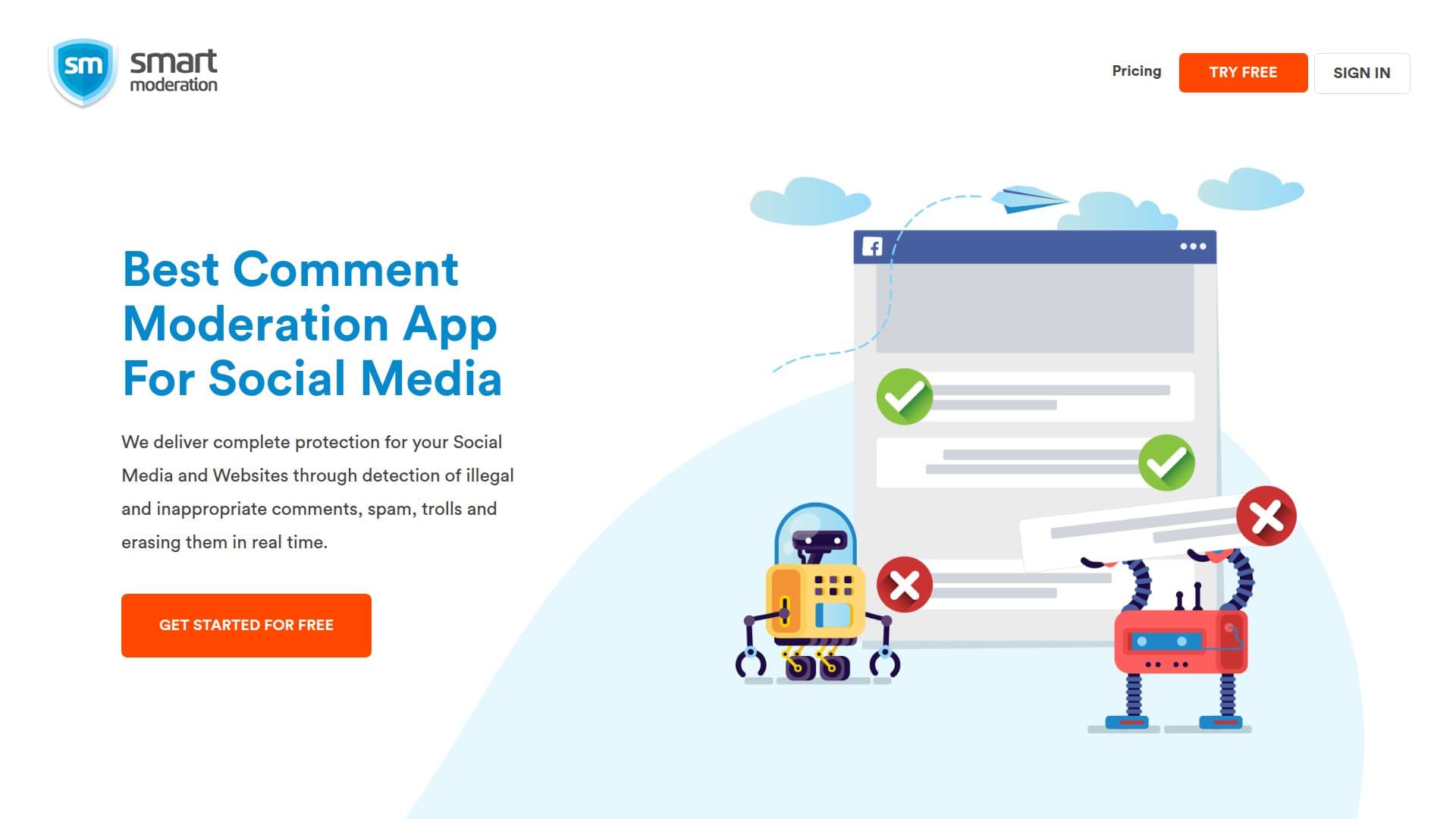
Smart Moderation is a cutting-edge AI-powered comment moderation tool designed to protect your online presence across social media platforms, blogs, and other digital spaces. Utilizing advanced machine learning and natural language processing, it automatically detects and removes inappropriate comments, including profanity, spam, and trolling, in real time. The platform operates 24/7, ensuring continuous protection and peace of mind for users. Setting up Smart Moderation is straightforward, requiring just a Facebook account to connect your social profiles. The tool supports platforms like Facebook, Instagram, and YouTube, providing a centralized dashboard for managing comments. Users can choose between auto and manual moderation modes, allowing for customization based on specific needs. Smart Moderation offers three pricing tiers: Basic, Pro, and Enterprise, with varying features and support levels. The Basic plan starts at $79 per month annually, while the Pro plan is $199 per month annually. Enterprise pricing is custom. The tool is ideal for brands and public profiles seeking to maintain a positive online reputation and improve community engagement. By automating the moderation process, Smart Moderation saves time and resources, allowing community managers to focus on more strategic tasks. Its AI-powered blacklist feature further enhances moderation by allowing users to define custom keywords to block. Overall, Smart Moderation is a valuable asset for any organization looking to safeguard its digital presence.
Smart Moderation's Core Features
AI-powered comment moderation
Real-time monitoring
Automatic removal of inappropriate comments
24/7 operation
Supports Facebook, Instagram, YouTube
Customizable moderation settings
AI-powered blacklist feature
Centralized dashboard for comment management
Auto and manual moderation modes
Machine learning-based personalization
How to use Smart Moderation?
Sign up: Create an account using Facebook
Connect: Link your social media profiles
Configure: Set up moderation preferences
Use: Monitor and moderate comments in real time
Optimize: Adjust settings based on community needs
Smart Moderation's Use Cases
- Social Media Management
- Reputation Protection
- Community Engagement
- Content Moderation
- Time and Cost Efficiency