
Description
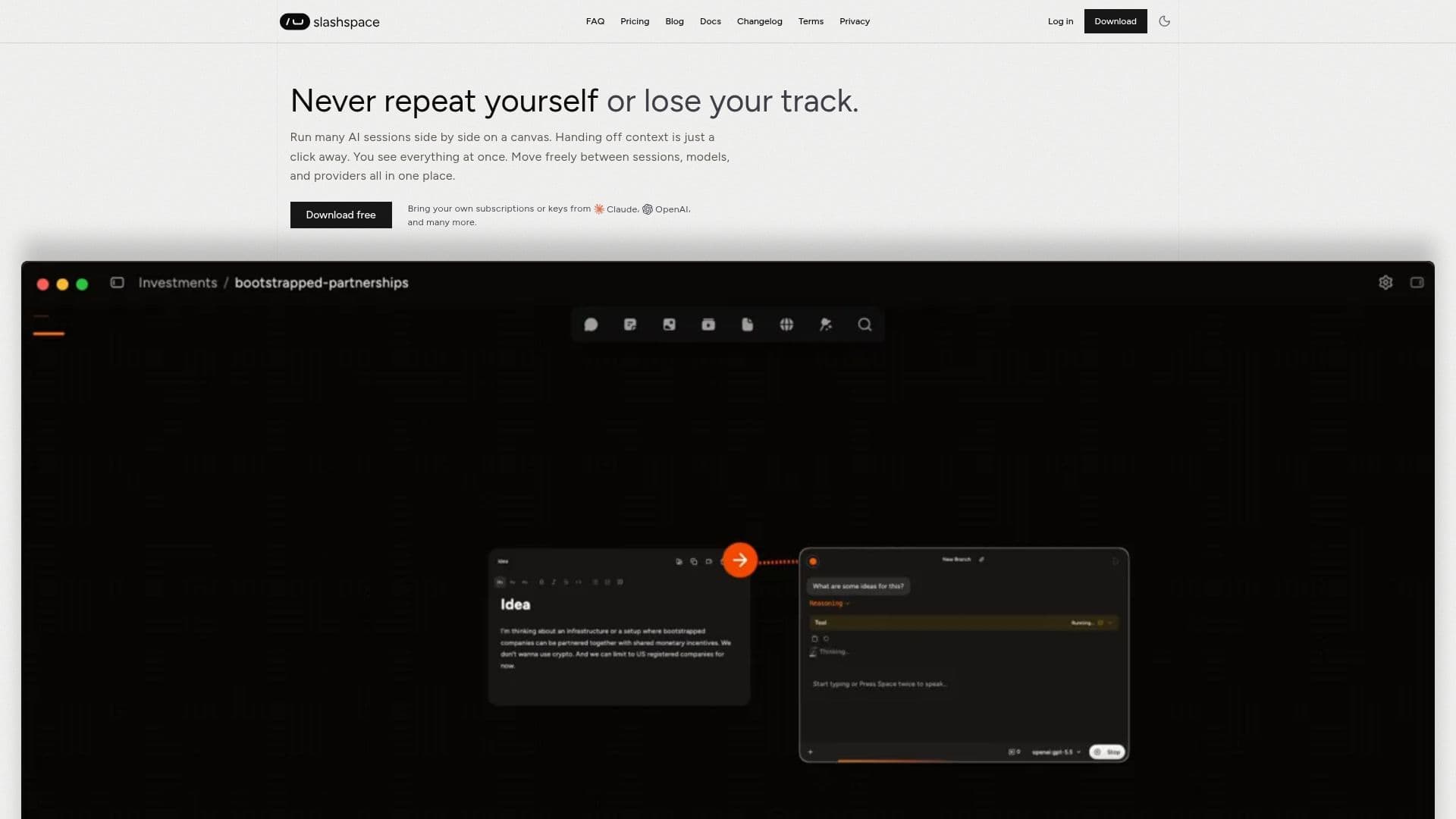
Slashspace, previously RabbitHoles AI, is an intelligent AI canvas for deep work, research, and learning. Instead of juggling many separate chat sessions and apps, users do all their thinking in one place on an infinite canvas, running multiple connected AI conversations alongside files and agents that share context. Each canvas is scoped to a single agenda or project, conversations branch and share context, and agents can see everything on the canvas, so the AI always has the full picture.
Read More
Slashspace is built to avoid the limits of single-session, single-vendor tools. It supports any model from OpenAI, Anthropic, Google, Perplexity, xAI, and OpenRouter, or local models via Ollama, and lets users switch models mid-work and configure system prompts and model settings per conversation or per provider. By connecting only the nodes that matter, users can scope precise context, which improves context engineering and tends to reduce wasted tokens over time.
Data is local-first: Slashspace creates a real file system on the computer, where each canvas is its own folder holding conversations and files, so work stays with the user even if a subscription lapses, unless they opt in to RAG indexing. The canvas also supports MCP, connecting to 1000+ tools, deep research, image generation, and PDF, web, and YouTube sources.
Pricing uses included AI usage credits, with a free tier offering a one-time usage allowance and three desktop canvases, and paid Starter, Pro, and Advanced plans adding more monthly usage, unlimited canvases, more device activations, more connectors, and bring-your-own-key support. BYOK models consume no credits, since the user pays the provider directly.
- CategoryAI Research Assistants
- Pricing ModelFreemium
- DeploymentCloud, Desktop app
- PlatformsWindows, macOS, Linux
Slashspace's Core Features
Infinite canvas with multiple connected AI conversations
Context shared across chats, files, and agents
Support for many providers plus local models via Ollama
Switch models mid-session and configure prompts per conversation
Scoped context by connecting only the nodes that matter
Local-first storage as a real file system on your device
MCP support with connections to 1000+ tools
PDF, web, and YouTube sources, plus image generation and deep research
How to use Slashspace?
Install and sign in: Set up Slashspace and start your first canvas.
Create a project canvas: Scope a canvas to a single agenda and add files.
Run multiple chats: Open connected AI conversations that branch and share context.
Choose your models: Use built-in models or bring your own key across providers.
Scope context: Connect only the nodes that matter so the model reasons over relevant information.
Slashspace's Use Cases
- Deep research
- Knowledge mapping
- Multi-model work
- Private, local-first work