Description
Skim offers a streamlined solution for reviewing contracts and other documents, focusing on identifying potential issues and providing actionable responses. Unlike conversational AI tools that require continuous prompting, Skim delivers a finished report in a single pass. For each document submitted, the service pinpoints five specific clauses that could potentially lead to financial costs or other disadvantages, labeling them as 'red flags'.
Read More
Beyond just identification, Skim provides a practical rewrite for each identified red flag. These rewrites are designed to offer alternative phrasing or clauses that could mitigate the risks or improve the terms for the user. This feature is particularly valuable for individuals who need to negotiate or amend contract terms but may lack legal expertise or time to draft precise language.
Furthermore, Skim generates a paste-ready reply for each document. This reply is formulated to address the identified red flags and incorporate the suggested rewrites, making it easy for users to communicate their concerns or proposed changes to the other party. This eliminates the need for users to craft responses from scratch, saving time and ensuring clarity.
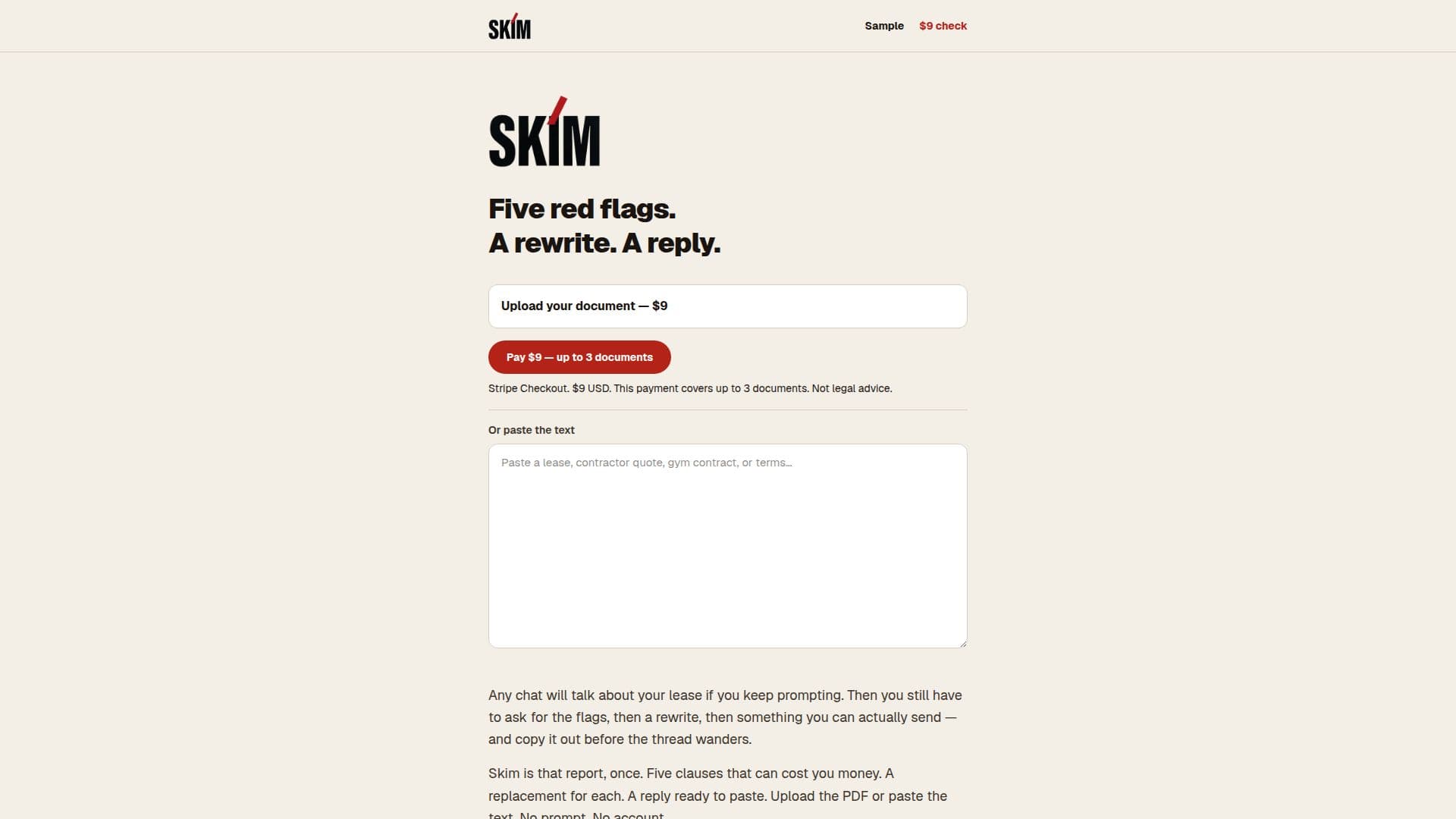
The service operates on a simple, one-time payment model. For a single payment of $9, users can submit up to three documents for analysis. There is no subscription required, and no account needs to be created, ensuring a quick and anonymous process. Users can upload documents in PDF format or paste text directly. A sample report is available on the website for prospective users to review before making a purchase. It's important to note that Skim is a tool for document analysis and does not provide legal advice.
- CategoryAI Legal Assistants
- Pricing ModelOne-time purchase
- DeploymentCloud
- PlatformsWeb
Skim's Core Features
Identifies five red flags in documents
Provides a rewrite for each flagged clause
Generates a paste-ready reply for each document
One-time payment covers up to three documents
No account registration required
No subscription model
Supports PDF upload or text paste
Offers a sample report for review
Focuses on clauses that can cost money
Delivers a finished report without prompting
Designed for quick and efficient document review
Clear pricing structure
How to use Skim?
Review Sample: Open and examine the provided sample report on the website to understand Skim's output.
Make Payment: Pay a one-time fee of $9 via Stripe to cover up to three documents.
Upload Document: Upload your PDF document or paste the text directly into the system.
Receive Report: Get a finished report detailing five red flags, a rewrite for each, and a paste-ready reply.
Utilize Reply: Use the generated reply to communicate proposed changes or concerns.
Skim's Use Cases
- Contract Review
- Lease Agreement Analysis
- Document Red Flagging
- Drafting Replies
- Personal Document Scrutiny