
Description
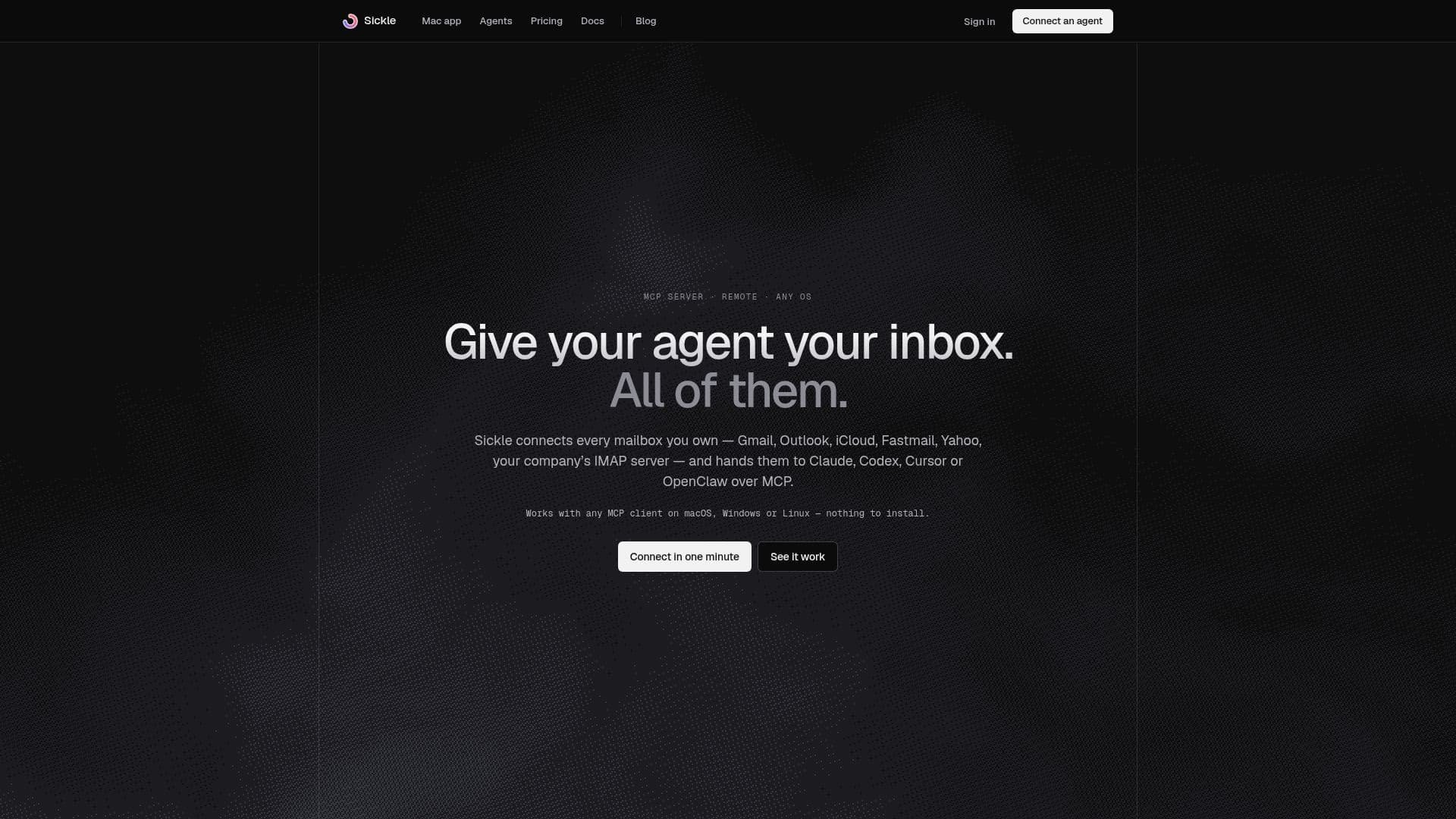
Sickle offers a comprehensive solution for integrating all your email accounts with AI agents. It functions as a remote MCP (Mailbox Control Protocol) server, allowing AI clients such as Claude, Claude Code, Codex, Cursor, and OpenClaw to access and manage your mailboxes. This service supports a wide range of providers, including Gmail, Outlook, iCloud, Fastmail, Yahoo, and any custom IMAP server, consolidating them into a single connection for your agent.
Read More
Unlike other solutions, Sickle allows agents to interact with multiple mailboxes simultaneously, providing a unified view of all your email. Agents can perform various actions, including reading emails, moving messages, archiving conversations, and, with explicit user permission, sending emails. The sending capability is opt-in and requires user approval for each message, ensuring control over outgoing communications. Agents can also attach files from existing emails or upload new files from your computer, with attachments encrypted and deleted after use.
Sickle prioritizes security and privacy. Your mailbox password is never shared with the agent; instead, a revocable token is used for access. The connector reads from your mail server on demand and does not store a copy of your mailbox content. Any files temporarily held for attachments or downloads are encrypted and deleted within a day. The service is entirely remote and cloud-hosted, meaning there's nothing to install on your local machine, and it works with any operating system where your AI agent runs.
In addition to the MCP server, Sickle also includes a native macOS mail client as part of its subscription. This optional app provides a fast, unified interface for managing all your email accounts on a Mac, with features like color-coded mailboxes, an email cleaner, and Vim-style keybindings. The subscription covers both the Mac app and the agent connector, making it a versatile tool for both manual and AI-assisted email management. Sickle offers a 7-day free trial, with monthly or yearly billing options available.
- CategoryAI Email Assistants
- Pricing ModelSubscription
- DeploymentCloud Hosted
- PlatformsWeb, macOS (optional app)
Sickle's Core Features
Connects multiple email providers: Gmail, Outlook, iCloud, Fastmail, Yahoo, and any IMAP server.
Integrates with AI agents: Claude, Claude Code, Codex, Cursor, OpenClaw, and other MCP clients.
Remote MCP server: No local installation required, works on any OS.
Unified mailbox access: Agents see all connected mailboxes through one connection.
Email reading capabilities for AI agents.
Email changing actions: Move, archive, and label emails.
Optional email sending: Agents can send emails with user approval.
Attachment handling: Agents can attach existing files or upload new ones (up to 18MB/25MB encoded).
Attachment opening: Agents can download and work on attachments.
OAuth authentication for Gmail and Outlook; app passwords for iCloud and IMAP.
No email content storage: Connector reads on demand, does not keep copies.
Revocable agent access tokens.
Includes an optional native macOS mail client.
Supports unlimited email accounts.
Provides setup guides for various AI agents.
How to use Sickle?
Sign in to Sickle: Access sickle.app using the same account your AI agent will use.
Connect mailboxes: Go to 'Mailboxes', choose 'Connect mailbox', and add your desired email accounts (Gmail, Outlook, iCloud, IMAP, etc.).
Add custom connector to agent: In your AI agent (e.g., Claude, Cursor), navigate to settings, add a custom MCP connector, and paste the Sickle server URL.
Approve access: Authorize the AI agent's access to your Sickle account via the OAuth prompt.
Manage permissions: Grant specific permissions (read, change, send) to your agent, reviewing proposals before approval.
Utilize agent for email tasks: Instruct your AI agent to search, read, organize, or draft emails across your connected mailboxes.
Revoke agent access: Disconnect agents anytime from sickle.app under 'Connect AI' to end their access.
Sickle's Use Cases
- Unified Email Management
- AI Email Triage
- Automated Email Drafting
- Cross-Account Email Search
- Attachment Handling by AI
- Email Workflow Automation
- Client Communication Assistance
- Inbox Zero Maintenance