
Description
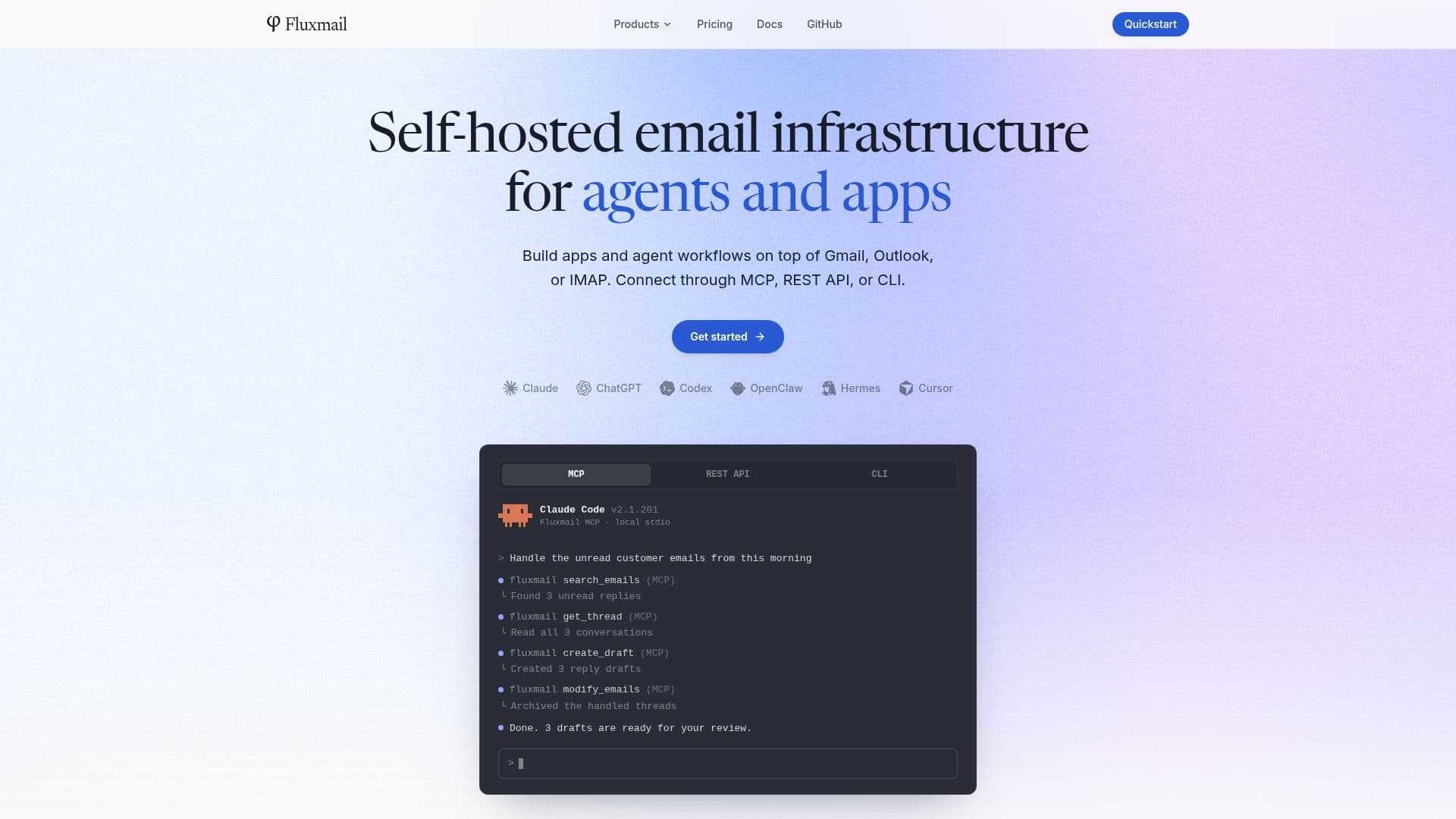
Fluxmail is a self-hosted email infrastructure solution designed for agents and applications. It allows users to connect to Gmail, Outlook, Exchange, and IMAP email accounts through multiple interfaces, including MCP, REST API, and CLI. This flexibility ensures that users can manage their emails in a way that best suits their needs, whether through a command-line interface or programmatically via APIs.
Read More
One of the key features of Fluxmail is its ability to integrate with AI agents such as Claude Code, ChatGPT, Codex, Cursor, and Hermes. These agents can connect through the MCP interface, enabling them to perform email operations like searching, reading, drafting, sending, and organizing emails. This makes Fluxmail an ideal choice for developers looking to build AI-driven email workflows.
Fluxmail offers a free self-hosted plan that supports one member and up to three mailboxes. For users requiring more capacity, paid plans are available, which increase the limits on members and mailboxes. The pricing structure is straightforward, with options for both self-hosted and cloud-based deployments.
Security is a top priority for Fluxmail. It stores OAuth tokens and mailbox passwords in a local SQLite database with AES-256-GCM encryption, ensuring that user credentials remain secure. Additionally, because Fluxmail runs on the user's own infrastructure, emails do not pass through any Fluxmail-hosted servers, maintaining privacy and control over email data.
Fluxmail supports a wide range of email providers, including Gmail, Google Workspace, Outlook, Exchange, and any mailbox with IMAP/SMTP access. This broad compatibility makes it a versatile tool for managing email across different platforms.
Overall, Fluxmail is a robust solution for those seeking a self-hosted email management system that integrates seamlessly with AI agents and provides secure, private email operations.
- CategoryAI Agent Builders
- Pricing ModelFreemium
- DeploymentSelf-hosted
- PlatformsMCP, REST API, CLI
Fluxmail's Core Features
Self-hosted email infrastructure
MCP, REST API, and CLI interfaces
Integration with AI agents
Supports Gmail, Outlook, Exchange, IMAP
Local SQLite storage with AES-256-GCM encryption
Free self-hosted plan available
Paid plans for increased capacity
Secure and private email management
How to use Fluxmail?
Install: Set up Fluxmail on your server or computer
Configure: Connect your email accounts via MCP, REST API, or CLI
Integrate: Connect AI agents like Claude Code to manage emails
Manage: Use CLI or APIs to perform email operations
Fluxmail's Use Cases
- AI Email Management
- Secure Email Hosting
- Multi-Provider Support
- Custom Email Workflows
- Email Privacy Control