
Description
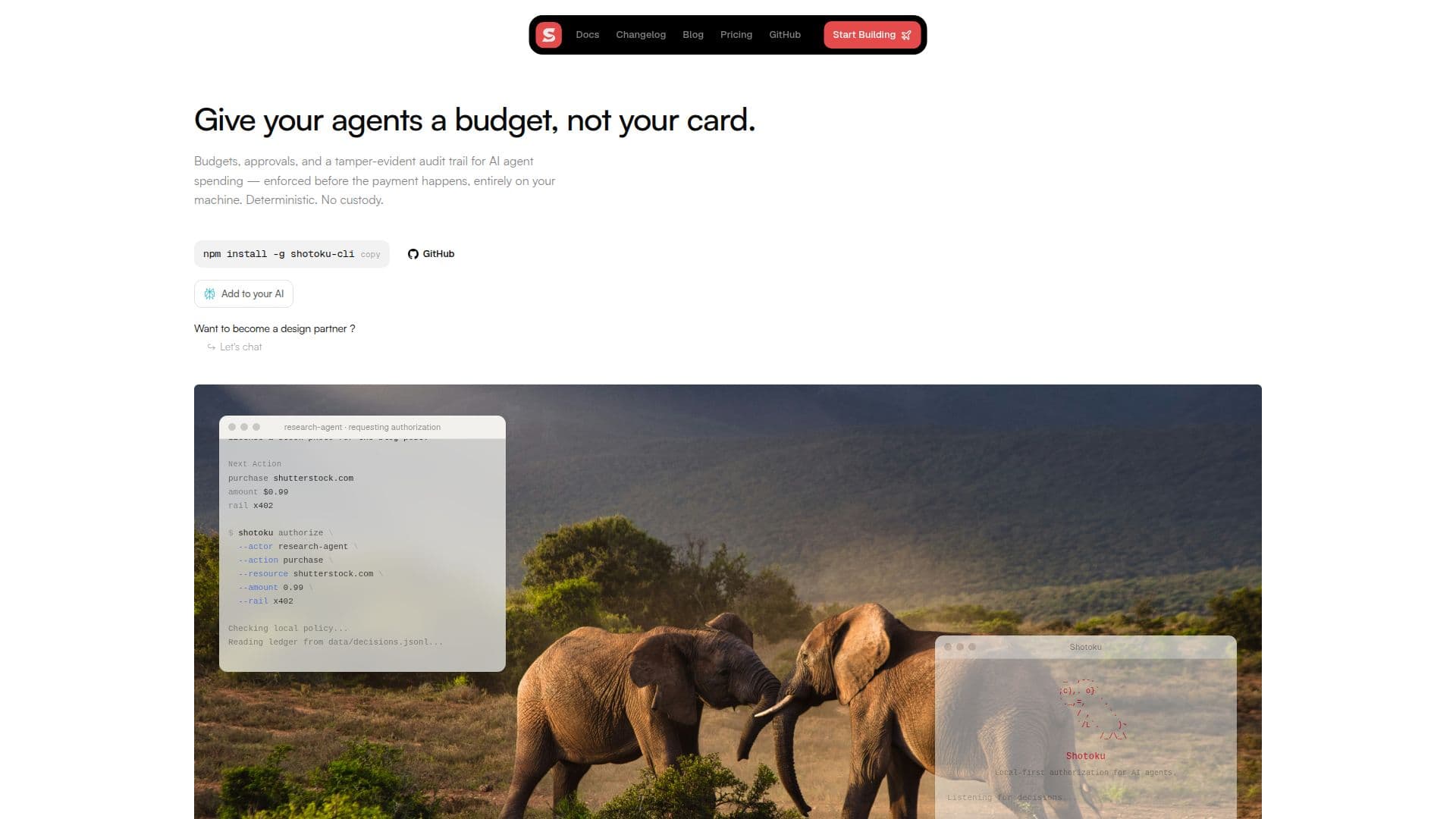
Shotoku offers a robust, local-first solution for managing the spending of AI agents. It allows users to assign budgets and implement spending limits, human approvals, and a tamper-evident audit trail, all enforced directly on the user's machine. This design ensures that every spending decision remains private and under direct control, with no reliance on cloud services, no custody of funds, and no telemetry.
Read More
The core functionality revolves around pre-payment authorization. When an AI agent attempts an action that involves spending, Shotoku intercepts the request and evaluates it against predefined policies. These policies, configured in a simple YAML file, can specify maximum amounts per transaction, rolling daily limits per vendor, and overall daily budgets for an agent. If a request exceeds a limit, it is either denied outright or held for human approval, allowing for nuanced control over financial outflows.
Shotoku is designed as infrastructure, providing essential components like rolling budgets, a structured audit trail, a human approval queue, and policy-as-config. It integrates with Multi-Agent Communication Protocol (MCP) systems, ensuring consistent policy enforcement whether an agent runs in a terminal, Claude, or other environments. In MCP wrapping mode, Shotoku sits in front of other MCP servers, including payment providers like PayPal, guaranteeing that every tool call is vetted before execution. For non-MCP agents, a simple function call (`authorize()`) can be integrated into the agent's code.
Crucially, Shotoku never handles funds, stores credentials, or signs payments. It solely determines whether a spend is permitted and records that decision. The actual payment execution is handled by the agent's own wallet or payment rail. Decisions are stored locally in an append-only JSONL file, providing a transparent and auditable record that users can inspect at any time. The system is built to fail closed, meaning any missing or invalid policy, or malformed request, results in a denial, never an unauthorized approval.
For human oversight, Shotoku offers multiple approval channels. Pending decisions can be sent to Telegram with Approve/Deny buttons, or managed via a local dashboard (`shotoku ui`) or a terminal UI. An approval is specific to an exact request (same agent, vendor, amount) and is valid for a short period, preventing blanket permissions. The platform is currently in beta, with a stable core authorization path, and is open-source, with plans for enterprise features like shared control, org-level policy hierarchies, and compliance export packs in future team and enterprise plans.
- CategorySecurity & Privacy
- Pricing ModelFreemium
- DeploymentLocal
- PlatformsNode.js
Shotoku's Core Features
Local-first spend controls for AI agents
Pre-payment authorization and enforcement
Configurable spending limits (per transaction, daily, per vendor)
Human approval queue for over-limit or unhandled requests
Tamper-evident, append-only local audit trail (JSONL ledger)
Policy-as-config using YAML files
Multi-Agent Communication Protocol (MCP) integration
MCP wrapping mode for unavoidable policy enforcement
Signed receipts for downstream payment proxy verification
Telegram integration for mobile approvals
Local dashboard (shotoku ui) and terminal UI for management
Open-source core authorization engine
Deterministic decision making, no cloud or telemetry
Supports Node.js 20+ and MCP-compatible agents
Fail-closed design for security
How to use Shotoku?
Install Shotoku CLI: Use npm to install the Shotoku command-line interface.
Set up Shotoku home: Create a dedicated folder for Shotoku to store policy and ledger files.
Configure policy: Edit the `policy.yaml` file to define spending rules, limits, and approval thresholds.
Connect your agent: Add Shotoku to your agent host's MCP configuration, specifying the Shotoku home path.
Let agent ask: Instruct your agent to use Shotoku's `authorize_action` tool before making spending decisions.
Approve pending actions: Use `shotoku approve` in the terminal, `shotoku ui` dashboard, or `shotoku telegram` to review and approve pending requests.
Make enforcement unavoidable: Configure Shotoku to wrap other MCP servers, ensuring all agent tool calls pass through its policy checks.
Shotoku's Use Cases
- Budgeting AI Agent Spending
- Human Approval Workflows
- Audit Trail for Agent Actions
- Preventing Unauthorized Payments
- Policy Enforcement for MCP Agents
- Secure Local Operations
- Developer Integration
- Team Collaboration on Agent Policies
- Compliance and Governance