
Description
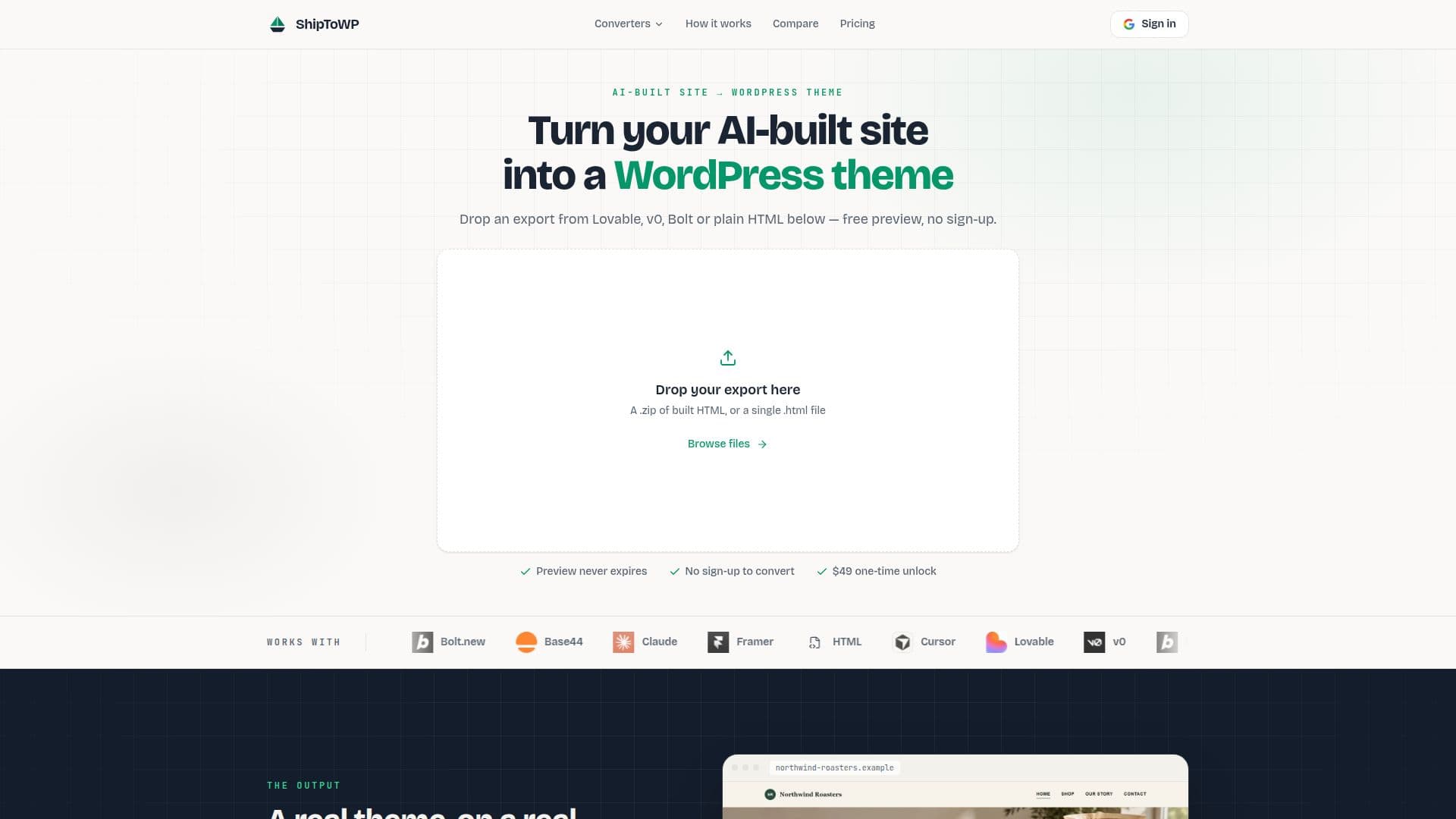
ShipToWP is a specialized tool designed to transform static HTML exports, including those generated by AI website builders, into functional and editable WordPress themes. It addresses the challenge of delivering AI-built sites to clients who prefer the familiarity and control of a WordPress dashboard, eliminating the need for builder subscriptions or proprietary runtimes.
Read More
The service supports a wide range of inputs, including exports from popular AI builders like Lovable, v0, Bolt.new, Base44, Claude, Framer, and any standard static HTML or zipped `dist` folder. The conversion process is straightforward: users upload their site export, and ShipToWP rebuilds it as a WordPress theme, ensuring that the layout, typography, colors, and spacing are preserved. Styles are enqueued the WordPress way, and content areas are structured into editable section blocks, maintaining compatibility with the block editor and page builders like Elementor.
A key feature of ShipToWP is its free, non-expiring live preview. This allows users to thoroughly review their converted site running as a real WordPress theme before committing to a purchase. The preview does not require an account or credit card, providing ample time to assess the conversion quality. Once satisfied, a one-time payment of $49 unlocks the full installable theme zip.
The downloaded theme is a standard WordPress folder, designed to be installed like any other theme via Appearance → Themes. It includes per-page templates with editable section blocks, a shared header and footer, a navigation menu location, and editor color and font presets via `theme.json`. This approach ensures that the client can manage and edit their site directly within the WordPress dashboard, without reliance on ShipToWP staying online or proprietary code.
While ShipToWP excels at converting static markup, it's important to note its limitations. It is a theme converter, not a website builder or hosting product. Interactive JavaScript widgets (like carousels or complex menus) are carried over in their static state and may require rebuilding with a WordPress plugin. Similarly, builder-hosted forms, logins, databases, and app logic do not transfer and need WordPress replacements. It is best suited for client sites, marketing pages needing a CMS, and agencies seeking a simple handoff solution, rather than online stores or complex web applications.
- CategoryCoding & Development
- Pricing ModelOne-time purchase
- DeploymentCloud
- PlatformsWeb
ShipToWP's Core Features
Converts AI-built sites to WordPress themes
Supports Lovable, v0, Bolt, Claude, Framer, Base44, Cursor, and static HTML exports
Provides a free, non-expiring live preview
One-time payment for theme download
Generates installable WordPress theme zip
Includes per-page templates with editable section blocks
Enqueues styles the WordPress way
Creates shared header and footer parts
Adds a navigation menu location
Includes editor color and font presets via theme.json
Compatible with WordPress 6.x sites
Keeps section structure clean for page builders
Converts all pages from the export, not just the homepage
No proprietary runtime, iframe, or shortcodes
Downloadable theme zip remains available in account after purchase
How to use ShipToWP?
Export Site: Download the code export from your AI builder. For React builds, run `npm install` and `npm run build` to get the `dist` folder.
Upload Export: Drop the zipped `dist` folder or a single `.html` file into the ShipToWP converter.
Preview Conversion: Open the live preview of the converted site in your browser and click through all pages to verify.
Unlock & Download: Make a one-time payment of $49 to unlock and download the full installable WordPress theme zip.
Install Theme: Upload the theme zip under Appearance > Themes in your WordPress 6.x installation and activate it.
ShipToWP's Use Cases
- Client Site Handoff
- Marketing Page CMS
- Agency Workflow
- Static HTML to WordPress
- AI Builder Site Conversion
- Website Redesigns
- Self-Hosted Website