
Description
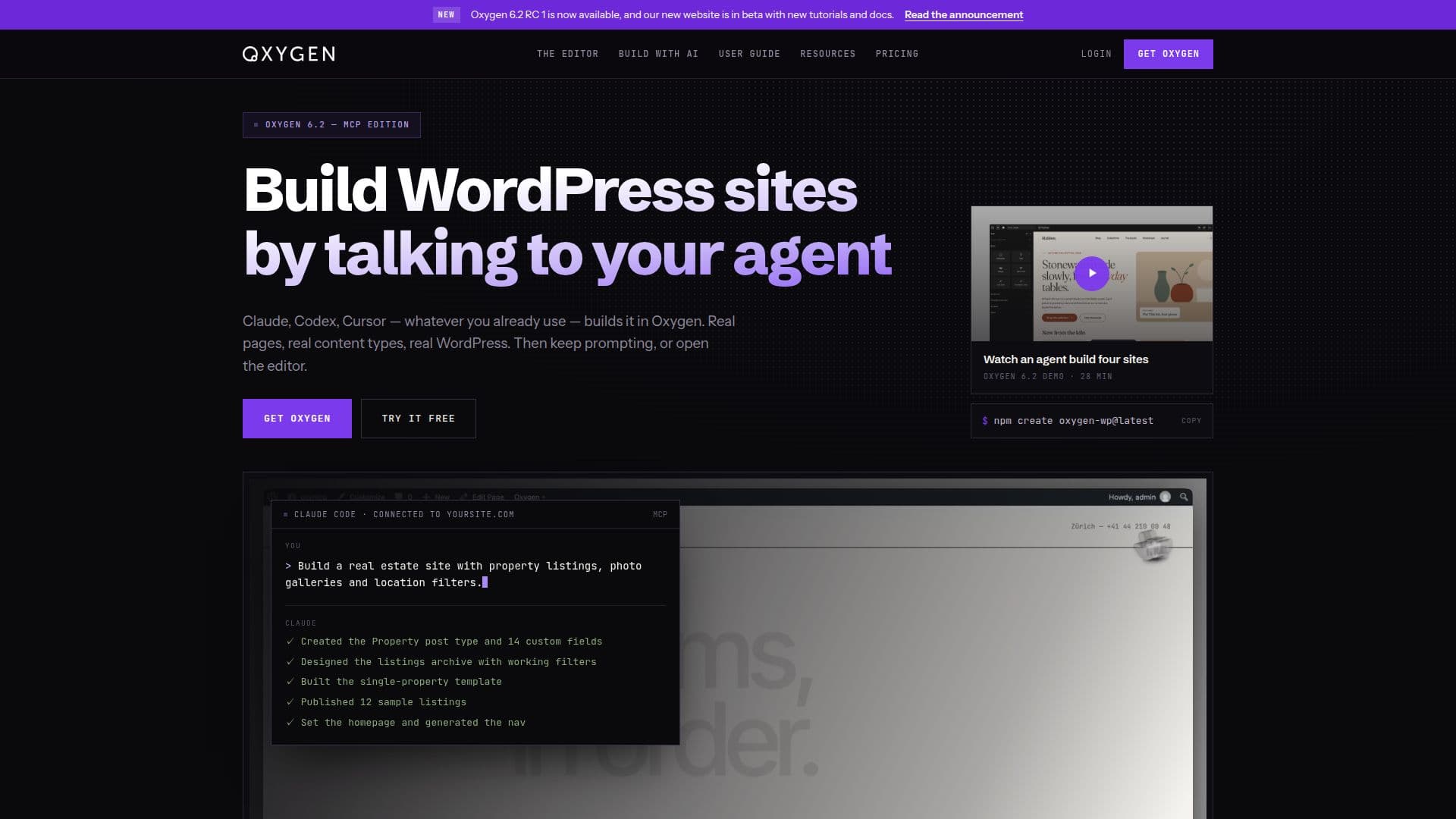
Oxygen Builder is an innovative AI website builder designed specifically for WordPress. It enables users to create fully functional and editable websites by interacting with AI agents such as Claude, Codex, and Cursor. The platform supports real pages and content types, allowing users to start from scratch or enhance existing sites. Oxygen Builder provides a complete visual editor with one-to-one CSS control, ensuring that every element is customizable.
Read More
The tool is equipped with an Agent Connector, MCP server, and full Abilities API support, allowing seamless integration with various AI agents without the need for additional plugins or AI credits. Users can easily connect their preferred agent and begin building by describing the desired site. The AI capabilities of Oxygen Builder allow for the creation of complex designs and layouts, which can be further customized using the visual editor.
Oxygen Builder offers a unique pricing model with a lifetime license available for a one-time payment of $199.50. This plan includes unlimited sites, lifetime updates, and support, making it an attractive option for freelancers, agencies, and developers. The platform is praised for its clean code, full control, and lightweight design, which ensures fast loading times and high performance.
The tool is ideal for users who want to build WordPress sites efficiently, with the flexibility to make manual edits and adjustments. It supports a wide range of use cases, from personal projects to client sites, and integrates seamlessly with existing WordPress content. Oxygen Builder's AI-driven approach and robust feature set make it a valuable asset for anyone looking to create professional-grade websites.
- CategoryAI Website Builders
- Pricing ModelOne-time payment
- DeploymentPlugin
- PlatformsWordPress
Oxygen Builder's Core Features
AI-driven website building
Visual editor with CSS control
Agent Connector for AI integration
Lifetime license with one-time payment
Unlimited site support
No additional plugins required
Full Abilities API support
Seamless WordPress integration
How to use Oxygen Builder?
Install: Download and upload the plugin to WordPress
Activate: Enable the plugin in the WordPress admin panel
Connect: Use Agent Connector to link your AI agent
Build: Describe your site and let the AI create it
Edit: Use the visual editor for manual adjustments
Oxygen Builder's Use Cases
- Freelancer Websites
- Agency Projects
- Personal Blogs
- E-commerce Sites
- Portfolio Sites