
Description
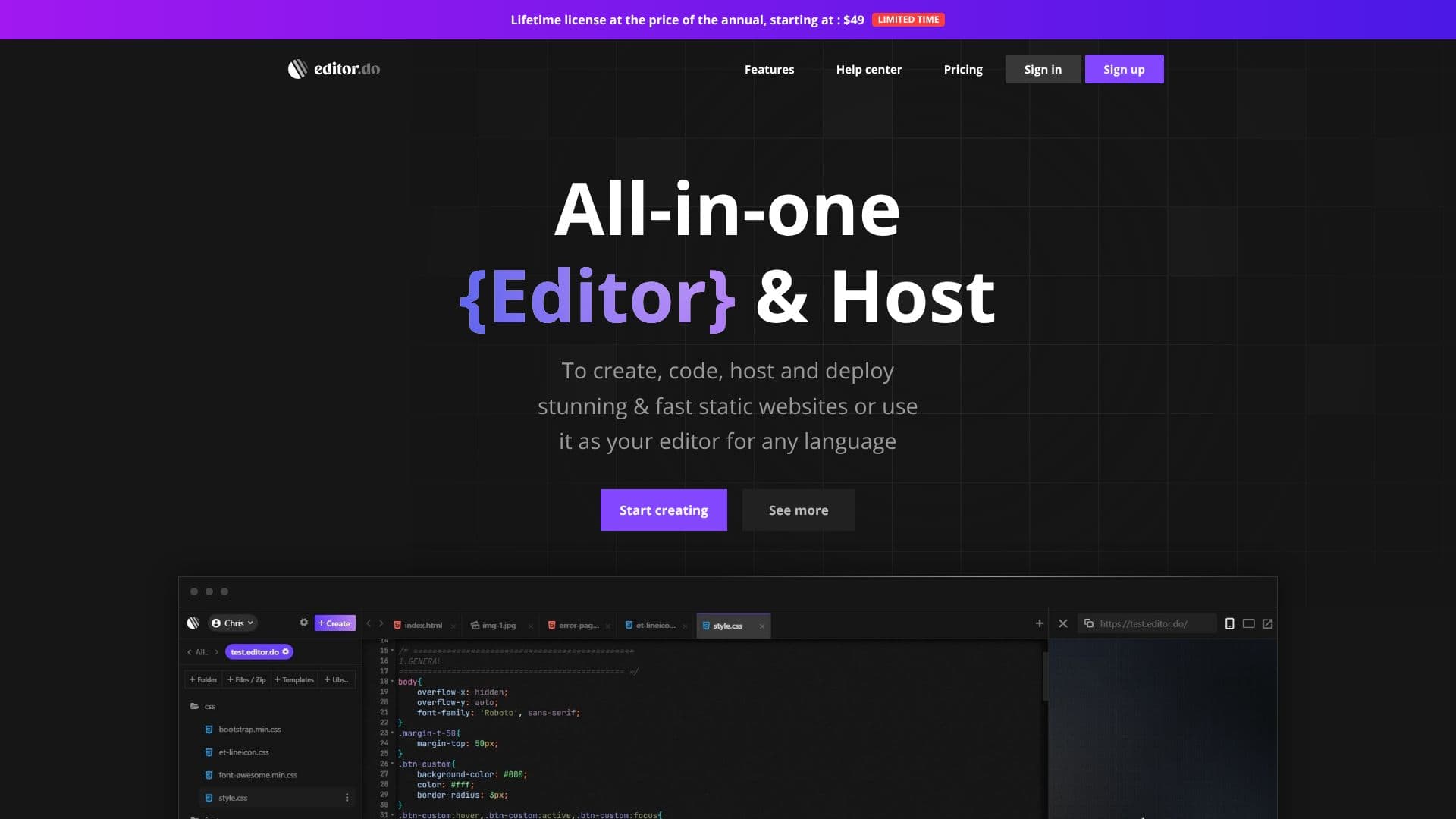
Editor.do provides a comprehensive platform for developers and creators to build and deploy static websites efficiently. The service combines a powerful, intuitive code editor with robust web hosting capabilities, streamlining the entire website development lifecycle.
Read More
The IDE is designed to enhance productivity with real-time code execution, meaning every saved change to HTML, CSS, or JavaScript is immediately reflected on the live website. It supports all programming languages and offers features like code completion, search and replace, and customizable shortcuts. An integrated AI assistant, powered by ChatGPT, can help with code correction, completion, improvement, and learning.
Beyond coding, Editor.do includes a drag-and-drop visual builder with a library of components and over a thousand free, one-click install templates, making it easy to create beautiful pages without extensive coding. The hosting service is fast and secure, capable of serving all website files, including images, videos, and music. Users can upload files directly or extract zip archives for quick deployment. Daily backups and the option to export data ensure content safety.
Editor.do offers high-speed NVMe SSD storage and 1 Gbit speed for fast page loading. It provides instant, automatic free SSL certificates and supports the use of custom domains with easy setup, or users can opt for a free .editor.do subdomain. The platform offers tiered pricing plans, including a limited free trial, with options for lifetime licenses, making it accessible for individuals and businesses of all sizes.
This all-in-one solution is ideal for freelancers, small businesses, hobbyists, and anyone looking to quickly launch and manage static websites without the complexity of separate hosting and development tools. The combination of a feature-rich editor, visual builder, and integrated hosting simplifies the process from concept to live site.
- CategoryAI Website Builders
- Pricing ModelLifetime License Available
- DeploymentCloud
- PlatformsWeb
Editor.do's Core Features
All-in-one code editor, web host, and free SSL provider
Full-featured, intuitive IDE with real-time code execution
AI Assistant for code correction, completion, and learning
Drag-and-drop visual builder with numerous components
Library of over 1000 free, ready-to-install HTML templates
Fast and secure web hosting for all website files
Instant and automatic free SSL certificates
Support for custom domains and free .editor.do subdomains
NVMe SSD Storage with 1 Gbit speed for fast loading
Daily backups and data export options
Code editing for all programming languages
Shortcuts and buttons for faster coding
How to use Editor.do?
Configure: Choose a plan and set up your account.
Code: Use the IDE to write or edit your website's code.
Design: Utilize the drag-and-drop builder or select a template.
Host: Upload your files or use the integrated hosting.
Deploy: Connect your custom domain or use the free subdomain.
Launch: Go live with your fast and secure static website.
Editor.do's Use Cases
- Static Website Development
- Frontend Development
- Portfolio Creation
- Landing Page Design
- Learning to Code
- Small Business Websites
- Template Customization