
Description
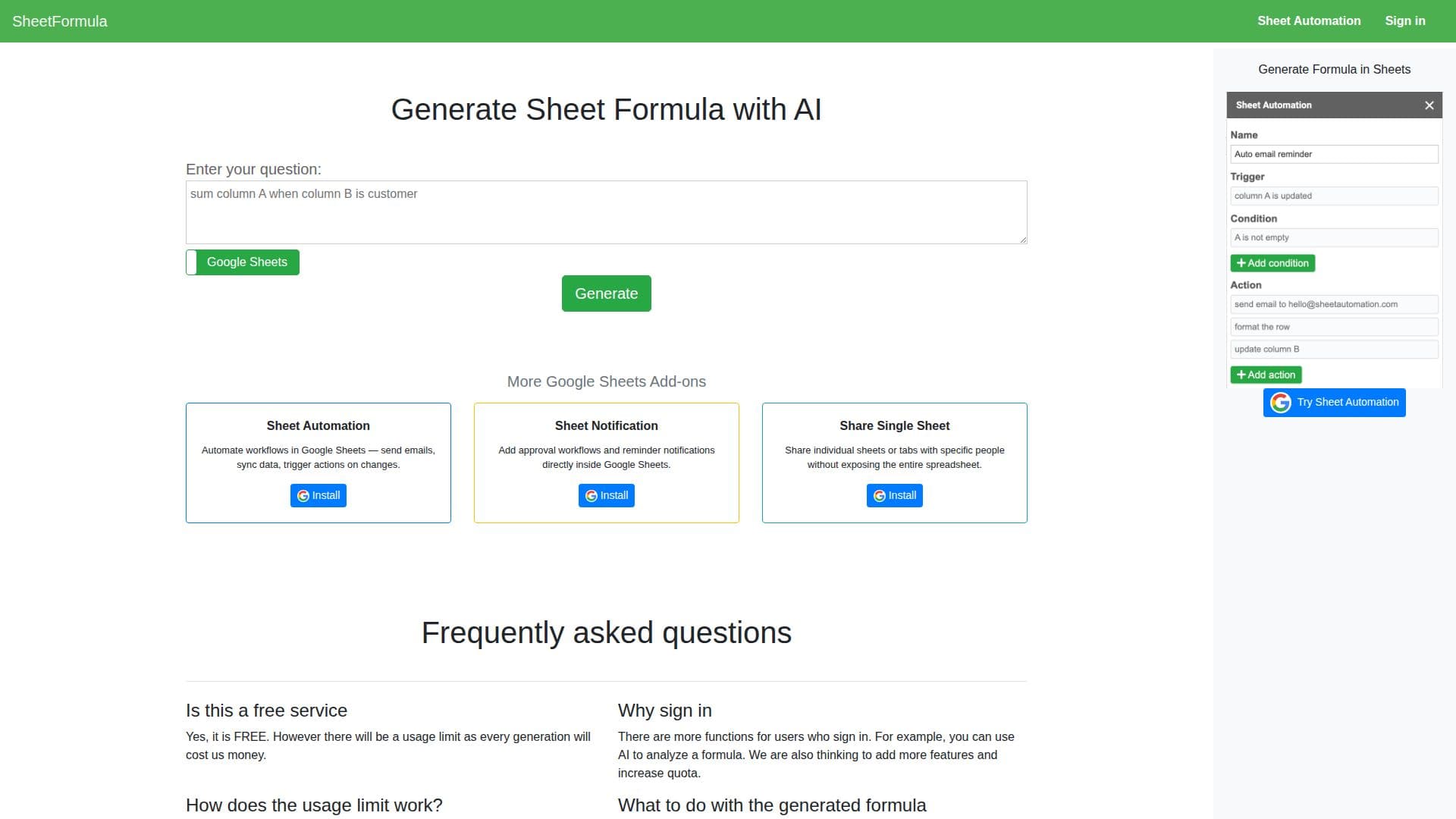
SheetFormula is a single-purpose tool that writes Google Sheets formulas from a plain-English description. A user types a question describing what they want a formula to do, and the AI generates the formula, which can then be copied directly into a spreadsheet.
Read More
The tool's own guidance for getting good results is specific: state the problem clearly, describe the data being worked with, define the expected inputs and outputs, use precise rather than vague language, and give an example of the input and the output you expect. Following that format is meant to help the AI generate a more accurate formula on the first try.
SheetFormula doesn't guarantee correctness. The site tells users to verify a generated formula themselves before relying on it in a live spreadsheet, rather than treating the output as final.
Anyone can use SheetFormula without an account, subject to a usage limit tied to their IP address, since each generation costs the company money to run. Signing in raises functionality: signed-in users get additional features, including using AI to analyze an existing formula, with usage tracked by account instead of by IP, and the site notes it may add more features and quota for signed-in users over time.
SheetFormula sits alongside several other Google Sheets add-ons from the same maker: Sheet Automation (which automates workflows like sending emails and syncing data on changes), Sheet Notification (approval workflows and reminders inside a sheet) and Share Single Sheet (sharing individual sheets without exposing the whole spreadsheet). Those are separate installable add-ons, not features of SheetFormula itself; SheetFormula's own scope stays limited to generating a formula from a described problem.
The tool suits anyone who knows what result they need from a spreadsheet but doesn't want to look up or write the formula syntax by hand: an analyst who needs a lookup or conditional formula quickly, or a spreadsheet user who would otherwise search for the right function online. It runs in the browser with no signup required to try it, and the maker invites feedback directly through the site if a generated formula falls short or a feature is missing.
- CategoryAI Spreadsheet Tools
- Pricing ModelFreemium
- DeploymentCloud
- PlatformsGoogle Sheets
SheetFormula's Core Features
Generates Google Sheets formulas from a plain-English question
Free to use, with usage limits by IP (anonymous) or account (signed-in)
Sign-in adds AI-based analysis of existing formulas
Copy-to-clipboard output for pasting into a spreadsheet
Built-in prompt guidance for getting more accurate formulas
Part of a small family of separate Google Sheets add-ons from the same maker
How to use SheetFormula?
Describe your problem: Type your question in plain English, including the data and the result you want.
Generate the formula: SheetFormula's AI writes a formula based on your description.
Copy it into your sheet: Paste the generated formula into Google Sheets.
Verify the result: Check the formula works correctly, since the AI doesn't guarantee it's right.
SheetFormula's Use Cases
- Formula writing
- Formula debugging
- Quick spreadsheet fixes