Description
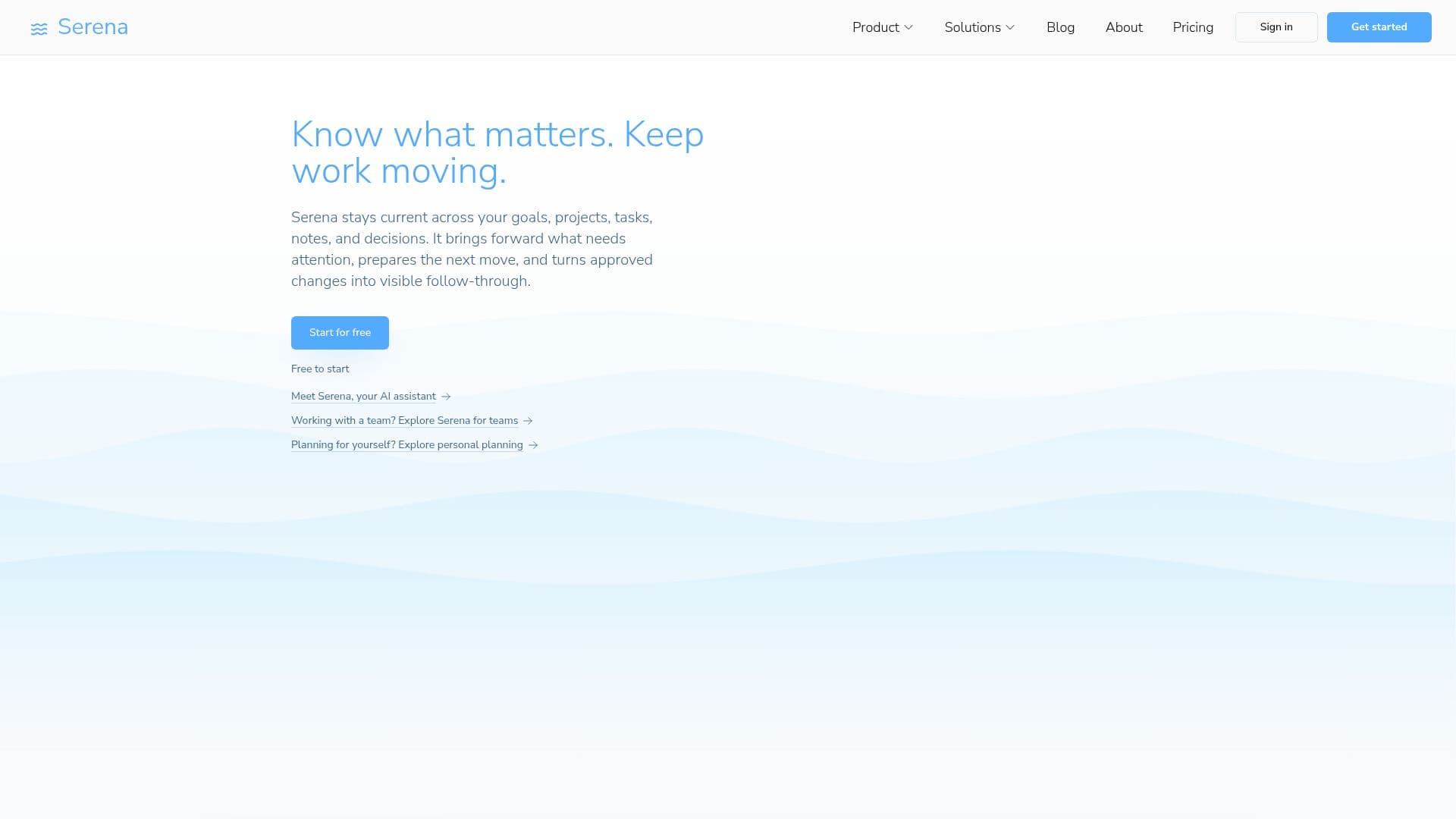
Serena AI is a comprehensive tool designed to keep tasks, notes, projects, and decisions interconnected, ensuring that users can focus on what truly matters. By surfacing what needs attention and helping prepare the next steps, Serena AI aids both individuals and teams in moving work forward efficiently. The platform offers a variety of features, including AI-assisted planning, task insights, and adaptive rescheduling, making it ideal for fast-paced environments where priorities frequently shift.
Read More
Serena AI is available in multiple pricing tiers, starting with a free Starter plan that includes basic AI models and limited AI requests. The Pro plan expands capabilities with unlimited workspaces, projects, and tasks, as well as advanced AI features like an AI Chat Assistant and AI Project Planner. The Business plan offers even more AI capacity and advanced planning support, including Google Calendar Sync and advanced time-tracking insights.
The platform is designed for a wide range of users, including founders, freelancers, consultants, and small teams who need to stay current without the burden of a heavyweight work-management system. Serena AI's value proposition lies in its ability to turn complex work environments into manageable plans, reducing the overhead of manual replanning and keeping the operational record current.
Serena AI also offers integrations with popular communication tools like Slack, WhatsApp, and iMessage, allowing users to stay connected to their work context across different platforms. The AI assistant can help organize work, turn goals into actionable steps, and provide insights into task priorities, making it a valuable tool for anyone looking to streamline their workflow.
- CategoryAI Project Management
- Pricing ModelFreemium
- DeploymentCloud
- PlatformsWeb
Serena AI's Core Features
AI-assisted planning
Task insights
Adaptive rescheduling
AI Chat Assistant
AI Project Planner
Google Calendar Sync
Advanced time-tracking insights
Unlimited workspaces
How to use Serena AI?
Configure: Set up your workspaces and projects
Use: Connect tasks, notes, and decisions
Optimize: Utilize AI insights for better planning
Review: Adjust plans based on AI recommendations
Serena AI's Use Cases
- Task Management
- Project Planning
- Team Collaboration
- Personal Productivity
- Adaptive Scheduling