Description
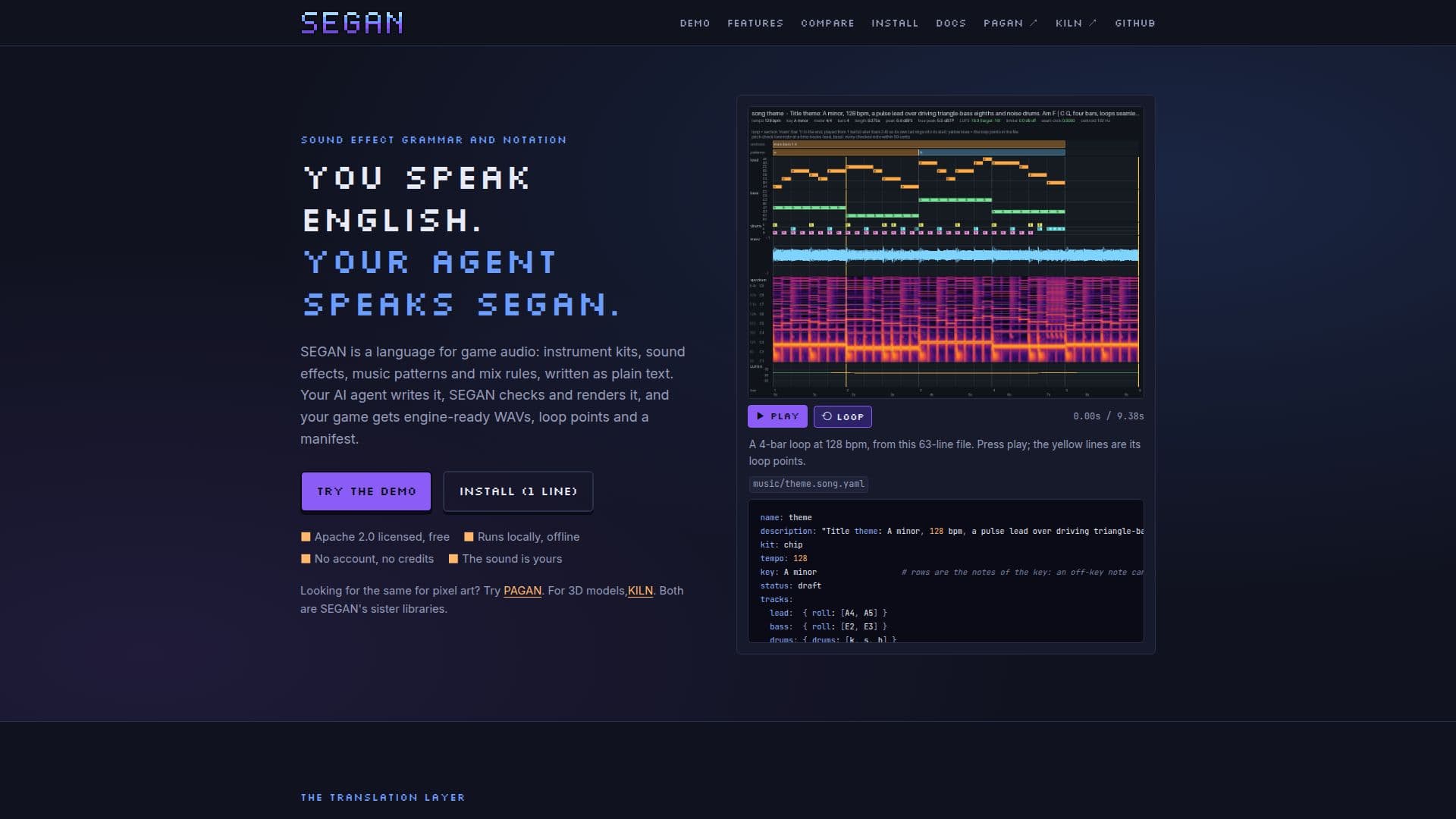
SEGAN is a free, open-source language specifically designed for game audio, enabling AI agents to generate sound effects and music. The system functions by having an AI agent write source files in a text notation, which SEGAN then compiles. It performs linting to check for errors and renders the notation into matching sound effects and seamless music loops. The output includes WAV files, loop points, a manifest, and Godot-specific resources, ensuring engine readiness.
Read More
This tool is built to handle an entire game's worth of sound, emphasizing consistency across all audio assets. It uses a shared kit palette, mix, room, and loudness targets, meaning a single setting change can re-render every asset to maintain a cohesive sound profile. SEGAN supports various instrument models like plucked strings, bowed strings, additive synthesis, wavetables, formants, and modal resonators, allowing for a wide range of synth-only sounds, including chiptune and 80s synth styles. It does not use samples or vocals, focusing purely on synthesized audio.
SEGAN operates locally on your machine, requiring no account, credits, API keys, or cloud services. It is Apache 2.0 licensed, ensuring it remains free to use, change, and distribute commercially or otherwise. Builds are deterministic, meaning the same source files will always produce byte-identical WAVs. This local and open-source nature provides developers with full control and transparency over their audio generation process.
The system is designed for agents, allowing them to interact with SEGAN as a service. An orchestrator agent can request necessary sounds during play-testing, read the manifest, and integrate them into the game scene. The manifest.json acts as a contract, making it compatible with any game engine, while Godot resources are provided out-of-the-box. SEGAN also offers quality checks, including linting that agents can read and fix for issues like lead-in silence, loop clicks, clipping, aliasing, and loudness mismatches, alongside listen sheets for review.
While SEGAN is not an AI audio generator in the generative model sense, it leverages AI agents to write the audio's source code, which it then compiles. This approach ensures editable, repeatable, and exact results. It is ideal for developers needing a comprehensive, consistent, and controllable audio solution for their games, particularly when realistic foley, orchestral scores, or vocals are not required.
- CategoryAI Game Development Tools
- Pricing ModelFree
- DeploymentLocal
- PlatformsWindows, macOS, Linux
SEGAN's Core Features
Free, open-source language for game audio
AI agent writes sound effect and music source files
Lints and renders audio into WAVs and seamless loops
Generates Godot-specific resources and manifest.json
Supports various synth instrument models (pluck, bowed, additive, wavetable, formant, modal, supersaw)
Ensures consistent sound across an entire game with shared kits and mix settings
Runs locally and offline, requiring no account, credits, or cloud services
Deterministic builds produce byte-identical WAVs from the same sources
Provides quality checks including linting for audio issues
Supports recorded sound layers with licence checking and attribution
Offers per-instrument effects like chorus, delay, reverb, and drive
Includes commands for project setup, asset creation, and audio adjustments
Compatible with any game engine via manifest.json and WAV loop points
Integrates with MCP-speaking agents (Claude Desktop, Claude Code, Cursor)
Allows for project-wide mix adjustments (brightness, warmth, room, crush, loudness)
How to use SEGAN?
Initialize Project: Use `segan init` to create a new project with a random seed and starter kit, optionally specifying a style and Godot output directory.
Create Assets: Generate starter files for kits, songs, or sound effects using `segan new kit`, `segan new song`, or `segan new sfx` commands.
Define Audio: Write audio notation in YAML files for kits, SFX, and songs, specifying instruments, effects, and structural elements.
Manage Samples: Search, add, inspect, and manage recorded sound samples, ensuring proper licensing and attribution with `segan sounds` commands.
Preview and Lint: Use `segan preview` to generate WAVs and listen sheets for assets, and `segan lint` to check for errors and warnings.
Adjust Mix: Modify the overall project sound with `segan mix adjust` for brightness, warmth, room, crush, or loudness.
Build Final Assets: Run `segan build` to generate final WAVs, manifest, and Godot files, with an option to verify Godot integration.
Integrate with Agent: Utilize the `segan skill install` command to integrate SEGAN with Claude or other MCP-speaking AI agents for automated workflows.
SEGAN's Use Cases
- Game Audio Generation
- Consistent Sound Design
- Automated Audio Creation
- Chiptune and Synth Music
- Godot Engine Integration
- Offline Audio Development
- Version-Controlled Audio
- Audio Quality Assurance
- Customizable Sound Palettes
- Dynamic Music Variants