
Description
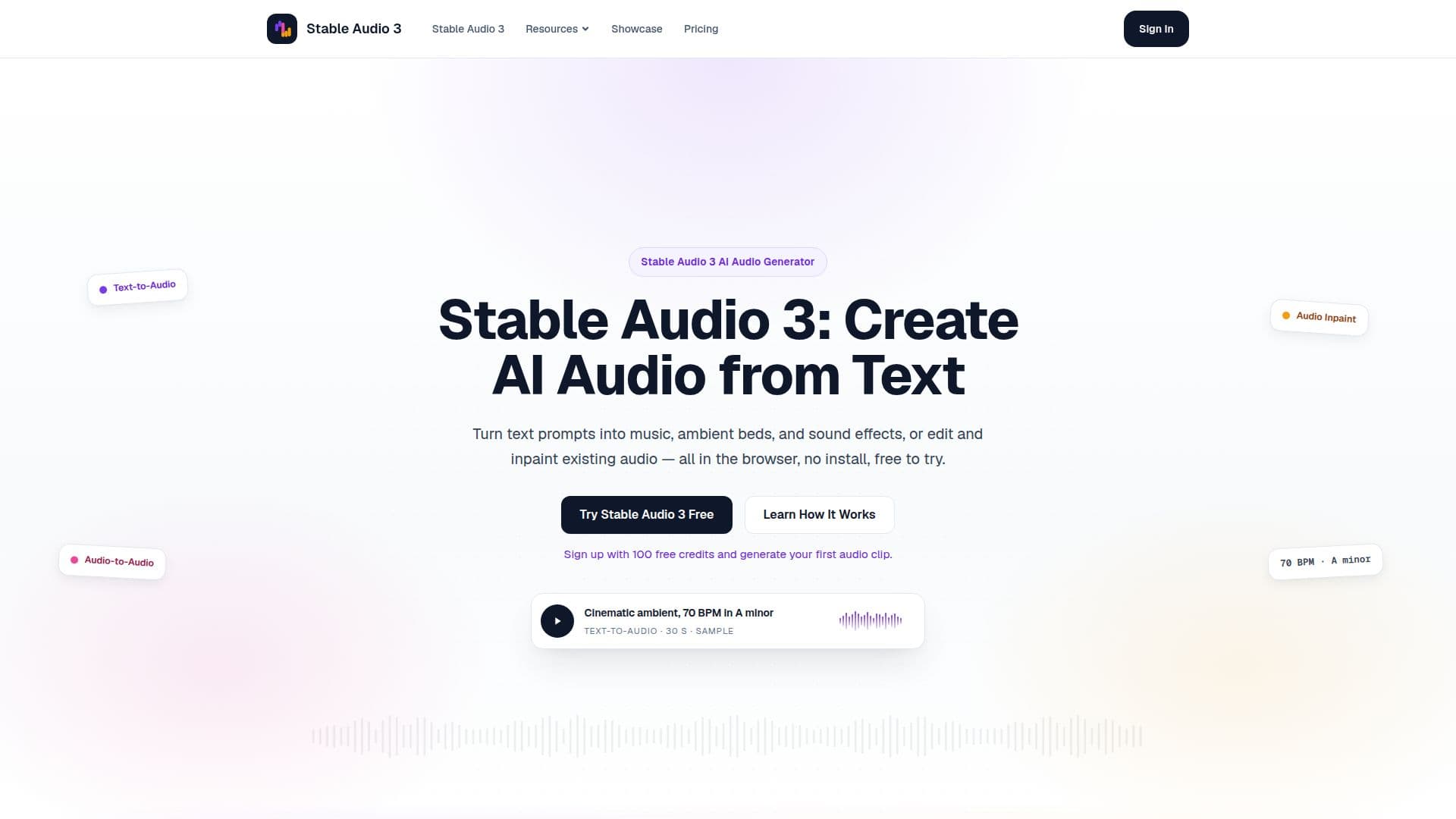
Stable Audio 3 is an advanced online AI audio generator developed by Stability AI, designed to empower creators, musicians, podcasters, video editors, game makers, and marketers with a simple yet powerful audio workflow. The platform leverages the Stable Audio 3 model family, released in May 2026, offering three core modes: text-to-audio creation, audio-to-audio transformation, and audio inpainting/continuation.
Read More
Users can generate a wide range of audio content, including music sketches, cinematic scores, podcast intros and outros, video soundtrack beds, game audio prototypes, social media audio hooks, and ambient beds for streaming or focus. The platform is specifically positioned for sound, music, and SFX generation, and is not designed for voice cloning, speech synthesis, or full songs with vocals.
The workflow is entirely browser-based, eliminating the need for local installation or a powerful GPU. Users simply write a detailed text prompt, optionally upload an audio file for editing, choose the mode and length, generate the audio, and then download or iterate on the result. The platform emphasizes detailed prompting, recommending descriptions of genre, instruments, mood, tempo, and production style for optimal results.
Stable Audio 3 operates on a credit system, where new users receive 100 free credits upon signup, sufficient for approximately 100 seconds of audio generation. Credits are consumed at a rate of 1 credit per second, with longer audio clips or additional inpaint passes requiring more credits. Paid credit packs are available for heavier creative workflows, and credits never expire. The underlying Stable Audio 3 model is released under the Stability AI Community License, allowing commercial use of generated outputs, though organizations with over $1M in annual revenue should review Stability AI's Enterprise license and the platform's Terms of Service.
While Stable Audio 3 excels at ambient music, cinematic sound design, and sound effects, it is not optimized for complex vocal songwriting or full song structures. For those specific needs, alternative tools like ACE-Step are suggested. Stable Audio 3 provides a user-friendly experience for beginners, making AI audio generation accessible to a broad audience, while also offering open weights for advanced technical users who prefer local inference.
- CategoryAI Music Generators
- Pricing ModelCredit-based
- DeploymentCloud
- PlatformsBrowser-based
Stable Audio 3's Core Features
Text-to-Audio Creation: Generate music, ambient beds, and sound effects from text prompts.
Audio-to-Audio Transformation: Edit and transform existing audio clips based on new prompts.
Audio Inpainting: Regenerate specific regions of an audio file to fix issues or extend loops.
Flexible Audio Length: Adjust the duration of generated audio clips.
Prompt Guidance: Receive tips and examples for writing effective audio prompts.
Browser-Based Workflow: Create and edit audio directly in the browser without installation.
Open-Weights Model: Built around the Stable Audio 3 model family from Stability AI.
Free Credits for New Users: Get 100 free credits upon signup to test the platform.
Credit System: Pay-as-you-go with credit packs; credits do not expire.
Commercial Use Allowed: Outputs can be commercialized under the Stability AI Community License.
No GPU Required: Cloud generation handles processing, no local GPU needed.
Support for Common Audio Formats: Upload MP3, WAV, and FLAC files for editing.
Showcase Gallery: Access example clips with prompts for inspiration.
Prompt Guide: Detailed formulas and examples for all three generation modes.
How to use Stable Audio 3?
Sign Up: Create an account to receive 100 free credits.
Write or Upload: Enter a detailed text prompt or upload an existing audio file.
Choose Mode and Length: Select Text-to-Audio, Audio-to-Audio, or Audio Inpaint, and set the desired duration.
Generate Audio: Click to generate the audio clip using your credits.
Download or Iterate: Download the generated audio or refine your prompt and settings for another attempt.
Stable Audio 3's Use Cases
- Music Sketching
- Cinematic Sound Design
- Podcast Production
- Video Soundtracks
- Game Audio Prototyping
- Social Media Audio Hooks
- Ambient Beds for Focus
- Audio Repair and Extension