Description
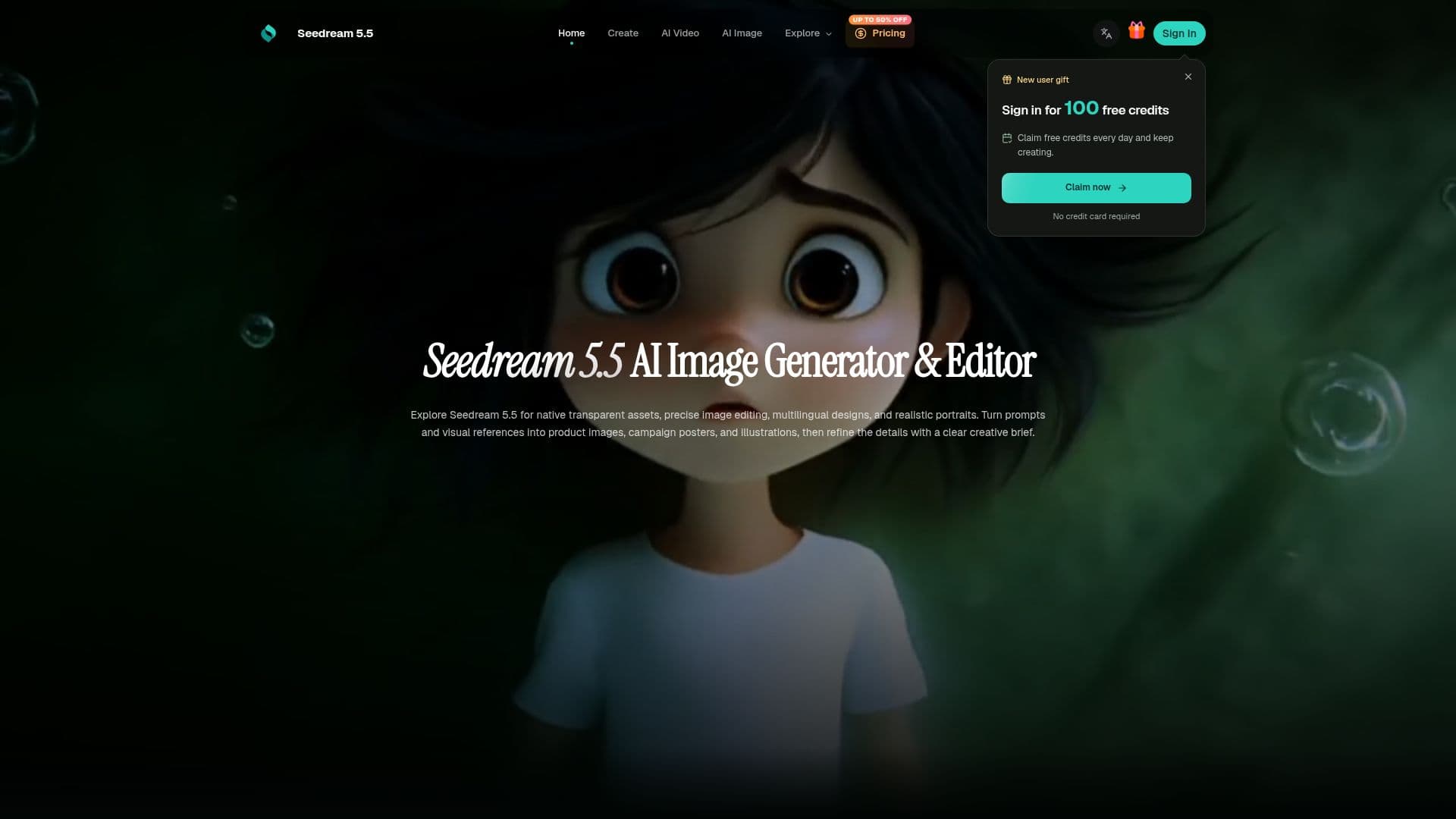
Seedream 5.5 is an AI-driven image generation and editing tool developed by ByteDance. It is designed to cater to a wide range of creative needs, including the creation of transparent PNG assets, precise image edits, multilingual posters, and realistic portraits. The tool allows users to generate images with native RGBA transparency, enabling fully transparent and semi-transparent regions. This feature is particularly useful for creating isolated products, stickers, or translucent decorations.
Read More
The platform supports focused multi-round editing, allowing users to change specific elements of an image without altering the entire scene. This is achieved by identifying the object or region to be changed and specifying the details to retain. Seedream 5.5 also excels in multilingual text rendering, making it ideal for designing posters, product information panels, and illustrated guides in various languages.
Realistic imagery is another core capability of Seedream 5.5. Users can describe the light source, its direction, and softness, as well as the camera viewpoint, to achieve lifelike portraits and product images. The tool also supports the use of reference images, which can guide the composition by defining subject identity, palette, or style.
Seedream 5.5 offers a flexible pricing model with different plans to suit various project needs. The Starter plan includes 350 workspace credits per month, while the Pro and Premium plans offer more credits and additional features such as commercial licenses and high-volume image exploration. Credits can be used across different creation models, and users can cancel their subscriptions at any time.
The tool is designed for a diverse audience, including designers, shop owners, and creators who need to develop scenes or prepare product imagery. Its comprehensive feature set and flexible pricing make it a valuable asset for anyone involved in visual content creation.
- CategoryAI Image Generators
- Pricing ModelFreemium
- DeploymentCloud
- PlatformsWeb
Seedream 5.5's Core Features
Native RGBA transparency
Focused multi-round editing
Multilingual text rendering
Realistic imagery
Reference image support
Flexible pricing plans
Commercial license available
High-volume image exploration
How to use Seedream 5.5?
Prepare: Set up your brief in the homepage prompt box.
Sign In: Access the creation workspace by logging in.
Select Model: Choose the model and settings for your task.
Review: Check the displayed credit charge before submitting.
Generate: Submit your task to create images.
Edit: Make focused revisions to specific image parts.
Export: Save and download your results.
Manage: Review your creation history for future tasks.
Seedream 5.5's Use Cases
- Product Visuals
- Campaign Layouts
- Portraits
- Multilingual Posters
- Transparent Assets