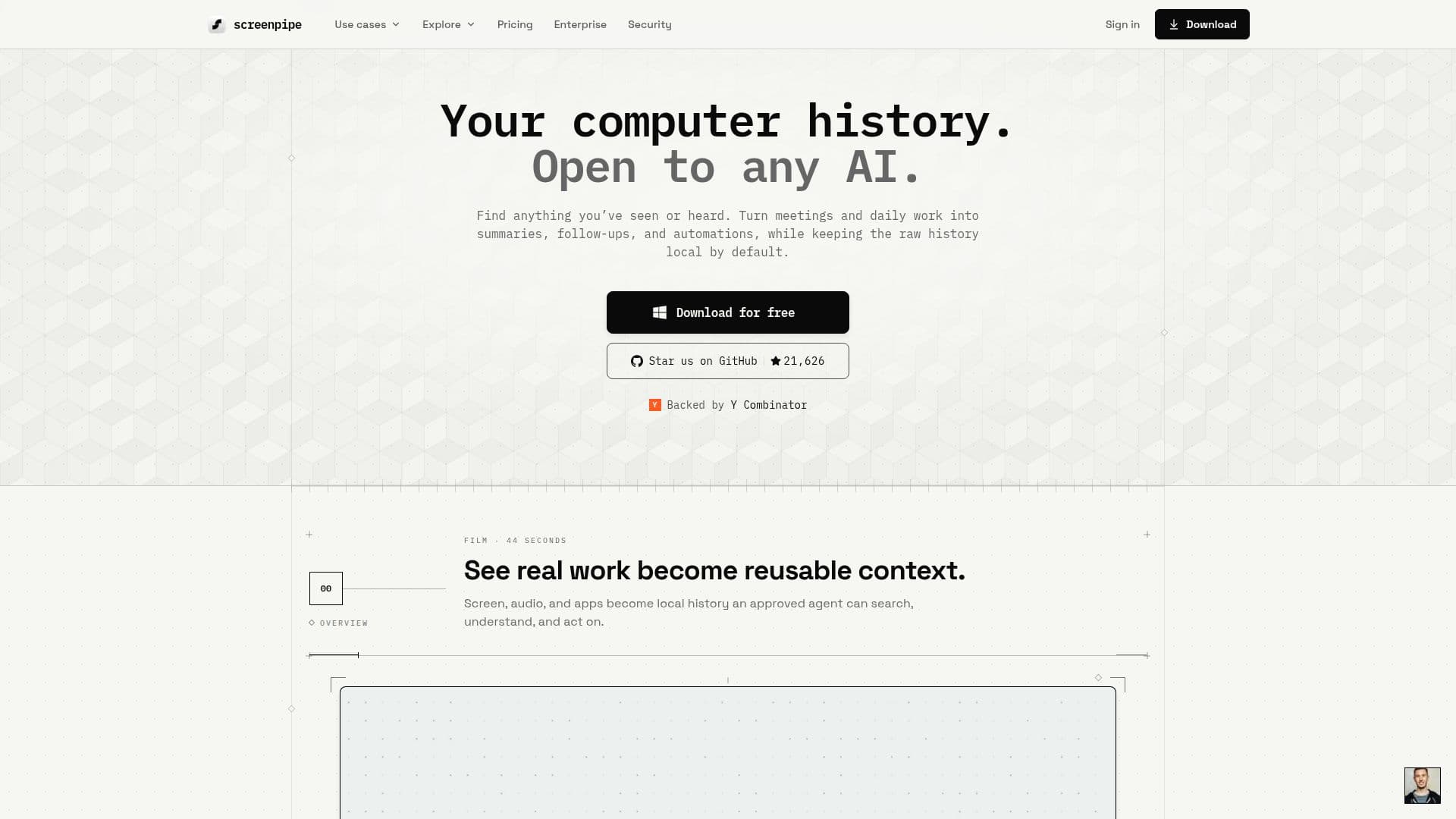
Description
Screenpipe is a local-first AI memory tool designed to capture and store screen, audio, and app activity on your computer. It operates on macOS, Windows, and Linux, providing a comprehensive, searchable history that can be accessed by AI agents such as Claude and Codex through a local API and MCP server. This tool is particularly useful for recalling past work, summarizing meetings, and reviewing workflows. By default, all data is stored locally, ensuring privacy and security, with optional cloud features available for those who require them.
Screenpipe offers a freemium pricing model, with a free tier that allows users to try local capture, AI search, and meeting notes. Paid plans provide additional features such as more extensive history, AI usage, model choices, sync, and team controls. The source code is available under the Screenpipe Commercial License, allowing users to inspect the code and build it themselves if desired.
The tool is designed to be lightweight, using accessibility events, GPU capture, and power tiers to minimize CPU, battery, and storage usage. It supports multiple monitors and provides real-time audio transcription using OpenAI's Whisper model. Screenpipe's privacy filters allow users to redact sensitive text before storage, and DRM-protected content pauses capture by default.
Screenpipe is suitable for individuals and teams looking to enhance productivity and knowledge management. It supports managed deployment, SSO/SAML, device policies, and team workflows, making it ideal for enterprise use. The tool's local-first architecture ensures that data remains under user control, with optional encrypted sync available for those who choose to use it.
screenpipe: AI Memory for Computers's Core Features
Local-first data storage
Cross-platform support: macOS, Windows, Linux
Real-time audio transcription
AI-powered natural language search
Developer API and MCP server
Privacy filters for sensitive data
Multiple monitor capture
Freemium pricing model
How to use screenpipe: AI Memory for Computers?
Install: Download and install on macOS, Windows, or Linux
Configure: Set up capture preferences and privacy filters
Use: Capture screen, audio, and app activity
Integrate: Connect with AI agents via MCP and API
Optimize: Adjust settings for performance and privacy
screenpipe: AI Memory for Computers's Use Cases
- Meeting Summaries
- Workflow Review
- AI Integration
- Privacy-focused Capture
- Enterprise Deployment