
Description
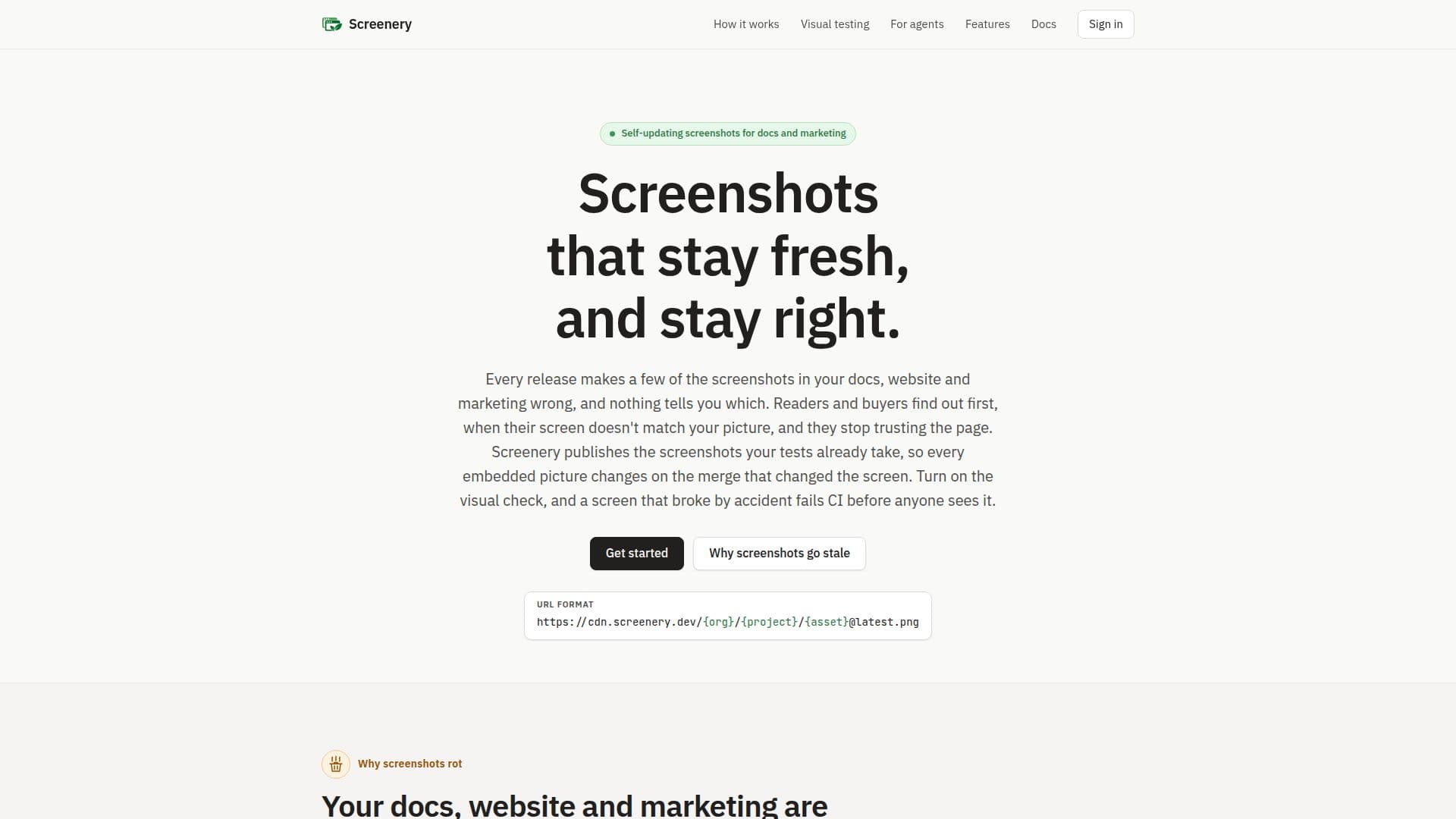
Screenery functions as a specialized package registry designed to manage and automate product screenshots for documentation, READMEs, and marketing materials. It addresses the common problem of outdated visuals by integrating directly into existing Continuous Integration (CI) pipelines. On every successful build, Screenery automatically pushes updated screenshots from any test tool, ensuring that all visual assets remain current with the latest product UI.
Read More
Each screenshot managed by Screenery receives a stable URL, typically ending in `@latest.png`, which dynamically updates to reflect the image from the default branch. This means that once embedded, screenshots in documentation or READMEs automatically refresh with new product versions, eliminating the need for manual replacement or cache purging. The platform supports various visibility levels, including public, unlisted (accessed via signed, expiring URLs), and private (requiring a read token), providing flexibility for different content needs.
Beyond simple updates, Screenery incorporates robust visual regression testing capabilities. Users can configure a baseline of approved screenshots, and the system will compare new builds pixel by pixel. If a change exceeds a predefined threshold, the CI job can be configured to fail, preventing unapproved visual regressions from being published. This ensures that while screenshots stay fresh, they also remain accurate and consistent with design expectations. For pull requests, Screenery creates separate `@pr-n` channels, ensuring that changes in a PR do not affect the `@latest` image until approved and merged into the default branch.
Screenery also streamlines the review process. It can post preview comments on pull requests and offers a GitHub check that can be required before merging, allowing teams to approve or reject each changed screenshot. It integrates seamlessly with popular testing frameworks like Playwright (publishing `toHaveScreenshot` goldens) and Argos upload folders, as well as Cypress and Vitest browser mode. For advanced users, Screenery provides a command-line interface (CLI) and an MCP server, enabling AI coding agents like Claude Code, Codex, Cursor, and VS Code to assist with setup and management, further automating the workflow. This comprehensive approach ensures that product visuals are always fresh, accurate, and aligned with the development lifecycle.
- CategoryAI DevOps & Cloud Tools
- Pricing ModelFree
- DeploymentCloud
- PlatformsWeb
Screenery's Core Features
Auto-updating screenshot URLs (@latest)
Visual regression testing in CI
Approval workflow for changed screenshots
GitHub Action for CI integration
Stable URLs that follow the default branch
Support for Playwright toHaveScreenshot goldens
Support for Argos upload folders
Public, unlisted, and private screenshot visibility
MCP server for AI coding agent integration
Pull request preview comments
No secrets required in GitHub Actions (OIDC)
Works with any CI system
CLI for advanced management
Chat notifications for build changes
Sharded test run support
How to use Screenery?
Push Screenshots from CI: Use the `screenery/push@v1` GitHub Action or CLI to publish screenshots from your test tools on every build.
Embed Stable URLs: Paste the `@latest` URL for your screenshot into your documentation or READMEs once.
Automate Updates: A push on the default branch automatically updates the image behind the `@latest` URL within a minute.
Enable Visual Regression Testing: Set `diff-baseline` to a committed folder of approved screenshots to fail CI on pixel-by-pixel changes.
Approve Changes: Review changed screenshots in pull request comments and approve them via a required GitHub check before merging.
Integrate with AI Agents: Connect a coding agent over MCP to assist with setting up and managing self-updating screenshots.
Screenery's Use Cases
- Auto-updating Documentation
- README Screenshot Management
- Visual Regression Testing
- Marketing Asset Synchronization
- AI Agent-Assisted Setup
- Pull Request Visual Review
- Playwright Golden Management
- UI Evaluation Snapshots
- Monitoring Live Pages