Description
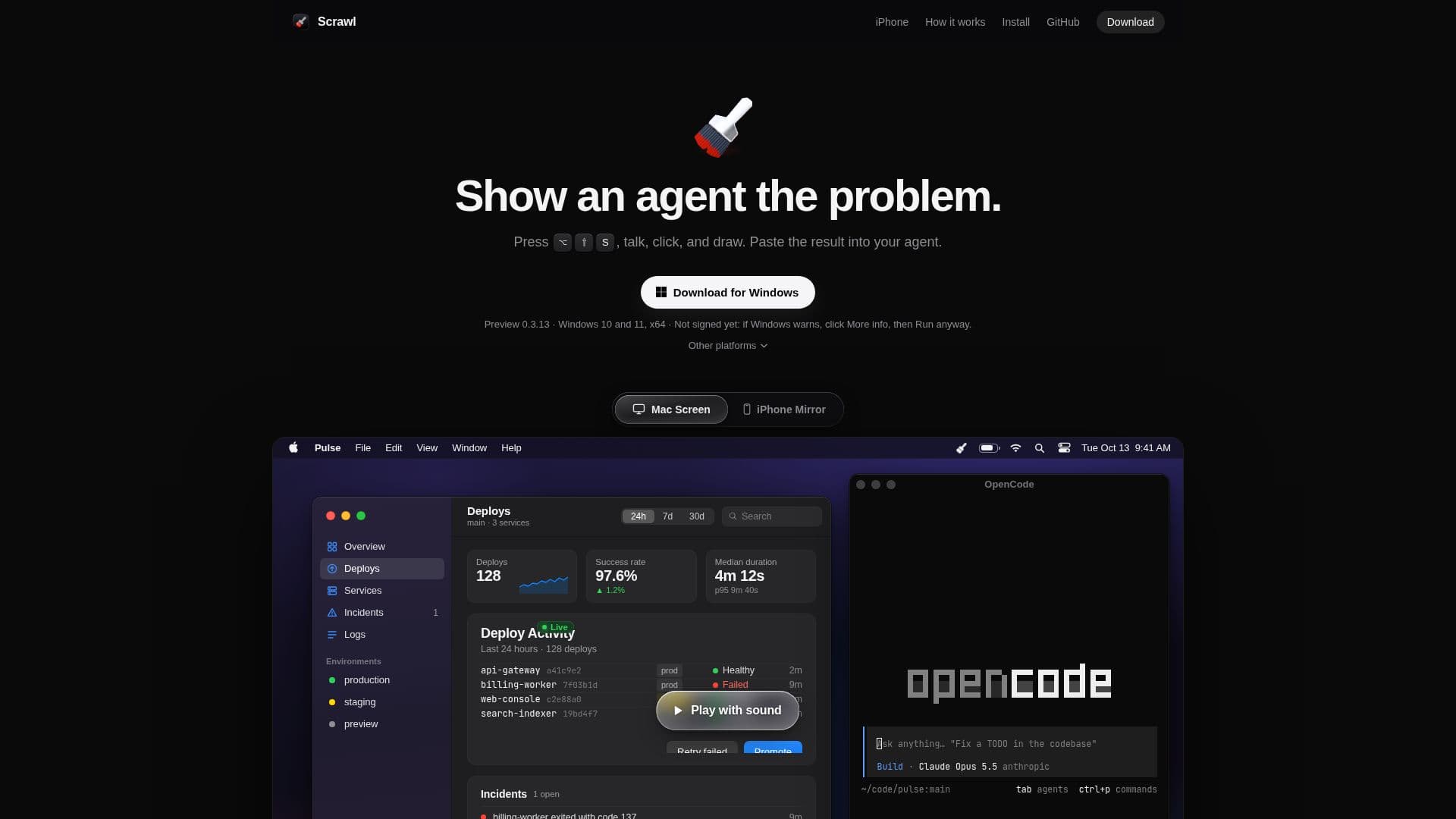
Scrawl is a versatile tool designed for both Mac and Windows platforms, enabling users to effectively communicate issues to AI coding agents. By recording screen activity, voice, clicks, and drawings, Scrawl creates a comprehensive capture that can be easily shared with an AI agent. This approach allows users to show problems rather than just describe them, enhancing clarity and understanding.
Read More
The tool operates by capturing frames only when significant actions occur, such as drawing, clicking, or when specific keywords like 'look' or 'now' are spoken. This ensures that each frame is relevant and focused on the issue at hand. Additionally, Scrawl transcribes spoken words and associates them with the corresponding frames, providing context and detail.
Scrawl is available for free, making it accessible to a wide range of users. It supports Mac Apple silicon and Windows 10 and 11, with a Linux version expected soon. The tool is particularly useful for developers and teams who need to communicate complex issues quickly and efficiently.
By offering a visual and auditory method of problem-solving, Scrawl enhances the interaction between users and AI agents, making it an invaluable tool for coding and development tasks. Its ability to focus on specific moments and provide detailed context makes it a powerful addition to any developer's toolkit.
- CategoryAI Coding Assistants
- Pricing ModelFree
- DeploymentDesktop
- PlatformsMac, Windows
Scrawl's Core Features
Screen recording
Voice recording
Click tracking
Drawing capture
Frame-based capture
Speech transcription
Mac and Windows support
Free to use
How to use Scrawl?
Install: Download and install on Mac or Windows
Record: Use ⌥ ⇧ S to start recording
Annotate: Draw and speak to highlight issues
Capture: Save the recording
Share: Paste the capture into your AI agent
Scrawl's Use Cases
- Developer Issue Reporting
- Team Collaboration
- Bug Tracking
- User Feedback
- Training and Tutorials