Description
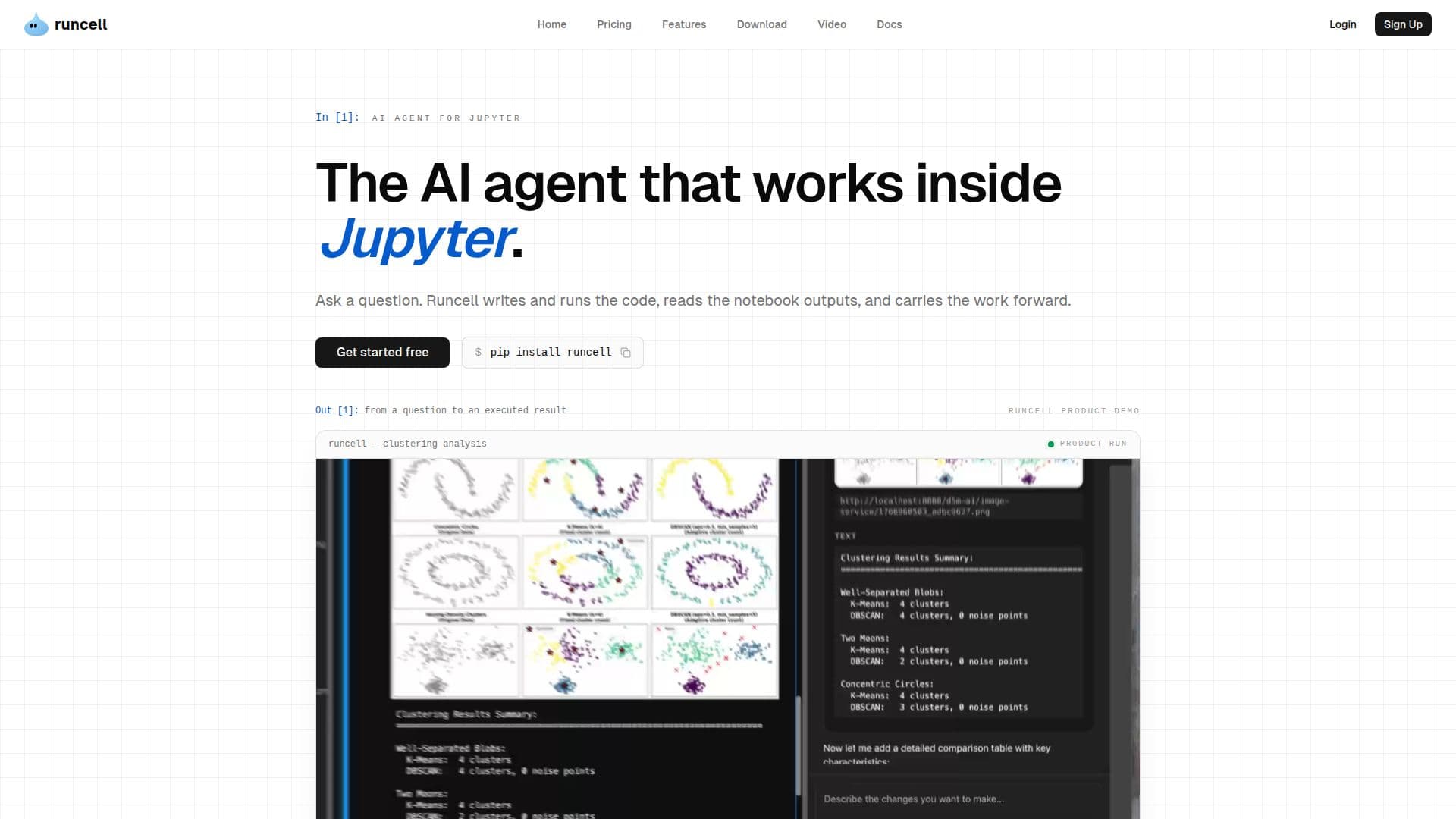
Runcell is a Jupyter-native AI agent for data analysis, data science, and research. Instead of just suggesting the next function, it turns a question into executed notebook work: it inspects the data and existing code, plans the steps, writes and runs the Python, and reads the tables, charts, and other outputs the code produces.
Read More
Runcell works through the sequence that makes a result useful: understand, plan, run, inspect, and continue from what actually happened. It reads the cells and outputs around it so it can apply fixes in context, recover from errors without leaving Jupyter, and base the next decision on real results rather than guessing from code alone. It can also run analytical approaches side by side to help decide which fits the data.
Runcell is built for analysts, data scientists, researchers, and quantitative finance users whose work has to be reproducible and defensible. It keeps questions, decisions, and previous outputs connected across iterations, so each step builds on the work instead of restarting from a blank prompt.
- CategoryAI Data Analysis
- Pricing ModelFreemium
- DeploymentCloud
- PlatformsWeb
Runcell's Core Features
AI agent that runs inside Jupyter notebooks
Turns questions into executed, multi-step workflows
Writes and runs Python and executes cells
Reads tables, charts, and statistics from cell outputs
In-context debugging and error recovery
Side-by-side experimentation with runnable cells
Context kept across iterations for reproducible work
How to use Runcell?
Open your notebook: Use Runcell inside a Jupyter notebook.
Ask a question: Describe the result you need in plain language.
Let it work: Runcell plans steps, writes Python, and executes the cells.
Review outputs: It reads the tables and charts and interprets the results.
Continue: Ask follow-up questions and Runcell carries the analysis forward.
Runcell's Use Cases
- Data analysis
- Data science
- Quantitative finance
- Research and experimentation