Description
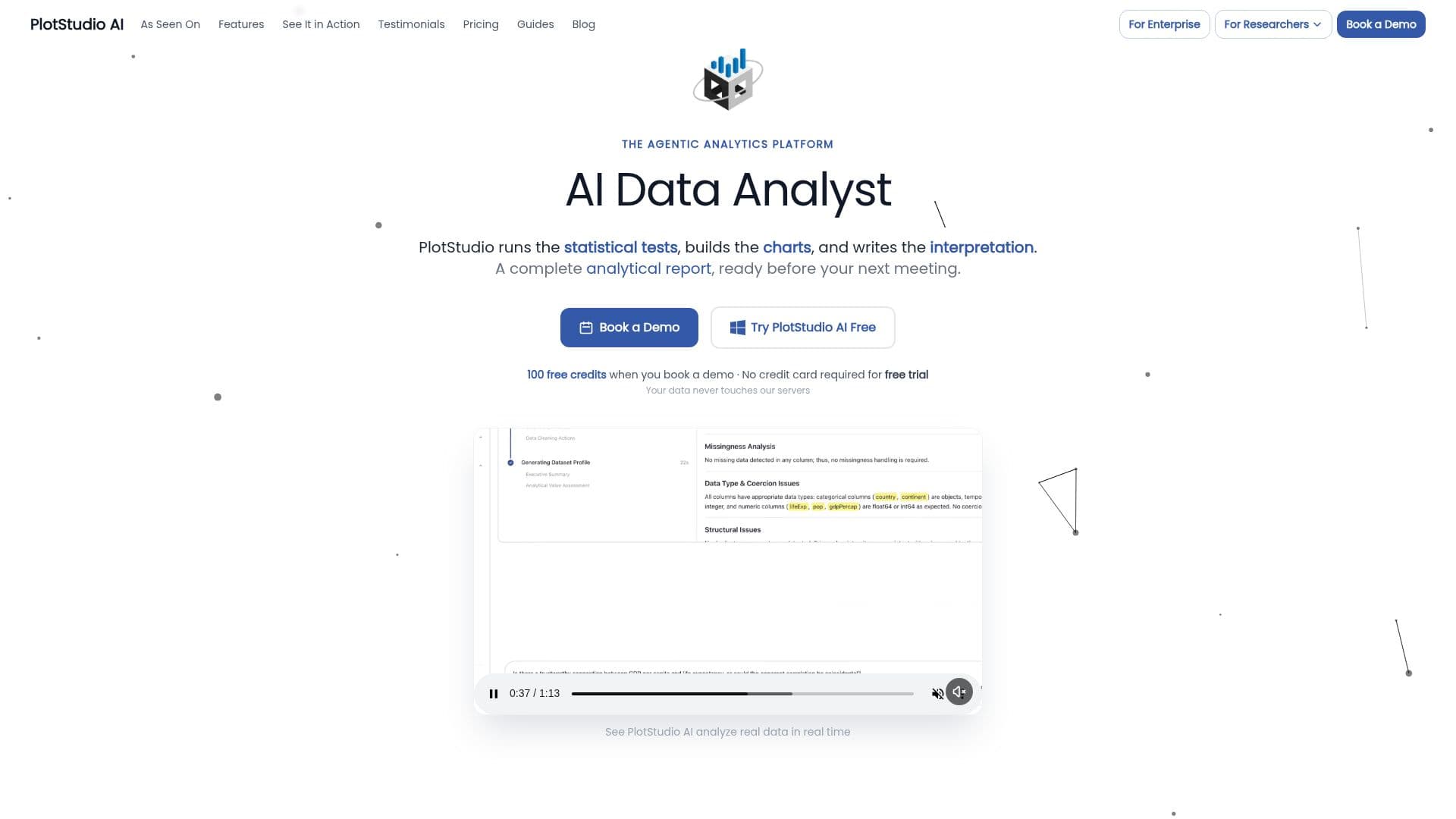
PlotStudio AI is a desktop application designed for agentic data analytics, enabling users to transform their data into comprehensive analytical reports. Users can upload datasets and ask questions in plain English, allowing a team of specialized AI agents to plan, code, execute, and narrate multi-step analyses. This process results in publication-ready analysis with code, visualizations, statistics, and executive-grade narratives delivered in seconds.
Unlike other AI chat tools like ChatGPT, PlotStudio runs a full local Python environment with libraries such as pandas, NumPy, SciPy, scikit-learn, and Plotly, ensuring that every analysis executes real code against actual data. This allows for the production of interactive, customizable charts and a workspace that persists, making every analysis searchable and citable.
PlotStudio is not a dashboarding tool like Tableau or Power BI. Instead, it conducts a full analytical investigation, producing reports with charts, statistical tests, findings, and interpretations. It is designed for users who may not know Python or SQL, as it handles all coding through AI agents, while still allowing data scientists to inspect and modify code.
The platform supports CSV and Parquet file formats and is available for macOS and Windows. It offers two pricing models: Managed Credits, which includes a set number of credits per month, and BYOK (Bring Your Own Key), allowing users to connect their own OpenAI API key for full cost control. PlotStudio ensures data security by running analyses locally on the user's machine, with built-in PII anonymization and compliance with OpenAI's data policies.
PlotStudio is suitable for various industries, including healthcare, finance, and consulting, and is built by Ar5Labs, a team with deep expertise in data analysis. The platform offers a free trial for both pricing models, allowing users to explore its capabilities before committing.
PlotStudio AI's Core Features
Agentic data analytics
AI-powered analysis
Natural language queries
Automated data visualization
No-code analytics
Real-time insights
Data exploration with AI
Automated reporting
Desktop application
Python environment support
How to use PlotStudio AI?
Upload: Add your dataset to the platform
Query: Ask questions in plain English
Analyze: AI agents plan and execute analysis
Report: Receive publication-ready analytics pages
PlotStudio AI's Use Cases
- Research Analysis
- Enterprise Reporting
- Healthcare Data
- Financial Insights
- Consulting Projects