
Description
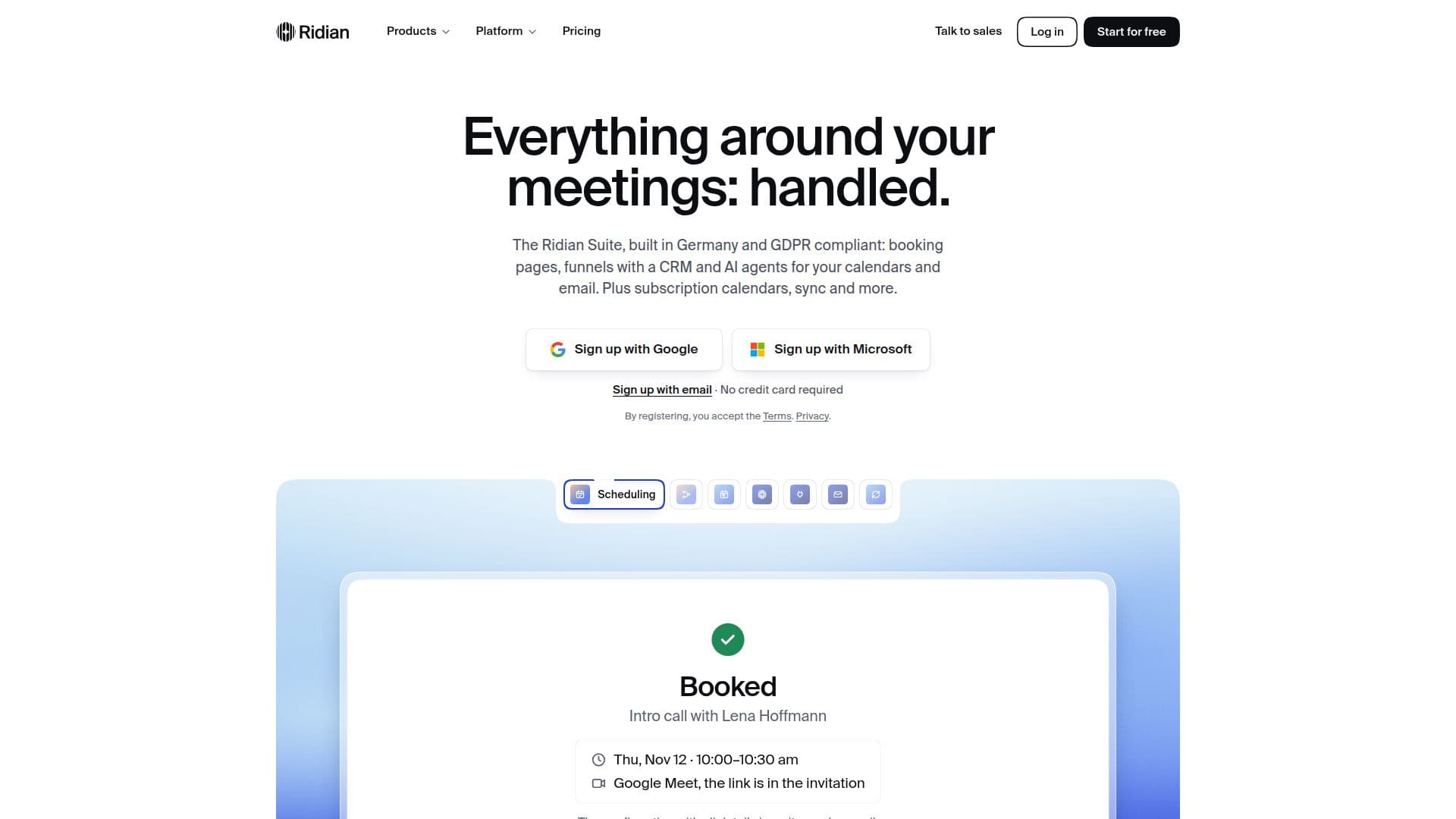
Ridian is a comprehensive suite of tools designed to automate and streamline all aspects of meeting management, scheduling, and communication. Built in Germany and GDPR compliant, Ridian integrates booking pages, funnels with CRM capabilities, and AI agents to manage calendars and email efficiently. The platform aims to handle the administrative work around meetings, allowing users to focus on core tasks.
Read More
The core functionality revolves around scheduling, offering customizable booking pages for individuals and teams. These pages support one-on-one, group, course, and team meetings, complete with waitlists, round-robin assignments, and direct payment processing through the user's payment provider, with Ridian charging no fees. Users can embed booking pages as widgets on their websites or integrate them into funnels.
Funnels and CRM features enable users to qualify inquiries before bookings are made. Short questions can be added to booking forms, directing the right people to the appropriate event types. All contacts are automatically added to the Ridian CRM, with options to integrate with existing CRMs depending on the plan. Calendar feeds allow customers to subscribe to public calendars for classes, workshops, or events, ensuring they receive automatic updates in their preferred calendar applications like Google, Outlook, or Apple.
Ridian introduces "Alvin," a personal concierge that automates tasks across calendars and inboxes. Alvin can set up syncs, find free time, add events and tasks, answer invitations, and prepare emails. With "Alvin Plus," users can interact with Alvin via WhatsApp for notifications and chat-based task management. The platform also supports integration with external AI assistants like Claude and ChatGPT through "Agent & Mail Connect," allowing these agents to book meetings, create tasks, and manage email under user-defined control layers. Agents can be given their own ridianmail.com inboxes to handle requests and conversations independently.
Synchronization capabilities are robust, connecting calendars, contacts, and more across various providers including Google, Microsoft 365, iCloud, GMX, WEB.DE, mailbox.org, Posteo, STRATO, and kSuite. Syncs can be one-way or two-way, with granular control over the level of detail shared (busy only, title and time, or full details). Ridian ensures data privacy, stating that user data never trains AI models, either by Ridian or its sub-processors. Credentials are encrypted with AES-256-GCM, and stored data, backups, and failover systems are located in the EU. The platform offers a free plan and a 7-day trial of its Professional plan, with various paid tiers offering expanded features and AI credits.
- CategoryAI Scheduling Tools
- Pricing ModelFreemium
- DeploymentCloud
- PlatformsWeb
Ridian's Core Features
Customizable Booking Pages for individuals and teams
Funnels and CRM for lead qualification and management
Calendar Feeds for public event subscriptions
Alvin AI Concierge for task automation across calendars and email
Agent & Mail Connect for integrating external AI assistants (Claude, ChatGPT)
Dedicated Agent Mailbox for AI agents to manage communications
Two-way Calendar Sync across multiple providers (Google, Microsoft, iCloud, CalDAV)
Contact Synchronization across connected accounts
GDPR Compliant and built in Germany
Unlimited Event Types and Bookings on all plans
Payment processing through user's Stripe account with 0% Ridian fee
Granular control over calendar visibility and data sharing
No AI model training on user data
Encrypted credential storage (AES-256-GCM)
WhatsApp integration for Alvin Plus users
How to use Ridian?
Connect Calendars: Sign up and link your Google, Microsoft, Apple, GMX, or other CalDAV calendars securely.
Set Up Scheduling: Create booking pages for one-on-one, group, or team meetings, customizing availability and event types.
Configure Funnels & CRM: Design lead qualification funnels with questions and automatically add contacts to the Ridian CRM.
Activate Alvin: Enable Alvin to automate tasks like finding free time, adding events, and preparing emails across your connected accounts.
Integrate AI Agents: Connect external AI assistants like Claude or ChatGPT and assign them specific calendar and email management permissions.
Manage Agent Mailbox: Set up a dedicated ridianmail.com inbox for your AI agents to handle requests and conversations independently.
Utilize Sync: Configure one-way or two-way synchronization for events and contacts across all your connected calendar providers.
Monitor Activity: Review access logs for AI assistants and manage leads and subscriptions from the Ridian dashboard.
Ridian's Use Cases
- Automated Meeting Scheduling
- Lead Qualification
- Event Promotion
- Personal Assistant Automation
- AI-Powered Email Management
- Cross-Platform Calendar Sync
- Team Scheduling Coordination
- Client Onboarding
- Internal Resource Booking