
Description
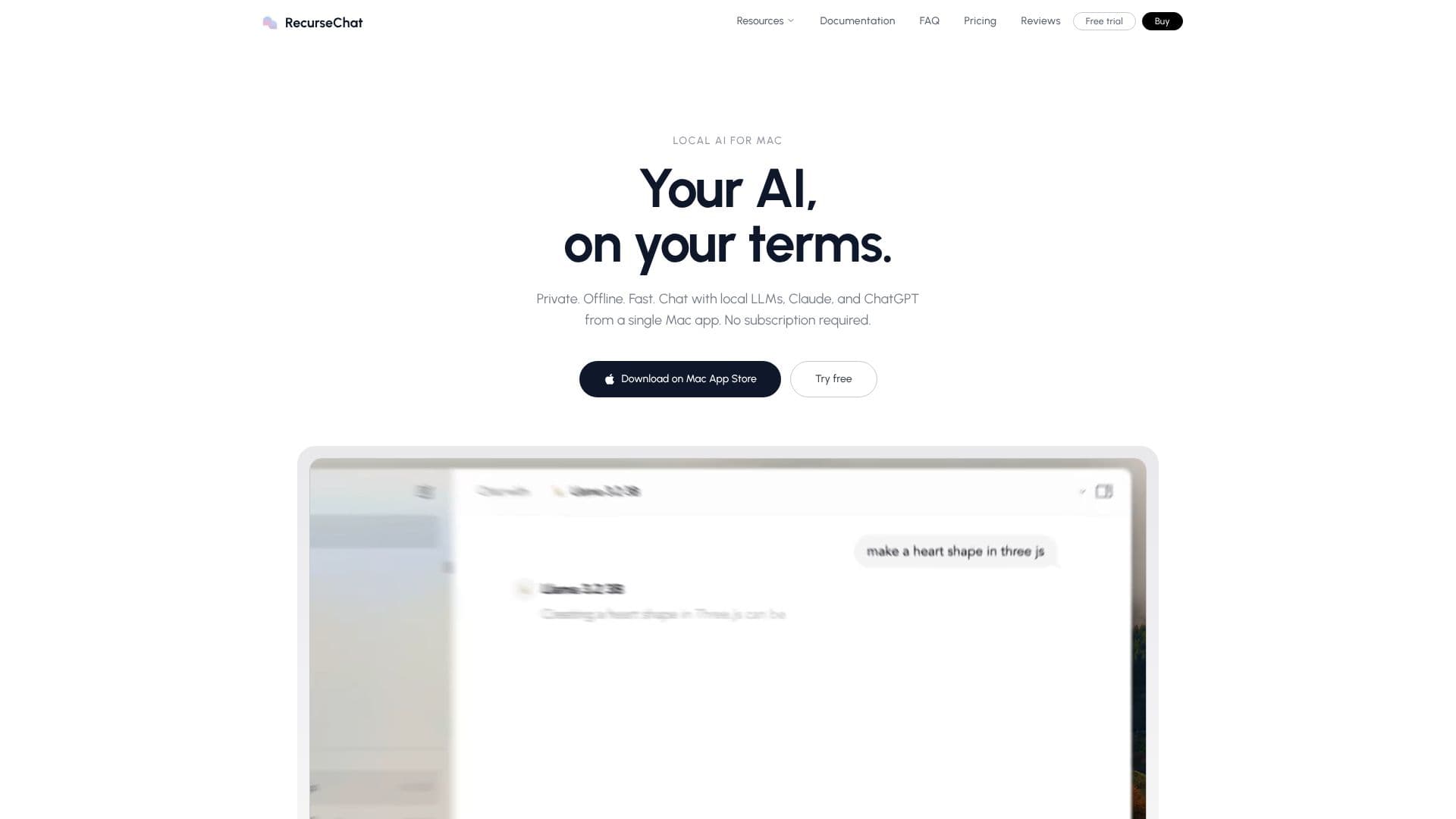
RecurseChat offers a private and offline AI chat experience for Mac users, putting your AI on your terms. This application allows you to engage with local Large Language Models (LLMs), Claude, and ChatGPT directly from a single, user-friendly Mac app. A key benefit is the absence of any subscription requirement, providing a one-time purchase model.
Read More
Designed with a 'local first, always' philosophy, RecurseChat runs AI models directly on your Mac, eliminating the need for an internet connection or reliance on external servers. This ensures that your conversations remain entirely on your device, offering unparalleled privacy and security. The floating chat feature is particularly innovative; with a simple keyboard shortcut (⌘+⇧+Enter), you can summon AI from any application, with the chat window always on top and ready for your queries.
Beyond simple text-based chat, RecurseChat empowers you to interact with your own files. It supports PDFs, markdown, and text files, leveraging local Retrieval-Augmented Generation (RAG) with on-device embedding and vector search. This means your documents are processed and searched locally, with no data leaving your machine. The flexibility extends to model compatibility, allowing you to use GGUF models, Hugging Face models, OpenAI-compatible endpoints, or cloud providers like Claude and ChatGPT. You can even import your ChatGPT history to seamlessly continue conversations with local AI, all consolidated within one application.
User feedback highlights the app's clean design, ease of use, and robust functionality. Many appreciate the emphasis on simplicity and the elegant addition of features. The one-time purchase model, with no subscription and no data collection, is frequently cited as a significant advantage. RecurseChat is positioned as an ideal solution for individuals seeking a private, fast, and versatile AI chat interface that respects user data and offers powerful local processing capabilities.
- CategoryAI Chatbots
- Pricing ModelOne-time purchase
- DeploymentLocal (on-device)
- PlatformsmacOS
RecurseChat's Core Features
Local AI model execution on Mac
Offline chat functionality
Privacy-focused: conversations stay on device
Floating chat window for quick access
Chat with local files (PDF, markdown, text)
Local RAG with on-device embedding and vector search
Support for GGUF models
Support for Hugging Face models
Support for OpenAI-compatible endpoints
Integration with Claude and ChatGPT
Import ChatGPT history
One-time purchase, no subscription
No data collection
How to use RecurseChat?
Download: Get RecurseChat from the Mac App Store.
Configure Models: Import GGUF, Hugging Face, or connect to OpenAI-compatible endpoints, Claude, or ChatGPT.
Chat with Text: Engage in conversations with your chosen AI models.
Chat with Files: Upload PDFs, markdown, or text files for local RAG processing.
Summon AI: Use the floating chat shortcut (⌘+⇧+Enter) from any application.
Continue History: Import past ChatGPT conversations to continue locally.
RecurseChat's Use Cases
- Private AI Chat
- Offline LLM Interaction
- Document Analysis
- Seamless Workflow
- Model Flexibility
- History Continuity