Description
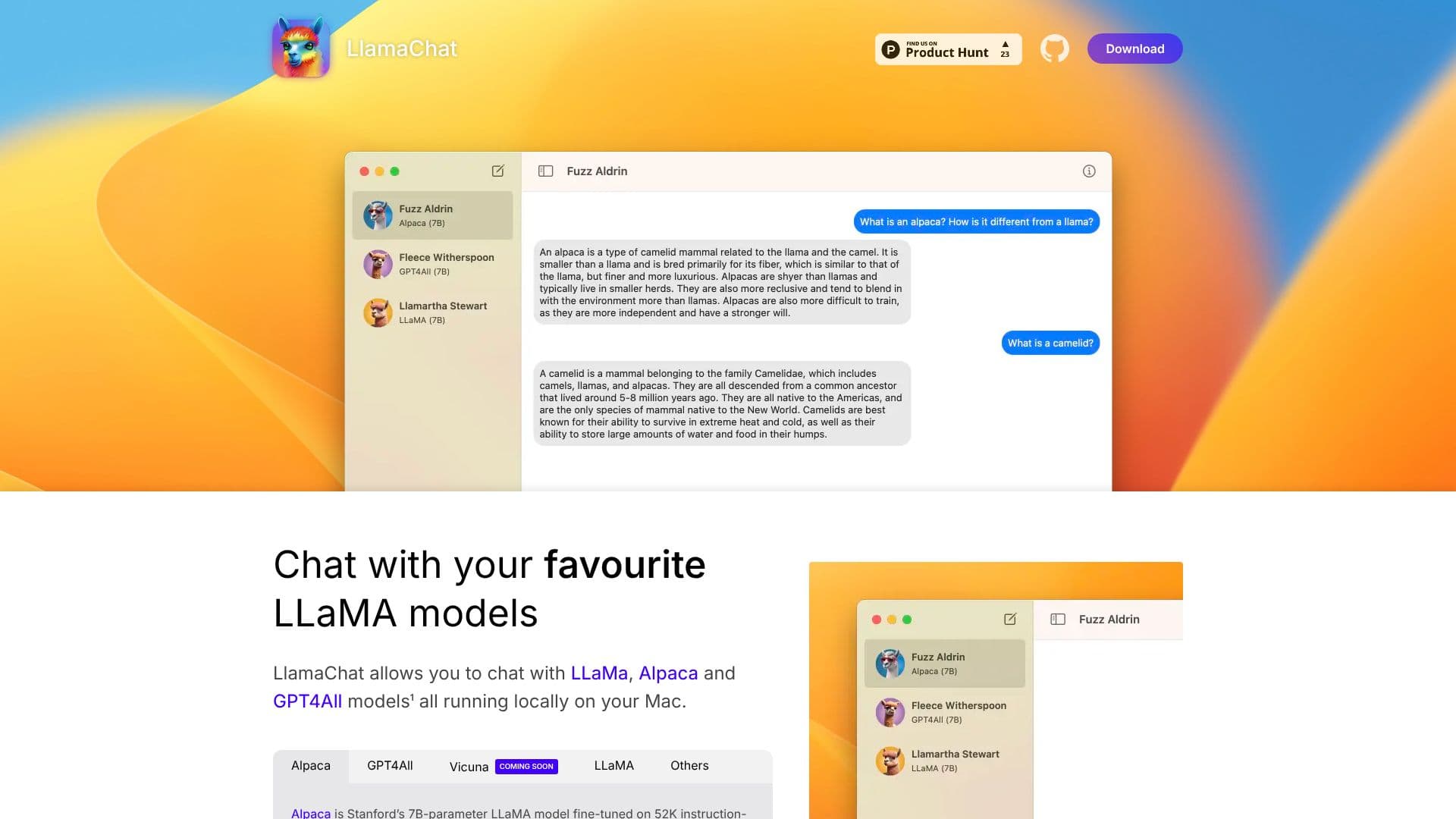
LlamaChat is a desktop application designed for macOS users, providing a platform to interact with popular large language models (LLMs) like LLaMA, Alpaca, and GPT4All directly on their local hardware. This approach ensures privacy and allows for offline usage of these powerful AI tools.
Read More
The application distinguishes itself by supporting the local execution of these models, meaning no data is sent to external servers for processing. Users can engage in conversations, experiment with different models, and leverage their capabilities without requiring an internet connection after the initial setup and model download. LlamaChat is built upon open-source libraries, including llama.cpp and llama.swift, underscoring its commitment to transparency and community-driven development.
One of LlamaChat's key features is its flexibility in model integration. It can import raw published PyTorch model checkpoints directly, or users can utilize pre-converted .ggml model files. This simplifies the process of setting up and switching between different LLMs. The application is entirely free and open-source, with its source code available for review and contribution on GitHub.
LlamaChat is developed and maintained by Alex Rozanski and a community of contributors. The latest version, v1.2.0, is built for both Intel processors and Apple Silicon, requiring macOS 13 or later. It's important to note that LlamaChat itself does not distribute any model files; users are responsible for obtaining and integrating the appropriate model files in accordance with their respective providers' terms and conditions. The application is an independent project and is not affiliated with, endorsed by, or sponsored by Meta Platforms, Inc., Leland Stanford Junior University, or Nomic AI, Inc.
- CategoryAI Chatbots
- Pricing ModelOpen Source
- DeploymentLocal
- PlatformsmacOS
LlamaChat's Core Features
Chat with LLaMA, Alpaca, and GPT4All models locally on macOS.
Supports local execution of large language models for enhanced privacy.
Imports raw PyTorch model checkpoints.
Supports pre-converted .ggml model files.
Built on open-source libraries: llama.cpp and llama.swift.
100% free and fully open-source application.
Requires macOS 13 or later.
Compatible with Intel processors and Apple Silicon.
User-responsible for obtaining and integrating model files.
Independent application, not affiliated with model creators.
How to use LlamaChat?
Download: Obtain the LlamaChat application for macOS.
Install: Install the application on your system.
Obtain Models: Download or acquire the desired LLaMA, Alpaca, or GPT4All model files.
Integrate Models: Import your model checkpoints or .ggml files into LlamaChat.
Configure: Set up your preferred model within the application.
Chat: Begin interacting with your locally hosted AI models.
LlamaChat's Use Cases
- Local AI Chat
- Model Experimentation
- Offline AI Interaction
- Privacy-Focused AI
- Open-Source AI Development