Description
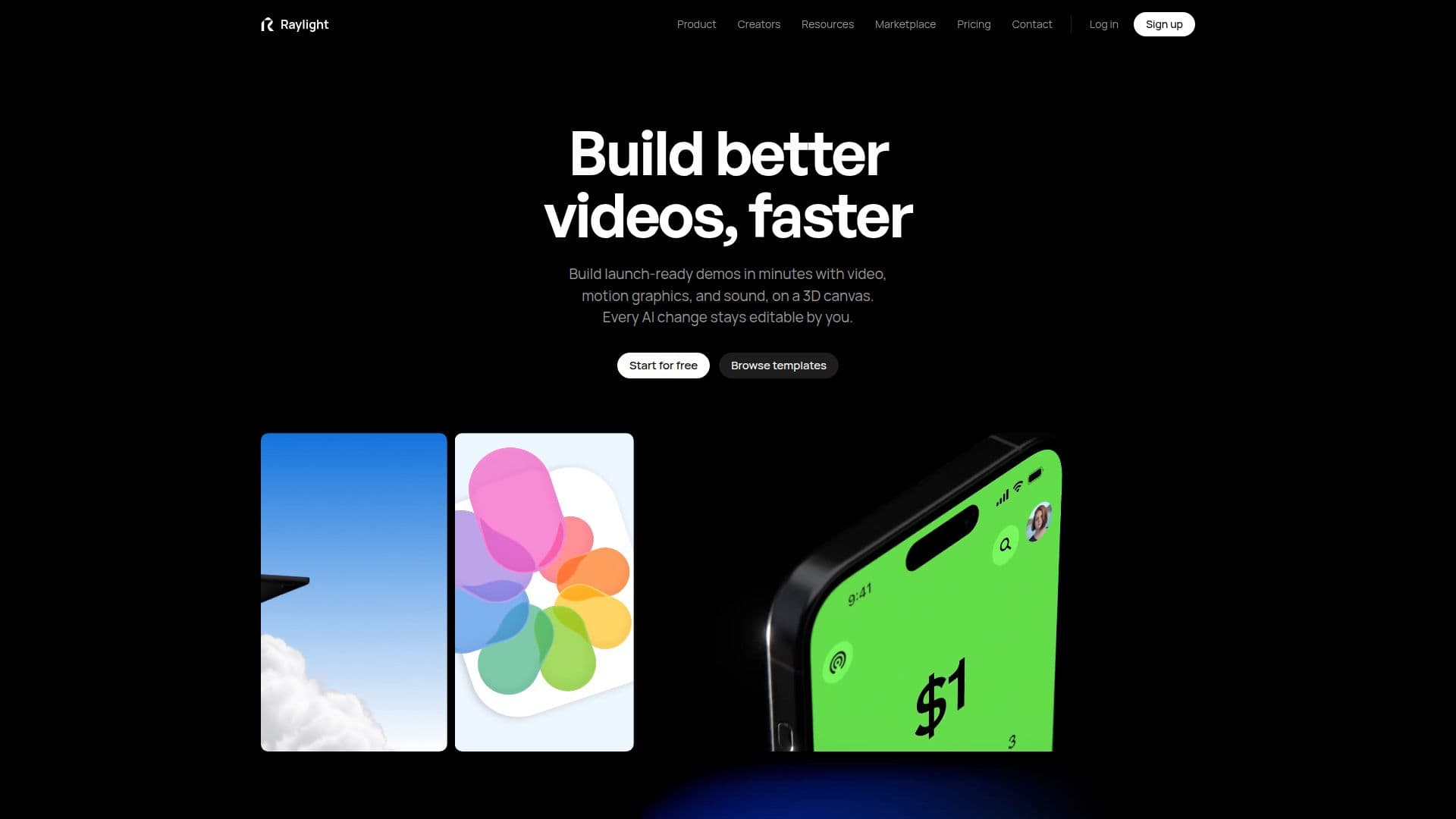
Raylight provides a comprehensive 3D motion design canvas designed for both human creativity and AI collaboration, making it easy to produce high-quality product videos and demos. The platform aims to simplify complex motion design processes, allowing users to create launch-ready content in minutes rather than days, even without prior motion design skills.
Read More
The core functionality includes a precise design canvas where users can lay out shots, drop in product screens, text, and shapes, with snapping, aligning, and grouping capabilities similar to traditional design tools. Animation is streamlined by using animation blocks on a timeline, eliminating the need for complex keyframe graphs. Users can drag block edges to set timing and see live updates to camera moves, focus, and bloom effects.
Raylight integrates AI capabilities through its MCP server, allowing users to instruct AI models like Claude, ChatGPT, Cursor, and Antigravity to make changes directly on the canvas. These AI-generated edits remain fully editable by the user. The platform also offers a Raylight API, enabling developers to send briefs from code, GitHub workflows, or chat interfaces, with Raylight pitching video concepts for free and then generating the video once approved.
Additional features include 3D mockups for displaying screens on virtual devices like iPhones or MacBooks, with adjustable tilt and lighting. Sound design is robust, offering AI-generated sound effects from prompts, custom music, and voiceover capabilities, all mixable on a multitrack timeline. Collaboration is facilitated through Live Share, where reviewers can scrub animations and see live cursor movements on the canvas.
Raylight offers a freemium pricing model, with a free tier providing the full editor, unlimited projects, and 1080p 60fps exports with a badge. Paid plans like Hobby, Pro, Max, Team, Business, and Enterprise remove the badge, unlock 4K exports, provide monthly credits for AI agent edits and sound generation, and add features like video embeds, increased MCP calls, and team collaboration tools. Credits are used for AI-driven tasks such as sound effects, music tracks, voiceovers, and Raylight API videos, with pitches being free.
- CategoryDesign & Creative
- Pricing ModelFreemium
- DeploymentCloud
- PlatformsWeb
Raylight's Core Features
3D motion design canvas for product videos
AI integration with Claude, ChatGPT, Cursor, Antigravity
Drag-and-drop animation timeline without keyframes
3D mockups for devices (iPhone, iPad, MacBook)
AI-generated sound effects, music, and voiceover
Raylight API for automated video creation from code
Live Share for real-time collaboration and feedback
Figma plugin for importing frames as editable layers
Flexible layouts with smart guides for precision
One-click entrance animations and custom easing curves
Film-grade effects like depth of field and bloom
Multitrack sound timeline for mixing audio
Custom camera moves with smooth, arc-free transitions
Unlimited projects and video length on free plan
Team collaboration with roles and shared workspaces
How to use Raylight?
Design Shots: Lay out product screens, text, and shapes on the 3D canvas using precise alignment tools.
Animate Elements: Add animation blocks to the timeline, drag edges to set timing, and see live updates to camera moves and effects.
Integrate AI: Tell AI models like Claude or ChatGPT what changes to make on your canvas via the MCP server.
Add Sound: Generate sound effects, music, or voiceovers from prompts and mix them on the multitrack timeline.
Collaborate & Share: Use Live Share for real-time feedback or export videos in various resolutions, including 4K on paid plans.
Automate with API: Send a brief from code or chat to the Raylight API, greenlight the pitch, and receive a feature video.
Raylight's Use Cases
- Product Launch Videos
- Marketing Content Creation
- Automated Feature Demos
- UI/UX Design Presentations
- Collaborative Video Production
- Social Media Video Ads
- Developer Tool Explanations
- Internal Communication Videos