
Description
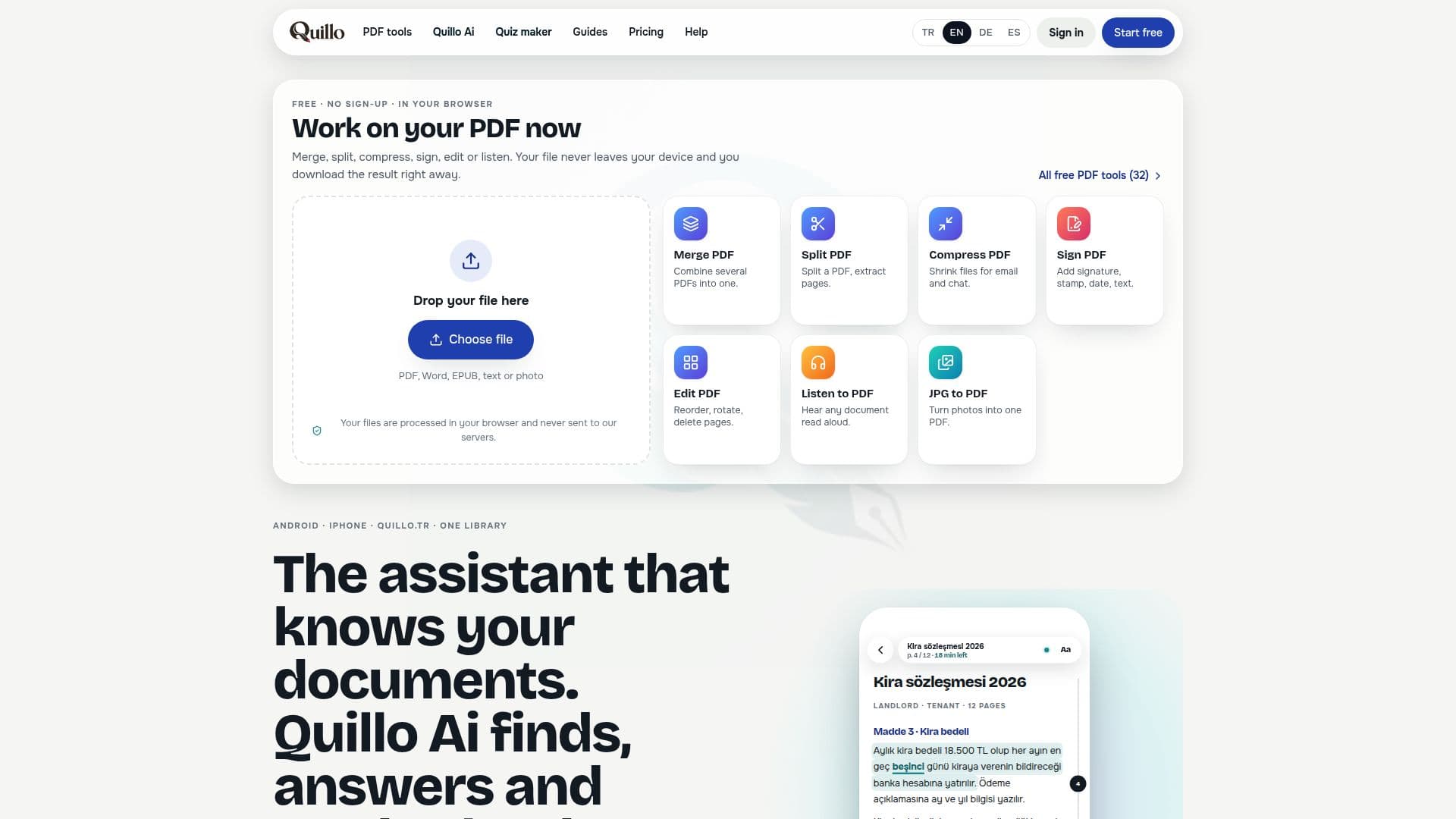
Quillo is a comprehensive application designed to transform how users interact with text documents. It enables listening to various file formats such as PDFs, Word documents, EPUBs, text files, Markdown, code files, and even scanned paper, all in a natural-sounding voice. The application highlights the current sentence and word as it reads, skipping footnotes and page numbers to maintain a smooth flow. Users can pick up where they left off on any device, with controls available even when the screen is off, and adjust reading speed or set a sleep timer.
Read More
The platform integrates Quillo AI, an assistant that can summarize documents, answer questions, and conduct web research with source links. It can also generate study cards from highlights or AI-generated content, draft letters, and apply custom letterheads and signatures. Quillo AI learns user preferences over time, offering a personalized experience. A voice chat feature allows users to interact with the AI hands-free, making it accessible for blind and low-vision users. The AI offers different working modes—Fast, Balanced, and Most Careful—to adjust the depth and cost of processing.
Beyond reading and AI assistance, Quillo provides a robust suite of document management tools. It includes a document scanner that can flatten crumpled pages, remove shadows, and straighten angled shots, producing clean, searchable PDFs. Users can merge, split, compress, edit pages, add passwords, and convert PDFs to Word or plain text. The app also functions as a text and code editor for various file types, offering features like line numbers and find-and-replace. Marks such as highlights, drawings, notes, and voice notes are embedded directly into PDF files and are compatible with other PDF readers.
Quillo supports translation into thirteen languages directly on the device, allowing users to listen to translated content. It offers a unified library that syncs across Android, iPhone, iPad, and web browsers via Google Drive, ensuring documents, reading positions, and settings are always up-to-date. Many core features, including reading aloud with device voices, the document scanner, PDF tools, letterhead, signature, and study cards, are available for free without an account. Paid plans unlock Quillo Cloud voice and Quillo AI capabilities, with a free trial available upon sign-up.
- CategoryAI Study Tools
- Pricing ModelFreemium
- DeploymentCloud, Mobile app
- PlatformsWeb, Android, iOS
Quillo's Core Features
Listen to any text in a natural voice (PDFs, Word, EPUBs, scans, web pages)
Quillo AI for summarizing, answering questions, and web research with sources
AI Quiz Maker to generate multiple-choice, true/false, fill-in-the-blank, matching, and open questions
Online exam publishing with automatic grading and live reports
Voice chat with Quillo AI, allowing interruptions and designed for accessibility
Document scanner with edge detection, flattening, shadow removal, and searchable PDF output
Comprehensive PDF tools: merge, split, compress, edit pages, add password, convert formats
Text and code editor for TXT, Markdown, CSV, JSON, XML, YAML files
Embedded highlights, drawings, notes, and voice notes within PDFs
On-device translation into thirteen languages with audio playback
Study card creation from highlights or AI-generated content with spaced repetition
Google Drive sync for a unified library across up to 5 devices (Android, iPhone, iPad, web)
Customizable letterheads, e-signatures, and stamps for documents
Offline functionality for reading aloud, scanning, and PDF tools
Multiple AI care levels: Fast, Balanced, Most careful for varied processing depth
How to use Quillo?
Open Document: Upload PDFs, Word files, EPUBs, or paste text/web links into Quillo.
Listen to Text: Select a natural voice and start listening; the app highlights text as it reads.
Interact with AI: Use Quillo AI to summarize documents, ask questions, or research the web.
Create Quizzes: Turn notes, book chapters, or sample questions into exams with the AI Quiz Maker.
Manage Documents: Utilize PDF tools to merge, split, compress, edit, or sign documents.
Sync Across Devices: Access your library, reading position, and marks on any linked device via Google Drive.
Quillo's Use Cases
- Document Reading & Listening
- Academic Study & Research
- Professional Document Management
- Accessibility for Low Vision
- Content Translation
- Online Exam Creation
- Legal Document Review
- Note-Taking & Organization