
Description
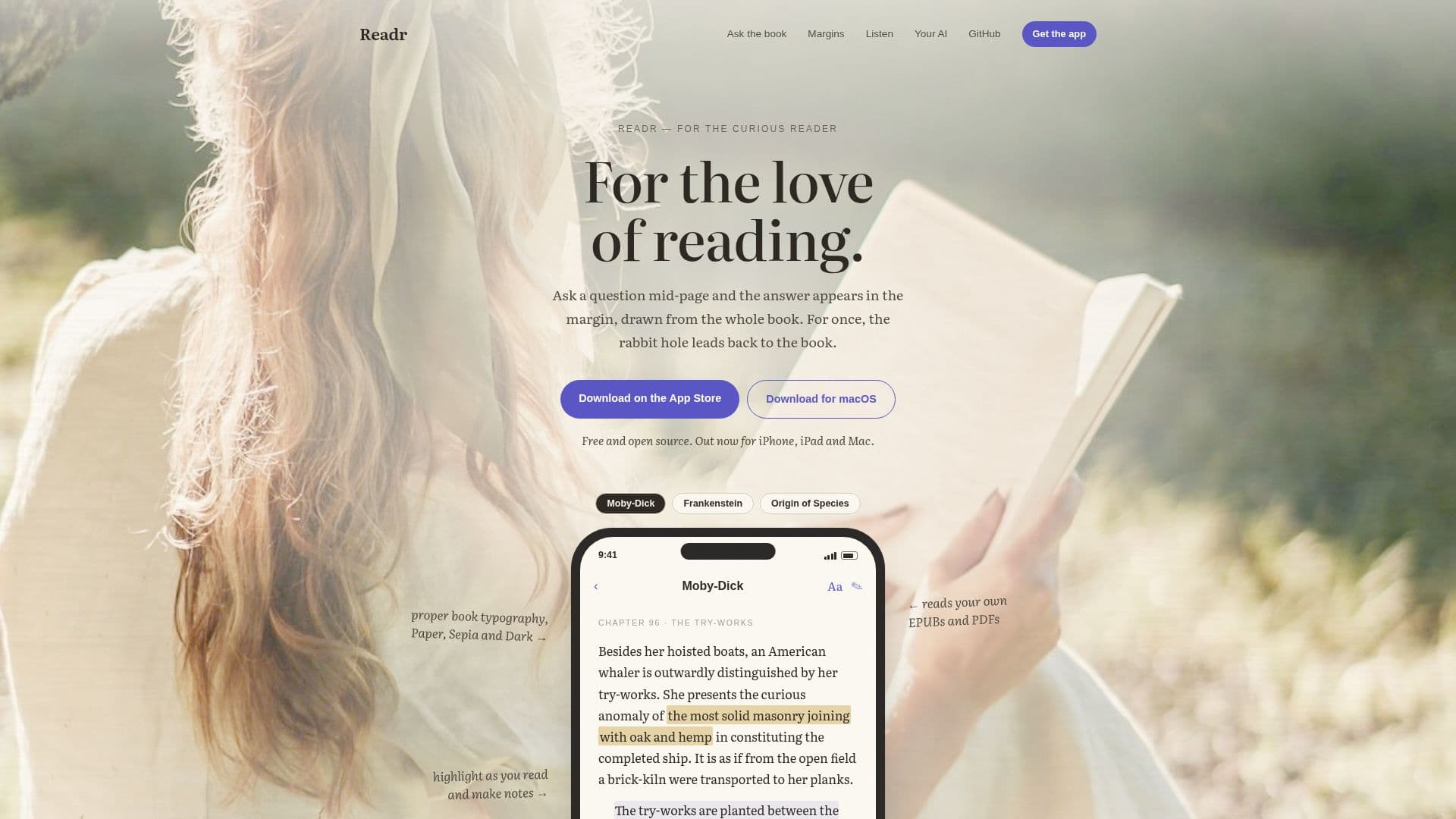
Readr is an innovative ebook reader designed to enhance the reading experience by integrating interactive features. Available for iPhone, iPad, and Mac, Readr allows users to ask questions directly in the margin of the book they are reading. The app provides answers grounded in the text, with citations back to the relevant passages. This feature eliminates the need to put the book down and search for information elsewhere.
Read More
In addition to its question-and-answer capability, Readr offers a listening feature. Users can have the book read aloud to them, starting from the page they are on. This is particularly useful for those who want to continue enjoying their book when their eyes are tired. The voice runs on the user's device, ensuring privacy as no data is sent to a server.
Readr supports DRM-free EPUBs, PDFs, and Markdown files, making it versatile for various reading materials. Users can also highlight text and add notes, which can be compiled into a draft article. This draft can be edited and exported as Markdown, allowing for easy sharing and further editing.
The app is free and open-source, licensed under MIT, and available on the App Store for iPhone and iPad, with a signed, notarized download for Mac. Users can choose their own AI by signing in with an OpenRouter account or using ChatGPT on Mac. Alternatively, they can run a local Ollama model on their Mac to stay offline entirely. Readr is designed with privacy in mind, with no telemetry or accounts required.
- CategoryAI Study Tools
- Pricing ModelFree
- DeploymentCloud, Self-hosted
- PlatformsiOS, macOS
Readr's Core Features
Interactive question and answer
Text-to-speech functionality
Highlight and note-taking
Markdown export
DRM-free EPUB, PDF, and Markdown support
Open-source and free
Privacy-focused with no telemetry
AI integration with OpenRouter or local models
How to use Readr?
Download: Install from the App Store or GitHub
Import: Add DRM-free EPUBs, PDFs, or Markdown files
Ask: Pose questions in the margin for answers
Listen: Use text-to-speech to hear the book aloud
Readr's Use Cases
- Interactive Reading
- Audiobook Alternative
- Study Aid
- Markdown Export
- Privacy-Conscious Reading