
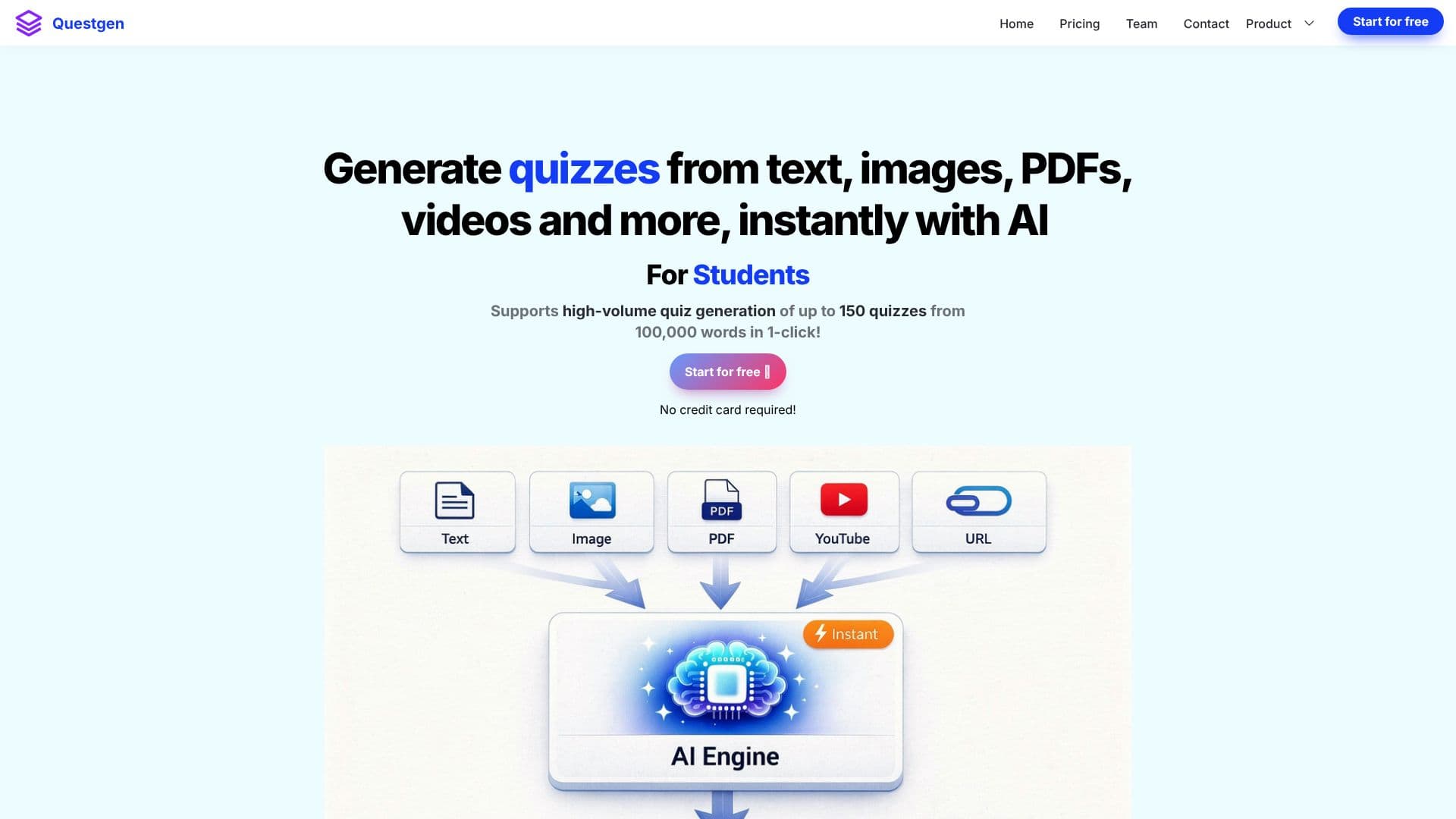
Description
Questgen is a versatile AI quiz generator designed to streamline the creation of educational assessments and quizzes. It empowers users to generate a wide array of question types, including Multiple Choice Questions (MCQs), MCQs with multiple correct answers, True/False questions, Fill-in-the-blanks, Higher-Order Questions, Match-the-following Questions, and Bloom's Taxonomy quizzes, all with a single click.
Read More
The platform supports high-volume quiz generation, capable of producing up to 150 quizzes from 100,000 words. Users can input content in any language via plain text, website URLs, PDF documents, or Word documents (DOCX). The generated quizzes can be easily edited and modified before exporting them into numerous formats such as PDF (Q&A, Questions Only, Answers Only), QTI 2.1, Moodle XML, GIFT Format, JSON, and various text formats like AIKEN and RESPONDUS. CSV export options are also available for compatibility with platforms like D2L BrightSpace, Form Builder for Gsheets, GimKit, TriviaMaker, and Quizziz.
Questgen is tailored for various user groups. Teachers and Schools can leverage it to create engaging worksheets quickly, moving beyond repetitive question banks. HR Teams can use it to generate compliance assessments from policy documents, ensuring employees understand new regulations. Publishers and Edtech Companies can significantly reduce costs and time by bringing assessment creation in-house instead of outsourcing.
Key features include a study mode for students to practice exams, Bloom's Taxonomy level question generation, AI-powered image-to-quiz and video-to-quiz capabilities, and the ability to create quizzes from news and current events. Users can also generate similar questions to expand their question banks and create storybook illustrations from text. The platform allows for sharing and embedding quizzes on websites, making them interactive for learners.
Questgen offers a free trial, requiring no credit card. It has garnered trust from over 150,000 users, saving them millions of hours on quiz creation and generating millions of questions across different types. The tool aims to simplify and accelerate the assessment creation process for educators, trainers, and content creators.
- CategoryAI Study Tools
- Pricing ModelFreemium
- DeploymentCloud
- PlatformsWeb
Questgen's Core Features
Generate MCQs, True/False, Fill-in-the-blanks, and Higher-Order Questions
Create Bloom's Taxonomy level quizzes
Generate quizzes from text, PDFs, webpages, and videos
Supports multiple quiz export formats including PDF, QTI, Moodle XML, and CSV
Offers a study mode for students to practice
AI-powered image-to-quiz generation
AI-powered video-to-quiz generation
Generate quizzes from news and current events
Create matching quizzes
Generate similar questions to expand question banks
Ability to edit and modify generated quizzes
Share and embed quizzes on websites
How to use Questgen?
Input Content: Enter text, upload a document (PDF, DOCX), or provide a URL.
Select Quiz Type: Choose the desired question formats (MCQ, True/False, etc.) and Bloom's Taxonomy level if applicable.
Generate Quiz: Click 'Submit' to let the AI create your quiz questions.
Edit and Refine: Modify questions, answers, and formatting as needed.
Export Quiz: Select your preferred export format (PDF, QTI, Moodle XML, CSV, etc.).
Share or Embed: Make your quiz accessible by sharing a link or embedding it on a website.
Questgen's Use Cases
- Create Educational Quizzes
- Develop Compliance Assessments
- Streamline Textbook Assessments
- Student Exam Practice
- Generate Interactive Content
- Expand Question Banks
- Assess Video Content
- Create Image-Based Quizzes