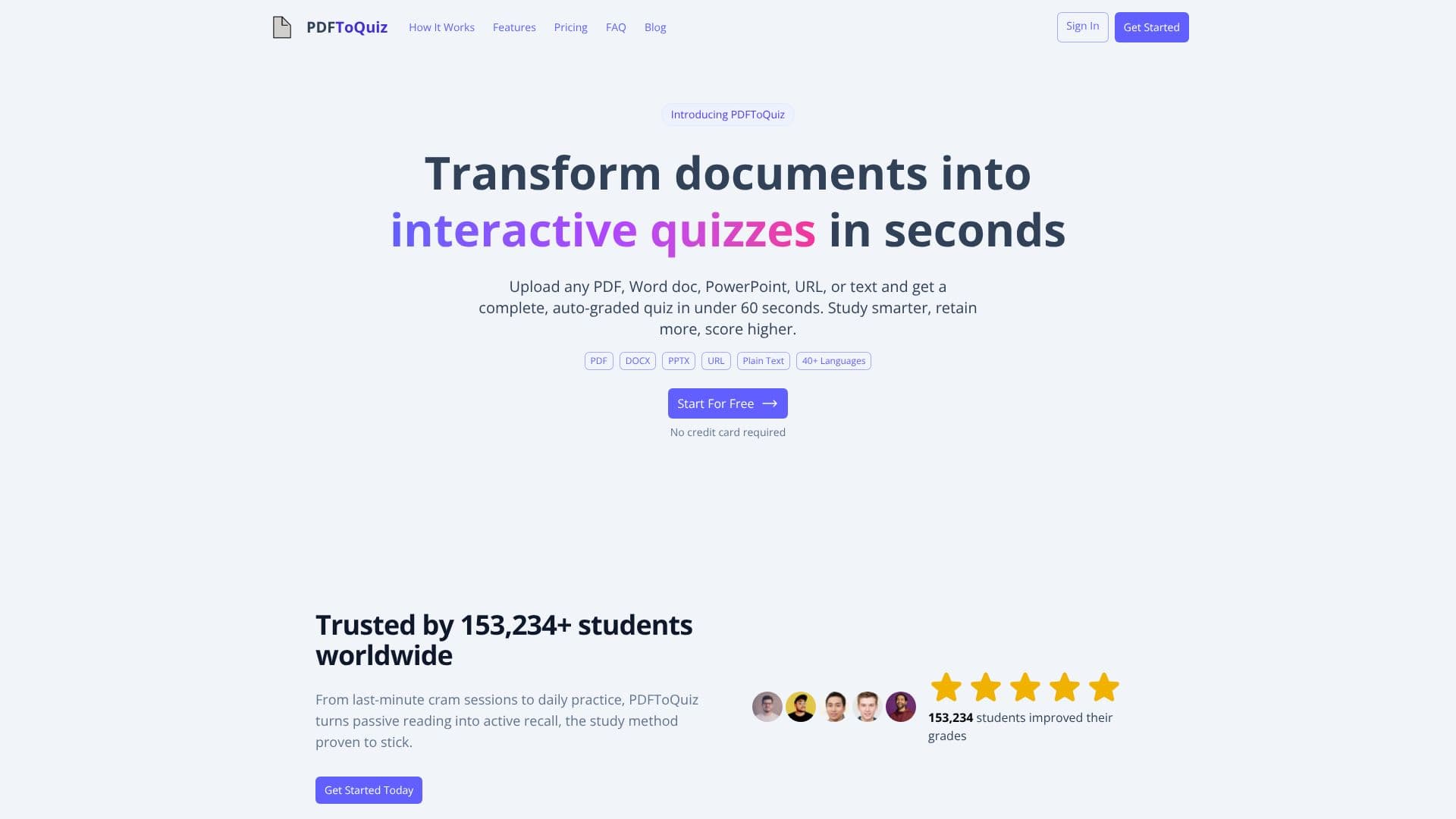
Description
PDFToQuiz is a free AI tool designed to convert study materials into interactive, auto-graded quizzes in seconds. It supports various document formats including PDF, DOCX, PowerPoint, URLs, and plain text, making it a versatile solution for students, educators, and researchers. The platform aims to enhance learning by transforming passive reading into active recall, a proven method for better retention and academic performance.
Read More
How it works is simple: users upload their study material, and the AI engine analyzes the content to generate targeted quiz questions. This process takes less than 60 seconds. The generated quizzes include multiple-choice, true/false, fill-in-the-blank, and long-answer formats, ensuring comprehensive testing. A key feature is the AI-driven explanation for each missed question, helping users understand their mistakes immediately and reinforce learning.
PDFToQuiz offers robust features to support effective studying. It provides progress tracking to monitor mastery of topics, and supports quiz generation in over 40 languages. For Pro users, additional capabilities include downloading quizzes in PDF, CSV, or XLSX formats, sharing quizzes via a link, and an AI chat assistant for document interaction. The tool is powered by advanced OpenAI GPT-5 models, ensuring high-quality question generation and analysis.
The target audience includes students seeking to improve their grades, teachers looking to create quick assessments, researchers needing to review complex papers, and trainers developing study materials. The value proposition lies in its speed, ease of use, and the effectiveness of its AI-powered learning tools, which help users study smarter, retain more information, and walk into exams with greater confidence.
- CategoryAI Study Tools
- Pricing ModelFreemium
- DeploymentCloud
- PlatformsWeb
PDF To Quiz Generator's Core Features
Generate quizzes from PDF, DOCX, PowerPoint, URL, or text
AI-powered question generation
Auto-graded quizzes
Multiple question formats: Multiple Choice, True/False, Fill in the Blank, Long Answer
AI explanations for missed questions
Progress tracking for study sessions
Supports 40+ languages for quiz generation
AI chat assistant for document interaction (Pro)
Download quizzes to PDF, CSV, or XLSX (Pro)
Shareable quiz links
AI supplement questions for broader topic testing
Trusted by over 153,000 students worldwide
How to use PDF To Quiz Generator?
Upload Document: Upload your PDF, DOCX, PPTX, paste a URL, or type text.
Generate Quiz: The AI instantly analyzes your content and creates a quiz.
Take Quiz: Answer the generated questions and receive instant grading.
Review Explanations: Understand why you missed questions with AI-powered feedback.
Track Progress: Monitor your performance and identify areas for improvement.
PDF To Quiz Generator's Use Cases
- Student Study Aid
- Teacher Assessment Tool
- Researcher Review
- Corporate Training
- Language Learning
- Group Study Facilitator