Description
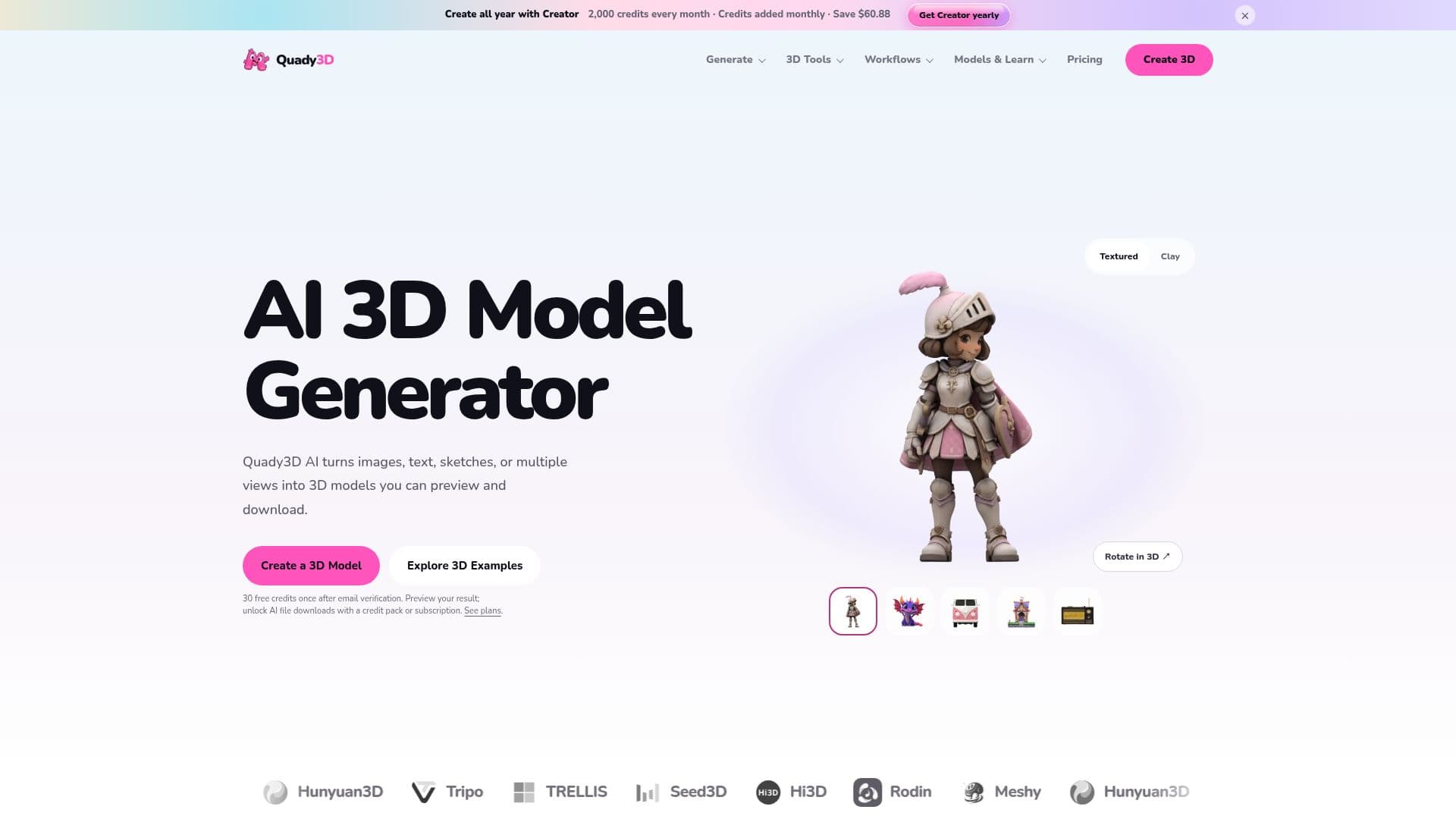
Quady3D AI is a browser-based AI 3D workspace that creates models from images, text prompts, sketches, or multiple reference views. Users can select from supported model families and settings, inspect results directly in 3D, and refine assets with the available tools.
Read More
Compatible results support the original GLB plus local export to OBJ packages, STL, USDZ for compatible static models, PLY, and single-color 3MF. Format availability varies by result. A completed GLB can also be sent to Blender 4.2+ with the optional Quady3D Bridge add-on; Unity and Unreal workflows use supported file imports rather than native Quady3D plug-ins.
Quady3D is free to start. Eligible new users receive 30 one-time welcome credits after email verification. Basic, Creator, and Studio plans are available monthly or annually, and one-time credit packs can be purchased without starting or changing a subscription.
Generated assets may be used commercially when users hold the necessary rights to source material and follow the selected model's terms. Uploads and saved results are private to the account by default and are not automatically published; community publishing is optional.
- Category3D Model Generators
- Pricing ModelFreemium
- DeploymentCloud
- PlatformsWeb
Quady3D AI's Core Features
AI 3D generation from images, text prompts, sketches, and multiple reference views
Compatible results support GLB plus local export to OBJ packages, STL, USDZ, PLY, and single-color 3MF
30 one-time welcome credits after email verification, subject to eligibility
Credit-based generation with monthly or annual plans and optional one-time credit packs
Commercial use subject to source-material rights and the selected model's terms
Optional Quady3D Bridge add-on sends a completed GLB into Blender 4.2+
Uploads and saved results are private by default and are not automatically published
Inspect generated results directly in a browser-based 3D workspace
How to use Quady3D AI?
Upload: Choose your input type (image, text, sketch, or multi-view)
Select Model: Pick a model and configure settings
Generate: Use credits to create your 3D model
Download: Export the model in your desired format
Quady3D AI's Use Cases
- Game Assets
- Product Visualization
- 3D Printing
- Character Design
- Educational Tools