
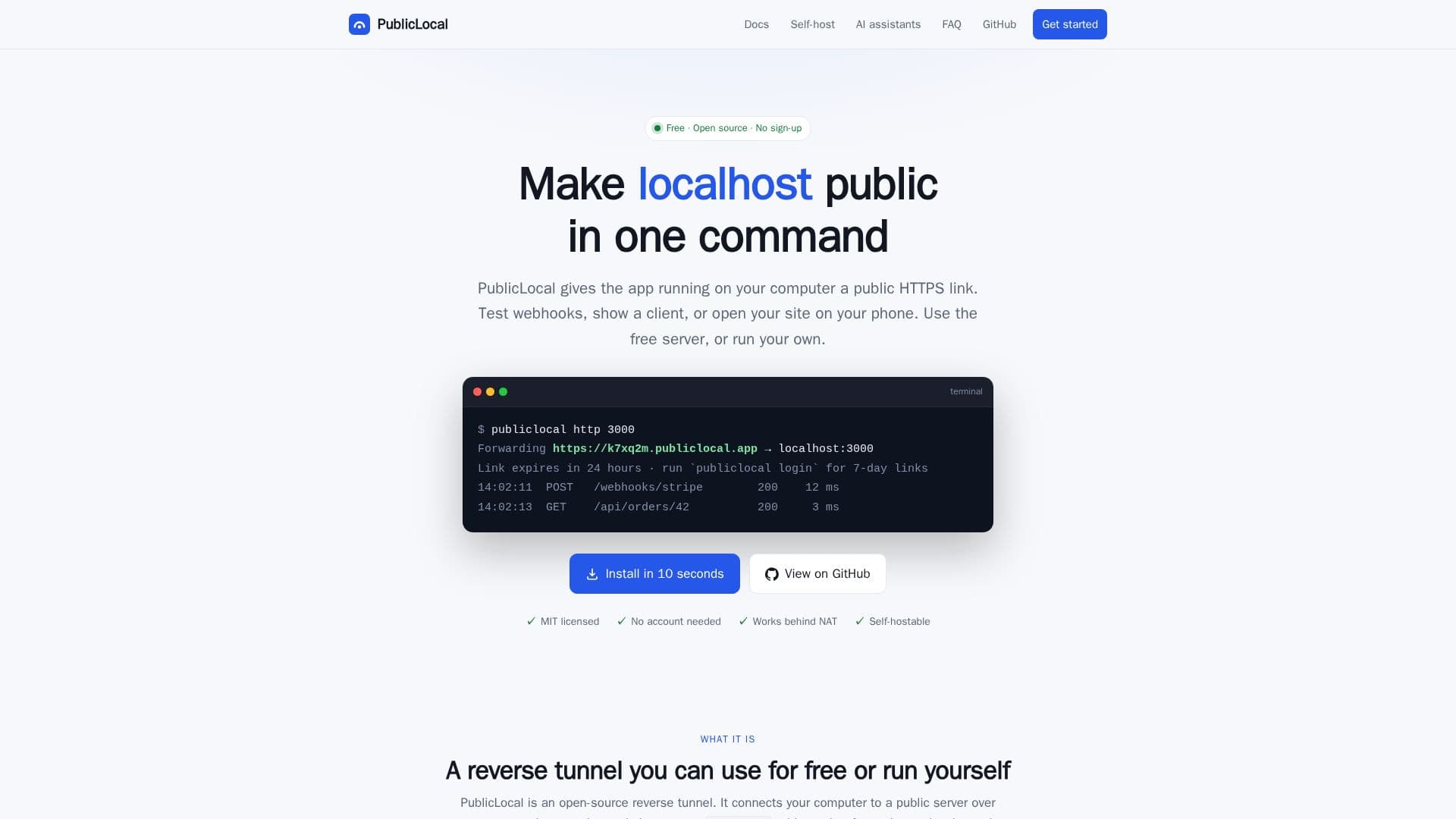
Description
PublicLocal is an open-source reverse tunnel solution designed to make local web servers accessible from the internet via public HTTPS addresses. It serves as a robust alternative to services like ngrok, allowing developers to easily test webhooks, showcase work in progress, or access their development server on mobile devices.
Read More
The core functionality involves a single command that generates a public HTTPS link, forwarding traffic to a specified local port. Users can leverage the free hosted server at publiclocal.app, which offers links valid for 24 hours without an account, or 7 days with GitHub sign-in. A key differentiator is that both the client and server components are open source (MIT licensed), providing the flexibility to self-host the entire system on a custom domain with no inherent limits.
PublicLocal addresses common development challenges such as working behind NAT, firewalls, or CGNAT, as the client establishes a single outbound encrypted connection to the server, eliminating the need for port forwarding or router modifications. Beyond basic HTTP/HTTPS tunneling, self-hosted instances support TCP tunnels for services like SSH, Postgres, MySQL, Redis, and game servers.
The platform includes several developer-friendly features. A live request feed and local inspector (accessible at localhost:4040) allow users to view request headers and bodies, and even replay webhooks against their application for debugging. It also supports sharing folders or individual files without requiring a separate web server. For enhanced security and control, links can be password-protected, set to self-destruct after a visitor limit or expiry time, and QR codes can be generated for easy mobile access. PublicLocal also integrates with AI coding assistants like Claude Code, Cursor, VS Code, Codex, and Gemini CLI via an MCP server, enabling assistants to manage and share development tunnels.
For those requiring more control, self-hosting offers benefits such as custom domains, permanent links, and token authentication. The setup is straightforward, involving DNS configuration and running a server command, with automatic Let's Encrypt certificates for HTTPS. The free public server has fair-use limits on requests, traffic, and the number of active tunnels, and browsers see a temporary developer link notice for safety. PublicLocal is available as a small, dependency-free binary for Linux, macOS, Windows, and FreeBSD, and can also be run via Docker images.
- CategoryAI DevOps & Cloud Tools
- Pricing ModelFree
- DeploymentCloud, Self-hosted
- PlatformsLinux, macOS, Windows, FreeBSD, Docker
PublicLocal's Core Features
Public HTTPS URL for localhost
Free hosted server available
Open-source client and server (MIT licensed)
Self-hostable on custom domains
Live request feed and local inspector
Webhook replay functionality
Share folders or files without a web server
Password-protected links
Self-destructing links (visitor limit, expiry)
Support for multiple ports in one command
QR code generation for mobile access
CORS headers for browser applications
Link status pages, badges, and JSON status endpoints
Automatic Let's Encrypt certificates for self-hosted servers
TCP tunnels for SSH, databases, and game servers (self-hosted)
WebSockets support
MCP server for AI coding assistants integration
How to use PublicLocal?
Install PublicLocal: Download and install the small binary for your operating system (Linux, macOS, Windows, FreeBSD).
Start your local app: Ensure your web server or application is running on a specific local port.
Expose localhost: Run `publiclocal http <port>` (e.g., `publiclocal http 3000`) to get a public HTTPS link.
Share and test: Use the provided public link to test webhooks, share demos, or access your app on mobile devices.
Inspect requests: Access the local inspector at `localhost:4040` to view request details and replay webhooks.
Configure advanced options: Add flags like `--password`, `--max-visits`, `--expires`, or `--qr` for enhanced control and security.
Self-host (optional): Set up your own PublicLocal server on a VPS with your domain for custom addresses and TCP tunnels.
Integrate with AI assistants: Configure your AI coding assistant (e.g., Claude, Cursor) to use PublicLocal's MCP server for tunnel management.
PublicLocal's Use Cases
- Webhook Testing
- Client Demos
- Mobile Device Testing
- OAuth Callback Development
- File and Folder Sharing
- AI Assistant Integration
- Self-Hosted Tunneling
- Debugging API Calls
- Game Server Hosting
- Database Access