
Description
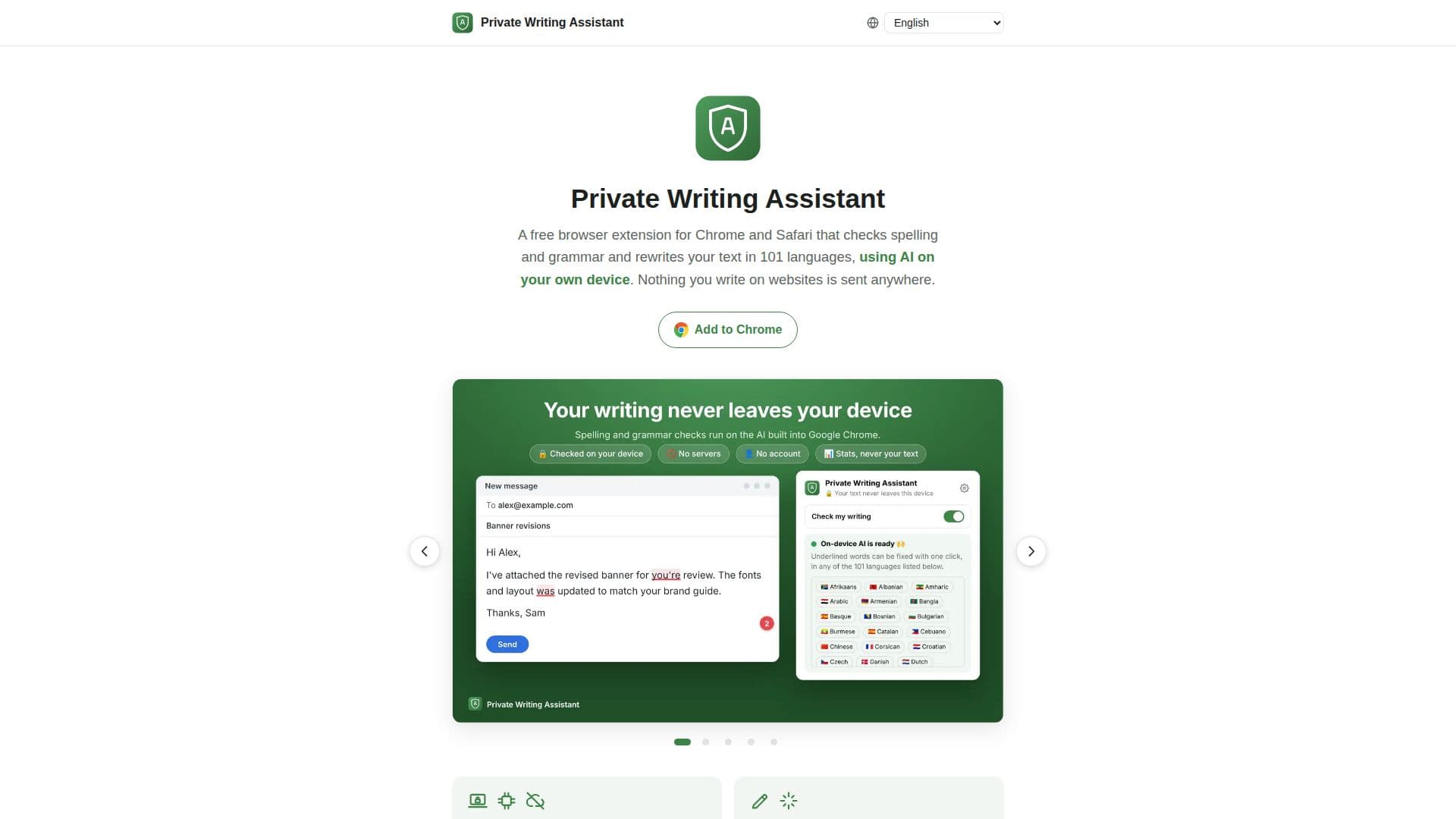
Private Writing Assistant is a free browser extension designed for Chrome and Safari that enhances your writing experience by providing on-device grammar checking and text rewriting capabilities. This tool prioritizes user privacy, as all AI processing for spelling, grammar, and style adjustments occurs directly on your computer, ensuring that your text is never uploaded to external servers.
Read More
The extension supports an impressive 101 languages, automatically recognizing the language of each sentence, which allows for seamless mixed-language communication within a single message. Users can select text and choose from various rewriting styles, such as Professional, Friendly, Shorter, Improve, Fluent, Academic, Simpler, or Expand, to instantly refine their content with a single click. It integrates smoothly into common writing environments, including text boxes, email drafts, Google Docs, and Google Slides, enabling users to fix individual mistakes or correct all errors at once.
For Chrome users, the extension leverages Chrome Built-in AI, which downloads its model once and runs locally. Safari users require a free Mac app that downloads an open-source AI model to enable on-device processing. This setup allows the tool to function offline once the initial model download is complete, providing continuous assistance without an internet connection.
Private Writing Assistant is completely free, with no paid plans, trials, or advertisements, and requires no account creation or login. It offers features like synonym and definition lookups via double-click, and allows users to turn off checking for specific websites or sessions. The tool also works in Incognito or Private browsing windows, offering flexibility and privacy across different usage scenarios. Usage statistics, which do not contain written text, can be optionally disabled by the user.
- CategoryGrammar Checkers
- Pricing ModelFree
- DeploymentBrowser extension
- PlatformsChrome, Safari, macOS, Windows, Linux, Chromebook Plus
Private Writing Assistant's Core Features
On-device grammar and spelling check
AI text rewriting in multiple styles
Supports 101 languages
Works offline after initial model download
No text uploaded to servers
Browser extension for Chrome and Safari
Free to use, no account required
Rewriting styles: Professional, Friendly, Shorter, Improve, Fluent, Academic, Simpler, Expand
Integrates with text boxes, email drafts, Google Docs, Google Slides
Fixes individual mistakes or all at once
Language detection per sentence
Synonym and definition lookup
Works in Incognito/Private browsing
Option to turn off checking for specific websites
Usage stats can be disabled
How to use Private Writing Assistant?
Install Extension: Add the Private Writing Assistant extension to Chrome or Safari.
Safari Setup (Mac only): Download and open the free Mac app for Safari, which installs the extension and downloads the AI model.
Write Text: Type in any text field, email draft, or document on a website.
Automatic Checking: The extension hands each sentence to the on-device AI model for local language detection and error checking.
Review Suggestions: Mistakes are underlined; click to see suggestions and apply fixes.
Rewrite Text: Select text, choose a rewriting style, and replace it in one click.
Manage Settings: Adjust settings to turn checking on/off, disable usage stats, or allow in private browsing.
Private Writing Assistant's Use Cases
- Grammar and Spelling Correction
- Text Rewriting and Styling
- Multilingual Writing Support
- Private Document Review
- Offline Writing Assistance
- Enhancing Google Docs
- Email Draft Refinement
- Social Media Content Creation