Description
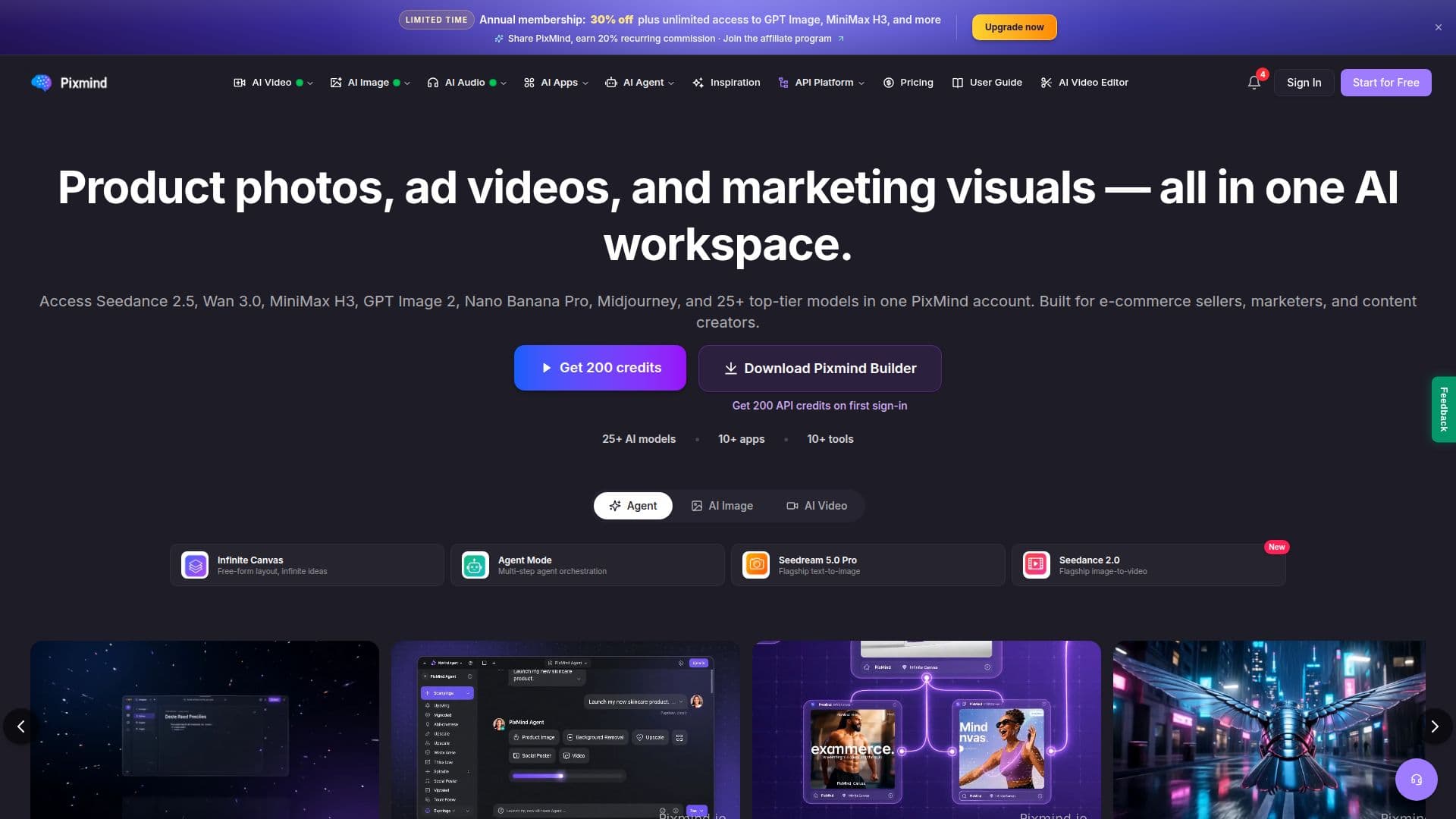
PixMind is an all-in-one AI platform designed for creating images and videos from text prompts or reference images. It caters to e-commerce sellers, marketers, and content creators by providing a browser-based workspace that integrates over 25 advanced models. These models include GPT Image 2, Midjourney V7, Seedream 5.0, and many more for image generation, as well as Veo 3.1 and PixVerse V5 for video creation. This eliminates the need for multiple subscriptions, as users can access all models with a single account.
Read More
The platform is particularly useful for producing commercial and marketing visuals such as product photos, ad videos, and marketing mockups. PixMind also includes over 10 ready-made apps and editing tools like background removal, image upscaling, and video-to-prompt conversion. These features allow users to create professional visuals without needing design or technical skills.
PixMind operates on a freemium model, offering a free tier with 10 credits and various paid subscription plans. Users can purchase additional credits as needed, with pricing details available on the platform's pricing page. Payment methods include Stripe, Alipay, and WeChat Pay.
The platform supports 19 languages, making it accessible to a global audience. It is designed to be user-friendly, with prompt-based workflows and ready-made templates that simplify the creation process. PixMind also offers an API for developers, allowing integration with other applications and services.
Overall, PixMind provides a comprehensive solution for creating high-quality images and videos, making it a valuable tool for anyone involved in digital content creation.
- CategoryImage Generation & Editing
- Pricing ModelFreemium
- DeploymentCloud
- PlatformsWeb
PixMind's Core Features
25+ AI models for image and video generation
Freemium pricing model with credits system
Browser-based workspace
Supports 19 languages
Includes 10+ ready-made apps
Editing tools like background removal and upscaling
API available for integration
No design skills required
How to use PixMind?
Configure: Choose a model and settings
Use: Generate images or videos from prompts
Optimize: Edit and refine outputs using tools
PixMind's Use Cases
- E-commerce Product Photos
- Ad Creative
- AI Clothing Try-On
- ID and Passport Photos
- Marketing Mockups