Description
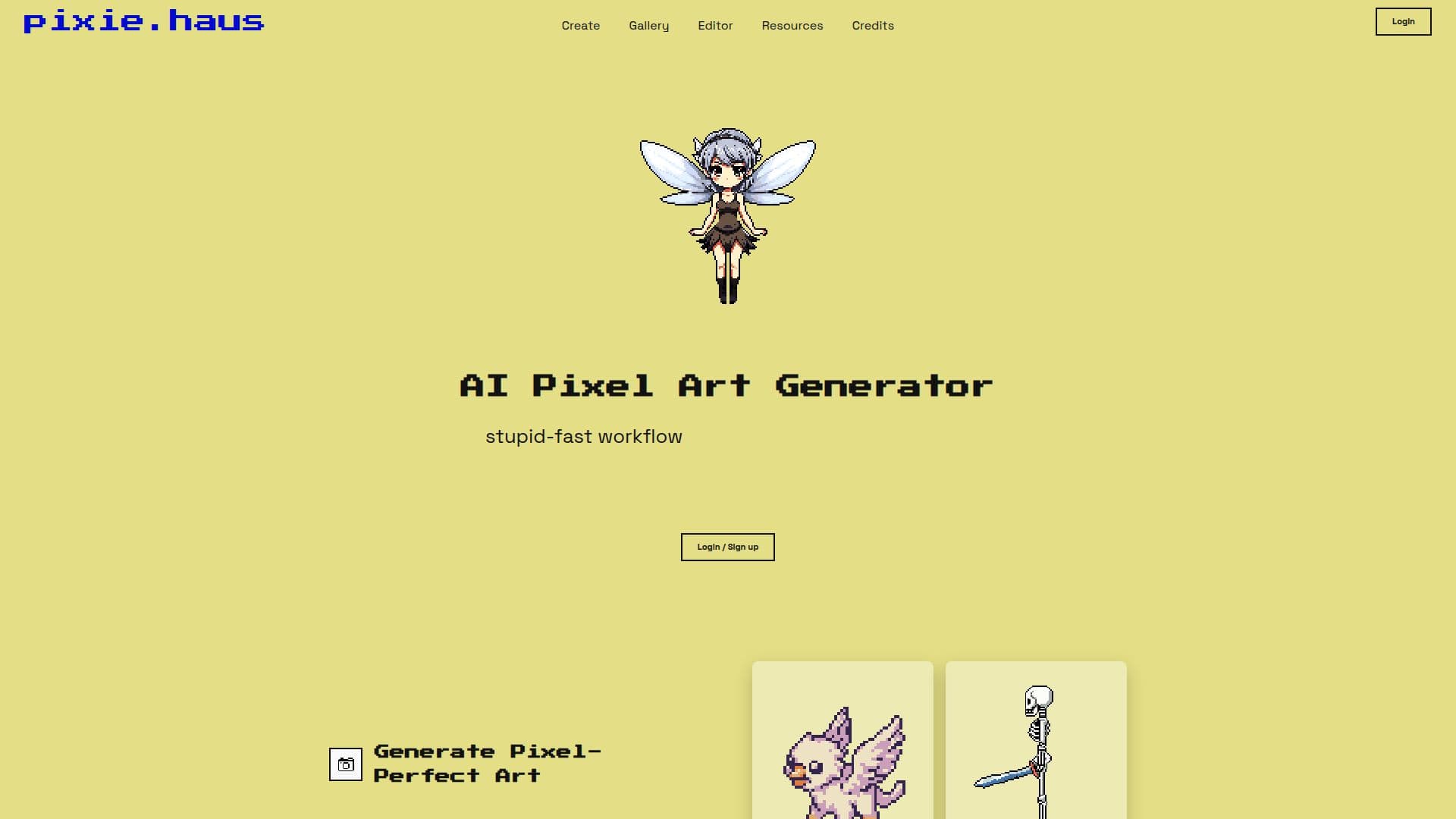
Pixie.haus is a specialized AI-powered web application designed to generate high-quality pixel art, sprites, and animations. It caters to game developers, artists, and hobbyists who require precise and efficient sprite creation. The platform offers a range of features, including automatic background removal, palette control, and multiple creative modes. Users can generate pixel-perfect art by typing a prompt, allowing the AI to create clean, game-ready assets. Unlike traditional AI upscaling, Pixie.haus forces the output into a strict grid for authentic pixel art.
The application provides true 1:1 grid snapping for a pixel-perfect look and locks into classic color palettes compatible with Lospec. It also includes a pixel art animation AI that can turn static characters into moving sprites, generating idle, walk, and attack cycles instantly. Users can edit individual frames directly in the timeline and download the results as GIFs or ready-to-use spritesheets.
Pixie.haus allows for easy editing and iteration with AI, enabling users to make changes without altering the original sprite. The image-to-image AI feature lets users swap outfits, change hairstyles, or adjust lighting while maintaining the underlying pixel structure. Users can also upload images as references, converting high-res images into strict pixel art that snaps to the grid and matches the chosen color palette.
The platform is free to use, making it accessible to a wide range of users. Pixie.haus is particularly beneficial for indie game developers and artists looking for a fast and efficient way to create pixel art and animations.
Pixie.haus AI Pixel Art Generator's Core Features
AI-powered pixel art generation
Automatic background removal
Palette control with Lospec compatibility
Multiple creative modes
Pixel-perfect grid snapping
Animation AI for sprite movement
Edit individual frames in timeline
Image-to-image AI for sprite editing
Upload images as reference
Free to use
How to use Pixie.haus AI Pixel Art Generator?
Configure: Set up your color palette and grid settings
Use: Type a prompt to generate pixel art
Edit: Make changes using image-to-image AI
Optimise: Download and export your sprites
Pixie.haus AI Pixel Art Generator's Use Cases
- Game Development
- Animation Creation
- Art Iteration
- Palette Customization
- Image Conversion