
Description
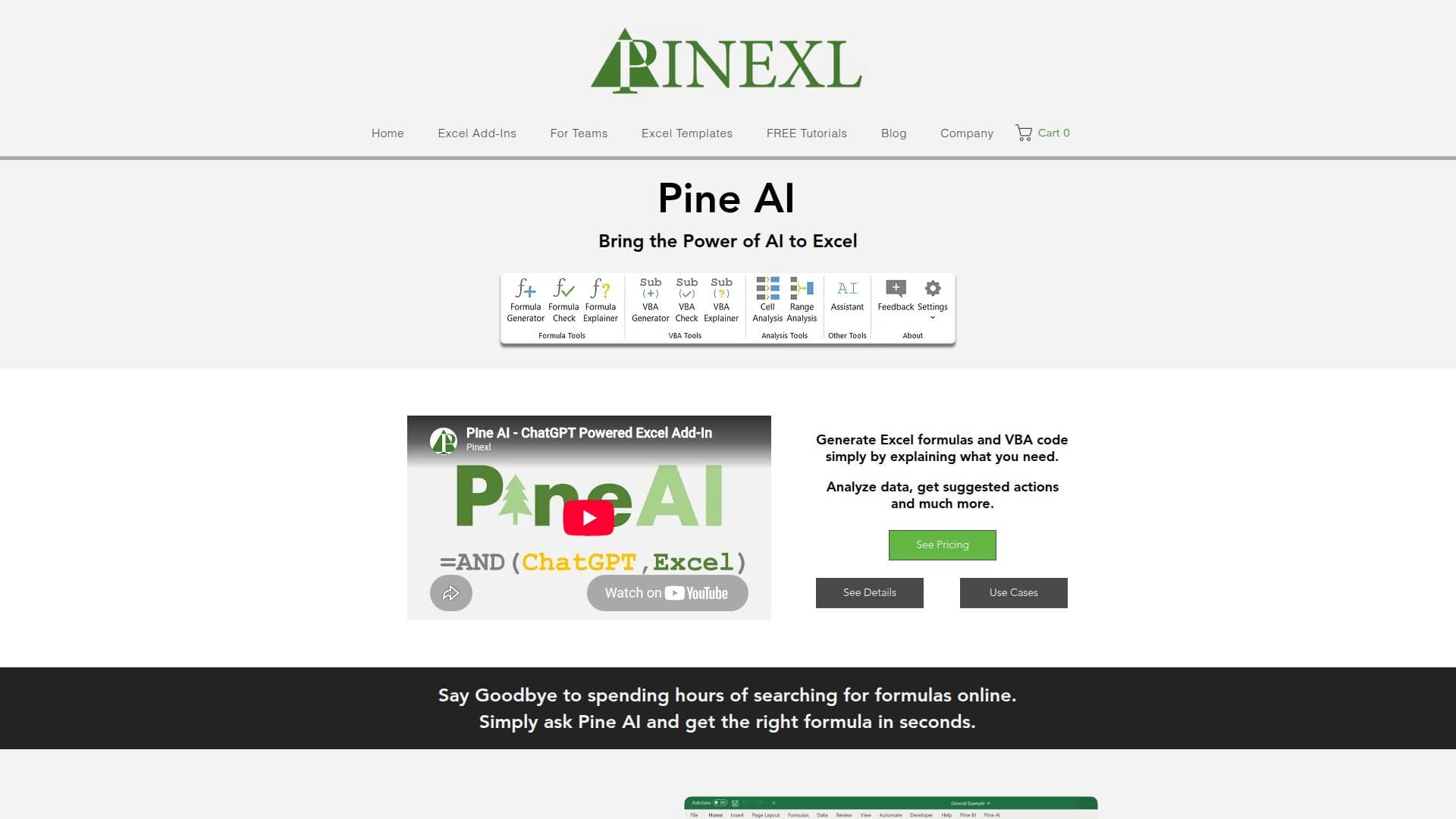
PineXL is an AI-powered add-in for Microsoft Excel that enhances productivity by simplifying complex tasks. It allows users to generate Excel formulas and VBA code by simply explaining their needs. This tool is designed to save time and reduce the need for extensive Excel expertise. Users can analyze data directly within their workbooks and receive suggested actions, making data transformation effortless.
The add-in features a formula generator that creates formulas based on user input, a formula checker to identify and fix errors, and a formula explainer for understanding complex formulas. Additionally, PineXL offers a VBA generator and checker, allowing users to automate tasks without needing to be VBA experts. The VBA explainer helps users understand existing code.
PineXL supports AI cell and range analysis, transforming data in three easy steps: selecting data, explaining needs, and generating results. The AI assistant provides answers to Excel-related questions, offering step-by-step guides and best practice suggestions.
PineXL is easy to use, requiring no installation or complex user interfaces. It works on Windows computers with Excel 2007 or newer versions. The pricing model includes single, five, and ten-seat licenses, with discounts for multiple seats. Free upgrades and updates are available for all plans.
The tool is ideal for businesses and individuals who rely on Excel for data analysis and automation. It leverages OpenAI's ChatGPT to deliver AI capabilities directly within Excel, making it a valuable asset for enhancing productivity and efficiency.
PineXL AI for Excel's Core Features
Excel formula generation
VBA code generation
Formula error checking
VBA code error checking
Formula explanation
VBA code explanation
AI cell analysis
AI range analysis
AI assistant for Excel queries
Multi-language support
No installation required
Works with Excel 2007 and newer
Free upgrades and updates
Discounted multi-seat licenses
OpenAI ChatGPT integration
How to use PineXL AI for Excel?
Configure: Connect the add-in with Excel
Use: Generate formulas and VBA code
Optimize: Analyze and transform data
Automate: Run VBA code directly
PineXL AI for Excel's Use Cases
- Formula Generation
- VBA Automation
- Data Analysis
- Error Checking
- Excel Assistance