
Description
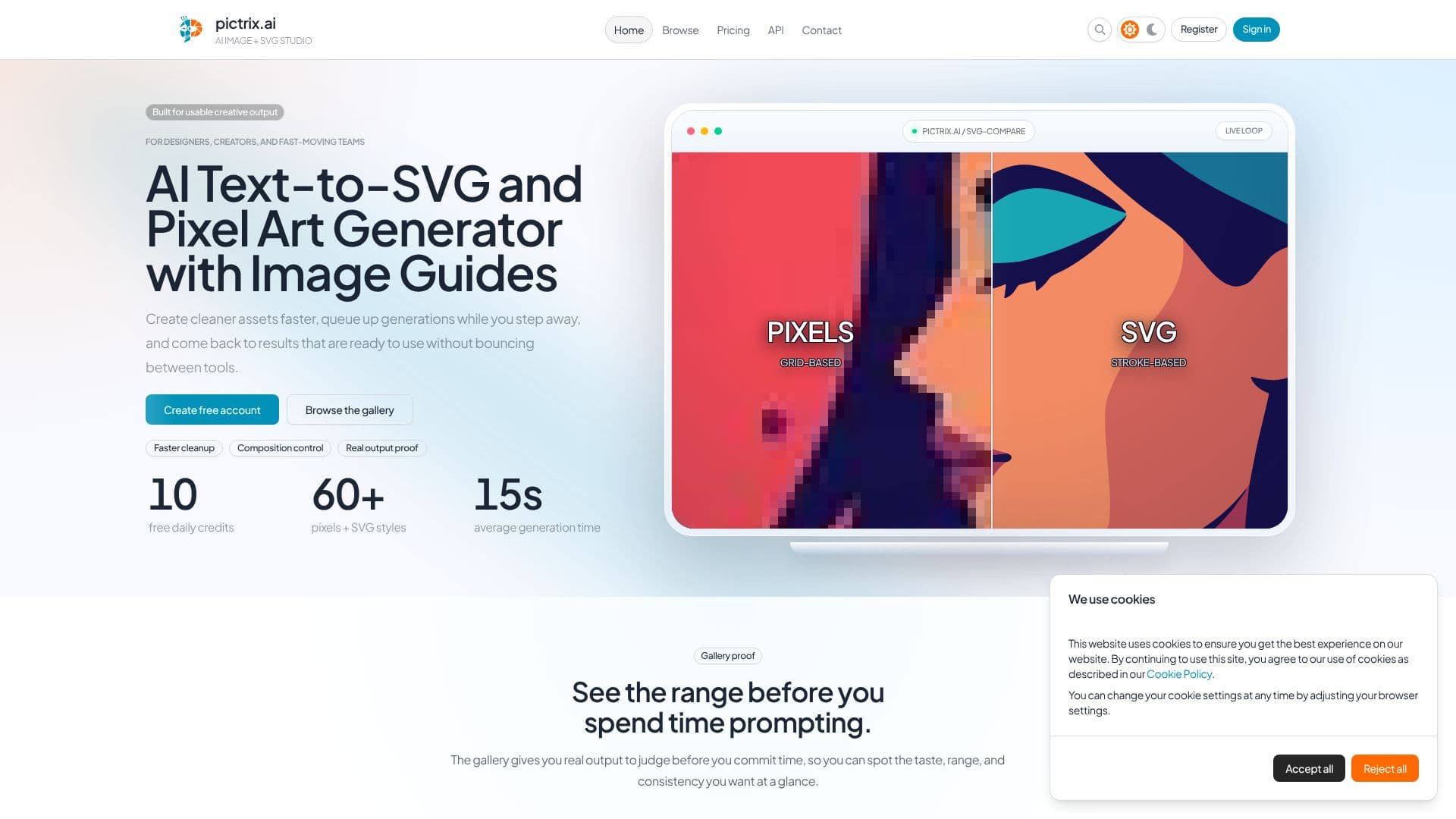
PicTrix is designed for designers, creators, and fast-moving teams seeking usable creative output. This AI Text-to-SVG and Pixel Art Generator streamlines the asset creation process, enabling users to generate cleaner assets more quickly. The platform allows for queuing generations, so users can step away and return to ready-to-use results without the need to bounce between different tools.
Read More
Key features include composition control and real output proof, which are essential for efficient design workflows. Users can explore a gallery showcasing a wide range of styles before committing to prompting, helping them judge taste, range, and consistency at a glance. The tool supports over 60 pixel and SVG styles, including Bold Color SVG, Bold Grayscale SVG, Corporate Memphis Color SVG, Flat Color SVG, Lineart Grayscale SVG, Silhouette Grayscale SVG, and various pixel art styles like Abstract Pixels, Anime Pixels, and Minecraft Pixels.
PicTrix also offers image guides, allowing users to maintain composition by using existing photos, sketches, or renders as a structural base. This feature protects existing layouts, enabling revisions focused on mood, style, and storytelling without rebuilding the scene from scratch. It facilitates bolder direction changes and faster transitions from reference to concept, while keeping variations client-safe by maintaining consistency.
The platform provides 10 free daily credits for new users, with membership tiers like Lite, Pro, and Business offering increased flexibility, private images, commercial use, and API access. The public library allows users to see what others are creating, find direction quickly, compare results side-by-side, and build confidence before starting their own prompts. PicTrix aims to keep up with new image-generation advances, integrating strong new models and capabilities to ensure the product remains current with practical technology.
PicTrix supports typography and quoted text in image generations, rendering exact visible copy within the composition. This makes it a practical choice for generating usable AI image output, offering a clear path from inspiration to a finished piece.
- CategoryAI Image Generators
- Pricing ModelFreemium
- DeploymentCloud
- PlatformsWeb
PicTrix AI SVG Generator's Core Features
AI Text-to-SVG generation
AI Pixel Art generation
Guided AI image generation with image guides
Supports color SVG and grayscale SVG output
Supports various pixel art styles
Gallery for browsing real output examples
Composition control using image guides
Queue generations for later review
10 free daily credits for new accounts
Supports typography and quoted text in generations
Public library for inspiration and comparison
Membership tiers: Free, Lite, Pro, Business
API access available for Business tier
How to use PicTrix AI SVG Generator?
Create account: Sign up for a free account to start generating images.
Explore gallery: Browse the public gallery for inspiration and to see output examples.
Configure generation: Use text prompts and image guides to set composition and style.
Generate assets: Queue your generations and wait for the AI to create your SVG or pixel art.
Review and refine: Compare SVG against pixels, make adjustments, and iterate on your designs.
Upgrade membership: Move to Lite, Pro, or Business for advanced features like private images and commercial use.
PicTrix AI SVG Generator's Use Cases
- SVG Asset Creation
- Pixel Art Design
- Concept Visualization
- Iterative Design
- Client-Safe Variations
- Inspiration Gathering
- Typography Integration