
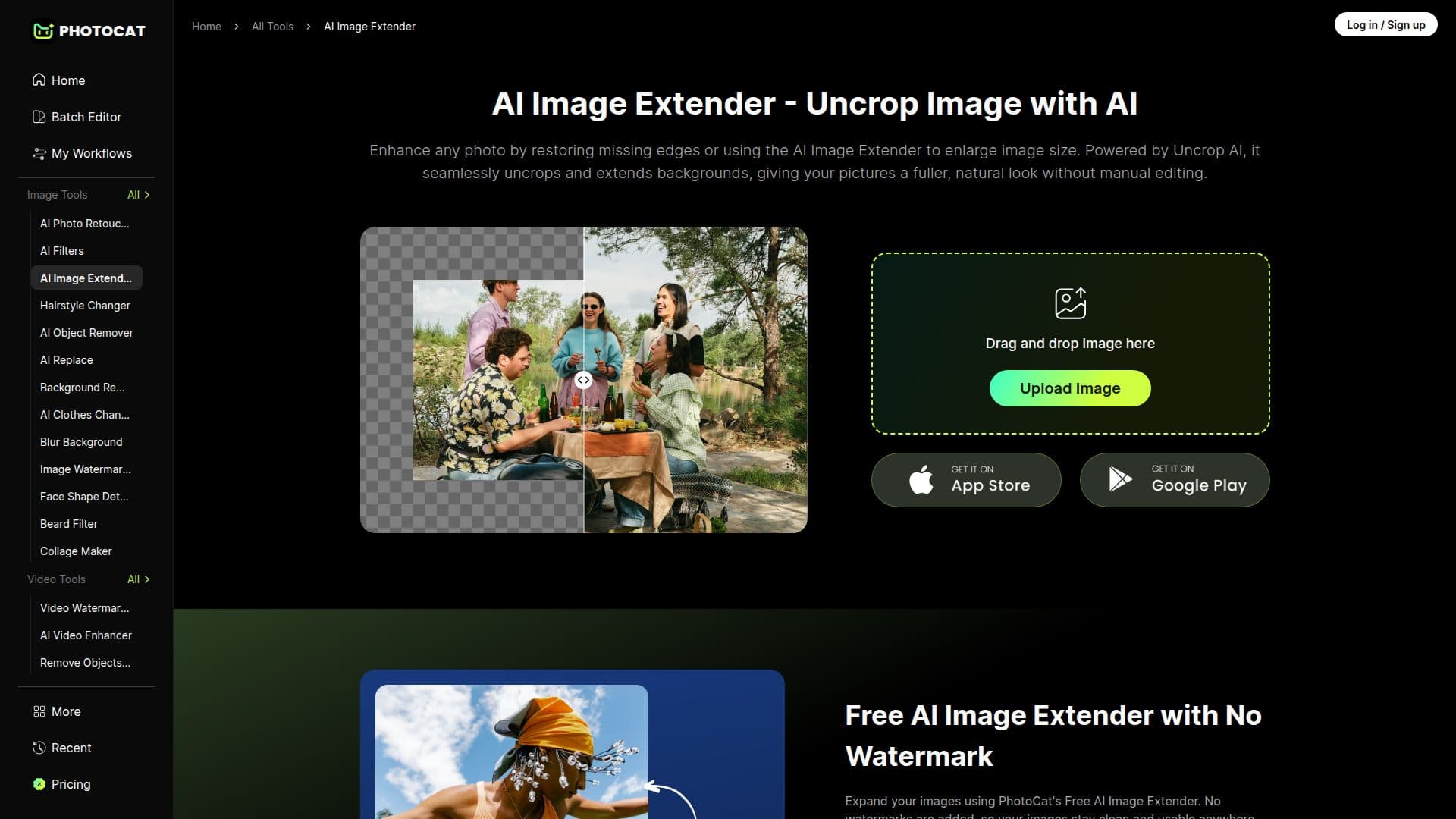
Description
PhotoCat is an online AI photo editing platform. Its AI Image Extender lets users expand and uncrop images, filling in extended photo backgrounds naturally with generative AI while preserving quality. This is useful when an image needs a wider frame, a different aspect ratio, or more background than the original photo provides.
Read More
The platform saves an editing history so users never have to start over: recent tasks are stored so finished creations can be re-downloaded or reopened to make further edits quickly. PhotoCat is browser-based and offers a range of AI photo editing tools, with select tools usable without a login.
PhotoCat provides a free tier with limited credits and a paid Meowber membership that unlocks advanced AI photo editing, HD export, and additional features, with monthly and discounted yearly options.
- CategoryAI Photo Editors
- Pricing ModelFreemium
- DeploymentCloud
- PlatformsWeb
PhotoCat's Core Features
AI Image Extender to uncrop and expand images
Generative background fill with no quality loss
Natural-looking image expansion for new aspect ratios
Online, browser-based editing
No login required for select tools
Project history to reopen and re-download edits
Free tier plus Meowber membership with HD export
How to use PhotoCat?
Open the Image Extender: Go to PhotoCat's AI Image Extender tool.
Upload your photo: Add the image you want to expand.
Set the extension: Choose how far to expand the frame or the new aspect ratio.
Generate: Let the AI fill the extended area naturally.
Download: Save the result, or reopen it later from your project history.
PhotoCat's Use Cases
- Uncrop photos
- Change aspect ratio
- Add background space
- Reframe compositions