Description
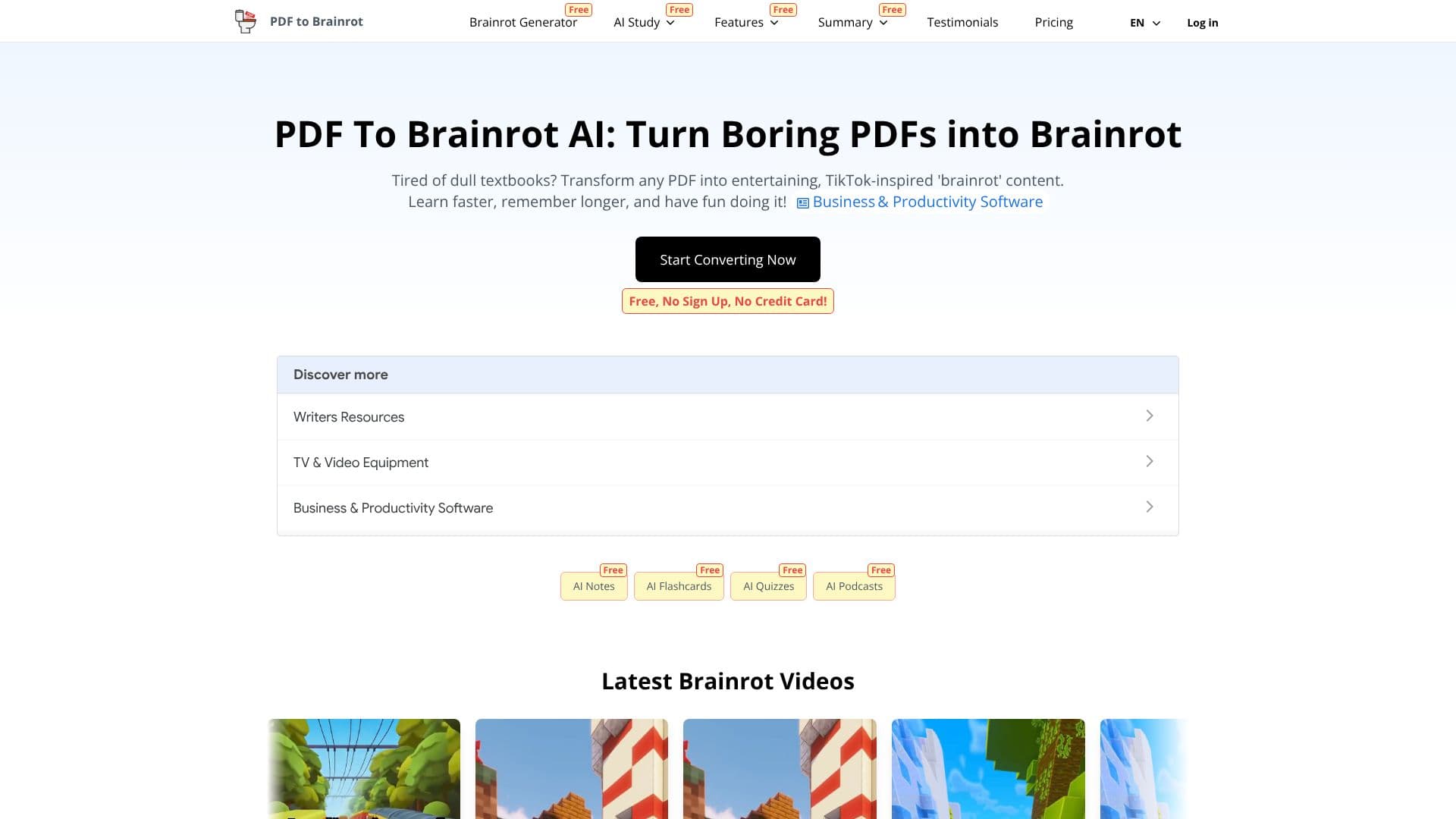
PDF To Brainrot AI is a cutting-edge tool designed to revolutionize how you consume and retain information from static PDF documents. Tired of sifting through lengthy textbooks or complex research papers? This AI-powered platform transforms any PDF into dynamic, TikTok-inspired 'brainrot' videos, making learning an enjoyable and effective experience. By converting dry content into engaging, bite-sized snippets, PDF To Brainrot AI helps users learn faster, remember longer, and engage with material in a way that resonates with the modern digital generation.
Read More
The core functionality of PDF To Brainrot AI lies in its ability to process any PDF, regardless of the topic or complexity, and render it into shareable, entertaining video content. Whether you're dealing with dense academic texts, business reports, or creative writing, the AI adapts to create compelling 'brainrot' videos. This makes it an invaluable resource for students aiming to improve their study habits, educators looking for innovative teaching methods, and professionals seeking to make training materials more accessible and engaging.
Key features include lightning-fast conversion, ensuring that your PDFs are transformed into videos in mere seconds, perfect for last-minute study sessions or quick content creation. The 'brainrot' format is specifically designed to boost retention by combining entertainment with education, leading to more effective recall. Furthermore, the converted content is accessible on any device, offering the flexibility to learn, review, or share your brainrot videos anytime, anywhere. Beyond PDFs, the 'Text to Brainrot' feature allows users to paste any text—lecture notes, web articles, or study materials—and convert it into similar engaging video formats, perfect for social media or quick study aids.
PDF To Brainrot AI offers three distinct video types: Brainrot Mode for quirky, engaging TikTok-style content; Quiz Mode for interactive question-and-answer formats; and Raw Mode for simple, straightforward video presentations. Users can also customize their videos by selecting voice styles, adding background music from a provided library or uploading their own, and incorporating custom background videos. This level of customization ensures that the generated content is not only informative but also aligns with the creator's specific needs and aesthetic preferences. The tool is accessible for free, requiring no sign-up or credit card, making it an easy and risk-free way to explore AI-driven learning transformations.
- CategoryAI Short Video Makers
- Pricing ModelFree
- DeploymentCloud
- PlatformsWeb
PDF To Brainrot AI's Core Features
Converts any PDF into TikTok-style 'brainrot' videos
Transforms dense academic texts and research papers into engaging content
Lightning-fast conversion process for quick video generation
Boosts information retention through entertaining and educational formats
Accessible learning content on any device (smartphones, tablets, desktops)
Text to Brainrot feature for converting plain text into videos
Offers three video types: Brainrot Mode, Quiz Mode, and Raw Mode
Customizable voice options with various accents, tones, and genders
Supports uploading custom background music and selecting from a royalty-free library
Allows addition of custom background videos for enhanced engagement
Free to use with no sign-up or credit card required
How to use PDF To Brainrot AI?
Upload PDF: Select the PDF document you wish to convert.
Configure Preferences: Choose video type (Brainrot, Quiz, Raw), voice style, and background elements.
Convert: Initiate the AI conversion process.
Review and Download: Access and download your generated brainrot video.
Share and Learn: Utilize the video for studying, teaching, or sharing.
PDF To Brainrot AI's Use Cases
- Student Study Aids
- Teacher Content Creation
- Professional Training
- Content Summarization
- Social Media Learning
- Personalized Learning