
Description
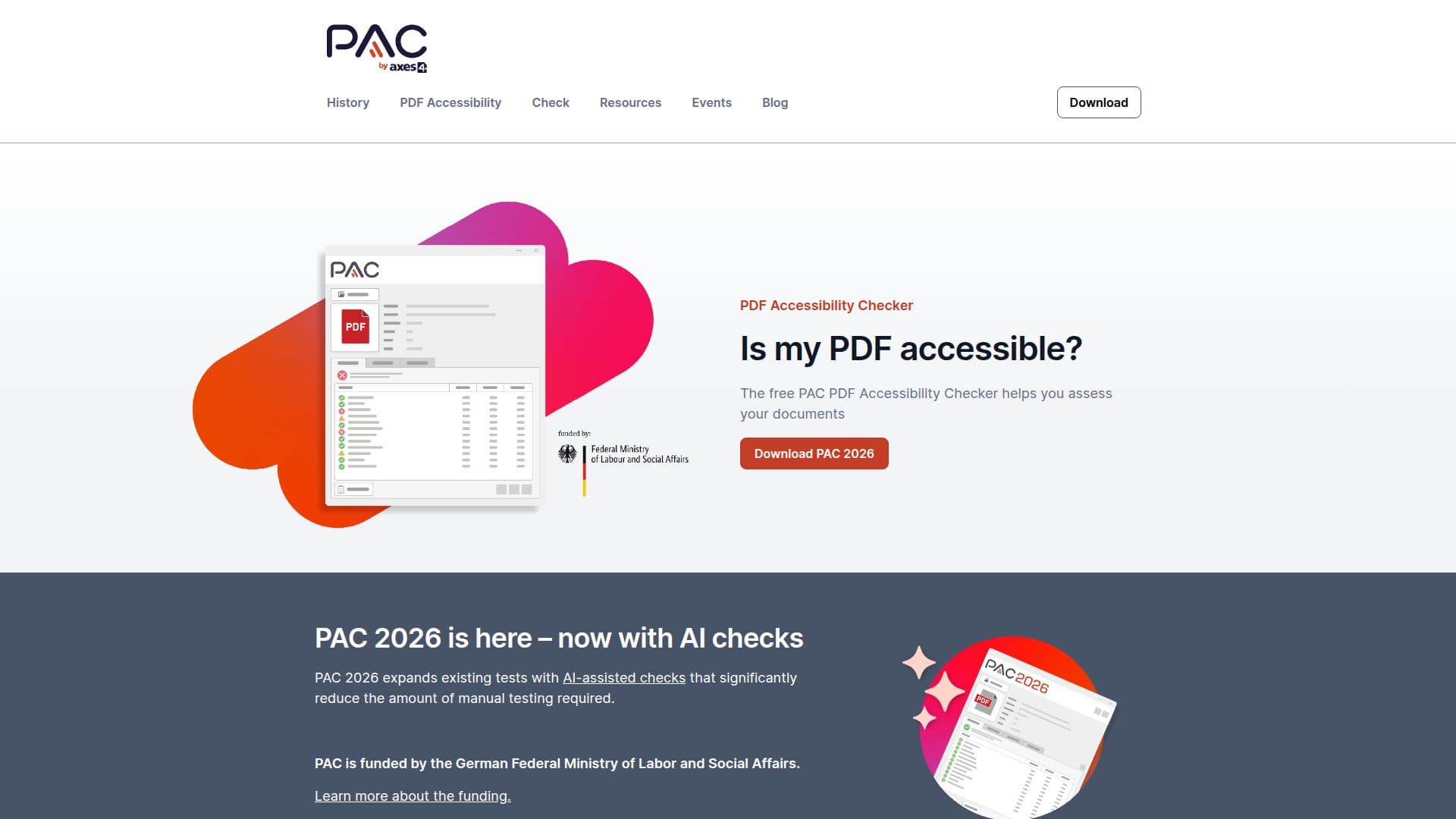
PDF Accessibility Checker (PAC) is a globally recognized tool for assessing the accessibility of PDF documents. Since its inception in 2010, PAC has become the standard tool for checking PDF accessibility, supporting both PDF/UA and WCAG requirements. The tool is funded by the German Federal Ministry of Labor and Social Affairs, ensuring its continued development and availability as a free resource.
PAC 2026 introduces AI-assisted checks, significantly reducing the need for manual testing. This version builds on previous iterations by expanding its capabilities to include a more intuitive user interface and enhanced AI testing features. Users can easily drag and drop files onto the interface to receive instant results, which can be viewed as either a summary or a detailed report.
The tool is designed to be user-friendly, requiring no administrative rights for installation. It provides a screen reader and structure preview, allowing users to visualize how a screen reader will interpret the document. This feature simplifies the process of ensuring documents are accessible to individuals with disabilities.
PAC is not only an ethical and legal necessity but also offers practical benefits. Accessible documents are better indexed by search engines and are prepared for future technological advancements. Regular webinars are offered to help users get started with PAC and learn about its new features.
The tool is continuously evolving, with future versions like PAC 2027 and PAC 2028 already in development. These versions aim to introduce a Mac version and further improvements to AI testing, ensuring PAC remains at the forefront of document accessibility.
PDF Accessibility Checker's Core Features
Free PDF accessibility checking
Supports PDF/UA and WCAG standards
AI-assisted checks
Instant results with drag-and-drop interface
No admin rights required for installation
Screen reader and structure preview
Summary and detailed reports
Regular free webinars
How to use PDF Accessibility Checker?
Download: Install PAC without admin rights
Upload: Drag and drop PDF files onto the interface
Check: Use AI-assisted checks for accessibility
Report: View results in summary or detailed format
PDF Accessibility Checker's Use Cases
- Accessibility Compliance
- AI-Assisted Checks
- Instant Results
- Screen Reader Preview
- Detailed Reporting