Description
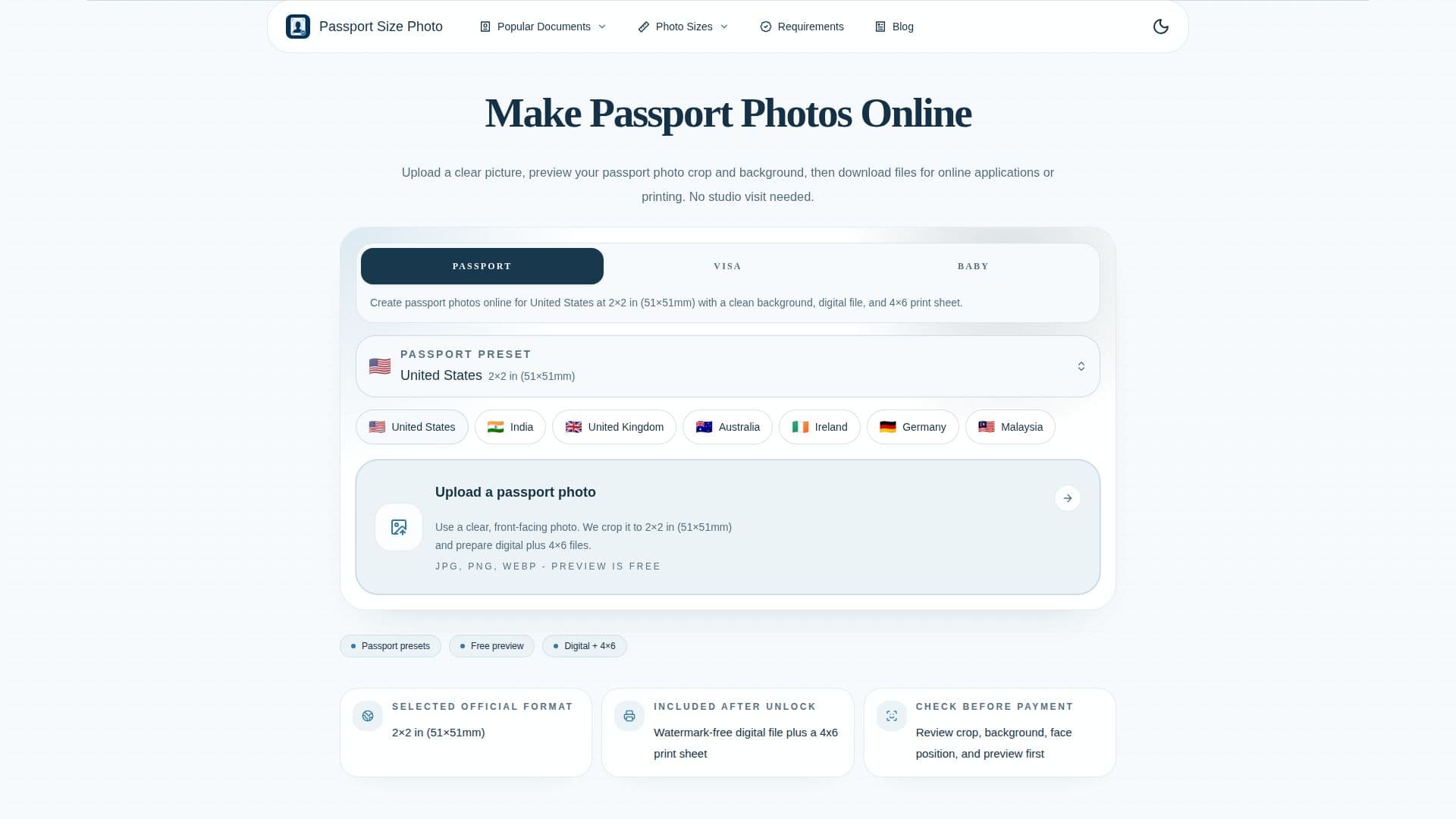
Passport Size Photo is a web and iPhone tool for creating official document photos from a clear picture. Users upload a photo, choose a country-specific format, and review the crop, face position, and background before exporting, avoiding a trip to a studio, pharmacy, or post office.
Read More
The tool supports passport photo sizes for major formats, including US (51x51mm / 2x2 in), UK (35x45mm), China (33x48mm), and Canada (50x70mm), among others, and generates photos that meet official requirements for dimensions, aspect ratio, and 300 DPI resolution. It accepts JPG, PNG, and WEBP uploads and provides AI-assisted crop and background cleanup. Output includes a single high-resolution digital file for online applications plus a printable 4x6 sheet with multiple photos for kiosks, pharmacies, or home printers.
It focuses on practical compliance rather than creative editing, providing exact dimensions, crop guidance, background handling, and biometric visibility checks such as keeping eyes visible and avoiding shadows. It is aimed at travelers, parents preparing children's photos, international students, remote workers, and anyone needing document photos on a deadline, as well as photographers and small businesses preparing photos for clients.
Most preview and editing happen in the browser, and the final export may be sent through the service to deliver the file. Pricing is pay-only-when-you-download: previewing is free, and unlocking a final passport or visa photo package is a one-time payment with no subscription or recurring fees.
- CategoryAI Photo Editors
- Pricing ModelPaid
- DeploymentCloud
- PlatformsWeb, iOS
Passport Size Photo's Core Features
Country-specific passport and visa size presets
AI-assisted crop and background cleanup
300 DPI output that meets official requirements
Digital file plus printable 4x6 sheet output
In-browser preview of crop, face position, and background
Biometric visibility guidance for eyes and shadows
Accepts JPG, PNG, and WEBP uploads
Available on the web and as an iPhone/iPad app
How to use Passport Size Photo?
Choose a country preset: Select the passport or visa format you need.
Upload a clear photo: Use a recent, evenly lit image with room around the head and shoulders.
Check the crop and background: Review face position, crop frame, and background guidance.
Download your photo: Export a digital file for online forms or a 4x6 print sheet, paying once at download.
Passport Size Photo's Use Cases
- Passport applications
- Visa and ID photos
- At-home photos
- Photos for children