
Description
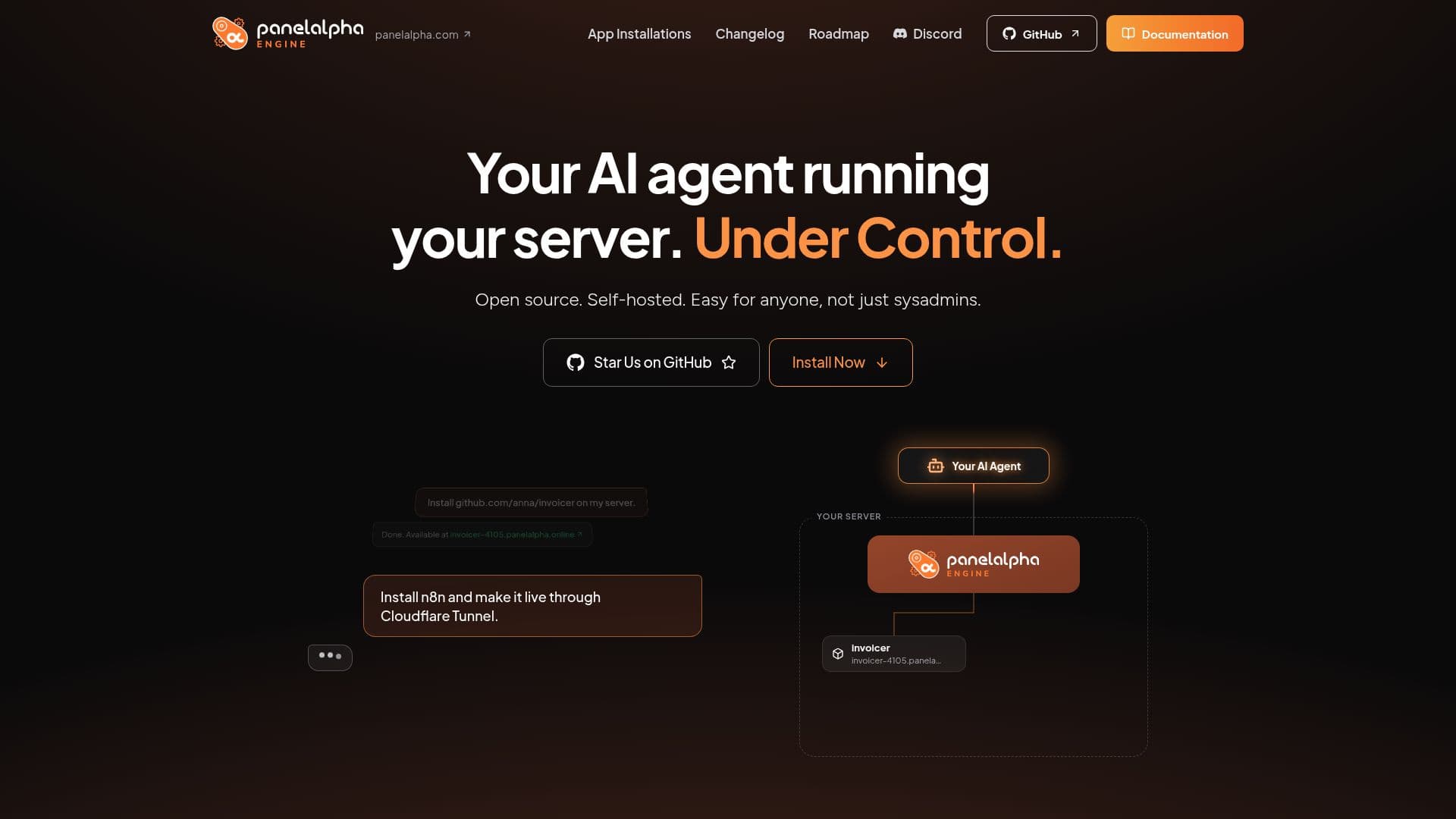
PanelAlpha Engine provides an open-source, self-hosted solution designed to simplify the deployment, management, and maintenance of projects on a Virtual Private Server (VPS) using AI agents. It aims to make self-hosting accessible to everyone, eliminating the need for extensive sysadmin knowledge.
Read More
The platform enables users to connect their preferred AI agent, which then interacts with the Engine to manage server tasks. This approach prevents AI from directly accessing the server's root, thereby mitigating risks like open ports, random settings, and project interference. PanelAlpha Engine enforces a clear structure, organizing projects, accounts, and domains, and isolates each project within its own Docker container for enhanced security and stability.
Key capabilities include instant preview URLs for every deployment, complete with optional password protection, and robust staging and Git workflows that keep live and staging environments separate. It also offers built-in visitor statistics and monitoring, removing the need for external services like Google Analytics. Essential backend tasks such as backups (internal and external), SSL certificate management, FTP/SFTP access, domain configuration, database management, CRON jobs, and log handling are all automated.
Security is a core focus, with Docker isolation, firewalls, and ModSecurity/OWASP WAF rules applied per project, ensuring that a compromise in one application does not affect others. The Engine also facilitates easy integration with Cloudflare for DNS, tunnels, and caching across projects. PanelAlpha has a history dating back to 2022, initially as a WordPress management platform, and is part of INBS.Software, with 15 years of hosting experience.
PanelAlpha Engine supports a wide range of projects, including static sites, WordPress, front-end, back-end solutions, and open-source software. It is free and open-source, with users only paying for their server and AI subscriptions. The platform collects anonymous telemetry data about technology stacks and public repositories to improve its functionality, with an option for users to opt out.
- CategoryAI DevOps & Cloud Tools
- Pricing ModelFree
- DeploymentSelf-Hosted (VPS)
- PlatformsWeb
PanelAlpha Engine's Core Features
AI Agent Integration for Server Management
Open Source and Self-Hosted Deployment
Project Isolation with Docker Containers
Automated Backups (Internal and External)
Built-in Visitor Statistics and Monitoring
Staging and Git Workflow Support
Temporary Preview URLs for Deployments
Automated SSL, FTP, SFTP, Domains, Databases, CRON, and Logs
Firewall and ModSecurity/OWASP WAF Protection
Easy Cloudflare Integration for DNS, Tunnels, and Caching
Support for Any Project Type (Static, WordPress, Front-end, Back-end, Open Source)
Environment Variable Management
Project Protection Against Accidental Changes
Detailed Error Reporting and Troubleshooting
CLI Commands and REST API for Advanced Management
How to use PanelAlpha Engine?
Install Engine: Execute a single command on your fresh VPS with root SSH access to install PanelAlpha Engine.
Connect AI Assistant: Run a provided command on your local computer to link your chosen AI assistant to the Engine.
Configure AI Permissions: Use `pae configure` on your VPS to define what actions your AI assistant is permitted to perform.
Deploy Project: Instruct your AI assistant via chat to deploy your project from a Git repository, files, or a zip archive.
Manage and Maintain: Utilize your AI assistant or CLI commands to manage deployments, monitor performance, and handle ongoing maintenance tasks.
Utilize Staging: Create staging copies of live sites for testing changes, then push updates between staging and live environments.
PanelAlpha Engine's Use Cases
- Self-Hosting AI-Built Projects
- Managing Open-Source Applications
- Secure Project Isolation
- Automated Server Maintenance
- Staging and Production Workflows
- Website and Application Deployment
- Developer Project Hosting
- Cloudflare Integration for Performance