Description
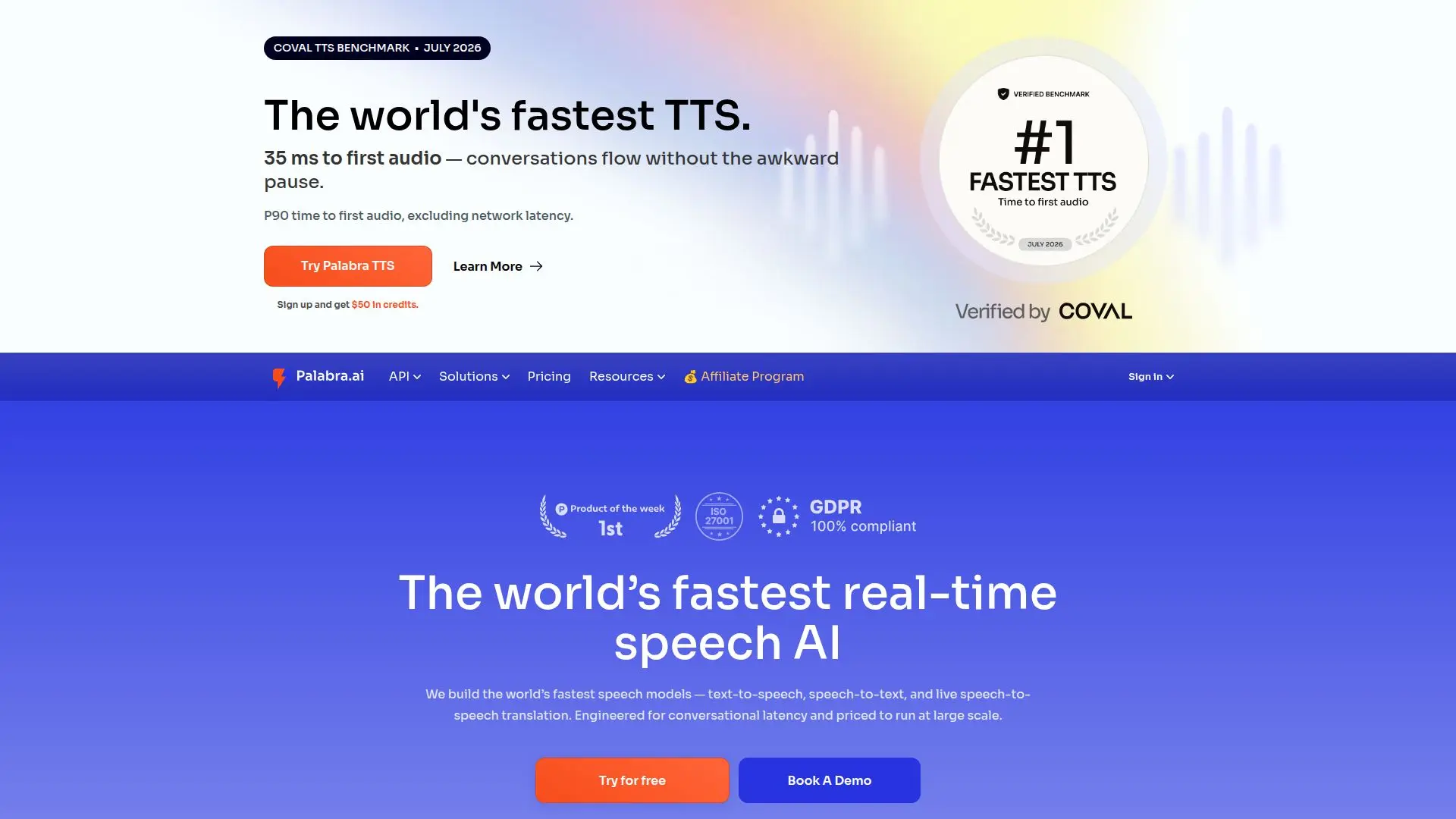
Palabra.ai is a real-time AI translator for live voice and audio. It runs on a single low-latency engine that can be deployed two ways: teams can build their own multilingual product with the real-time translator API and SDKs, or start translating instantly with ready-made, no-code tools. The system is built on Palabra's own proprietary large language model, giving it control over accuracy, speed, and flexibility.
Read More
For live scenarios, Palabra works directly with major video conferencing tools such as Google Meet, Zoom, and Microsoft Teams with no additional software, and its no-code broadcaster integrates with streaming platforms like OBS, vMix, YouTube, and Vimeo using SRT and RTMP. The translation is simultaneous and two-way with less than one second of latency, and it automatically selects a voice similar to the original speaker with speaker voice auto-cloning for a natural, non-robotic result. Output can be heard as audio or read as text.
The API and SDKs give developers control of the full pipeline from speech recognition through translation to text-to-speech, with custom glossaries, the ability to add custom languages, and near-zero latency streaming. Palabra encrypts all conversations and does not store conversation data, and it supports private-cloud or on-premises deployment in a customer's region for enterprise security and minimal delay.
Palabra is used for events and conferences, international video calls, live streams, games, and webinars, helping businesses reach global audiences.
- CategoryAI Translators
- Pricing ModelFreemium
- DeploymentCloud, On-premises
- PlatformsWeb
Palabra.ai's Core Features
Real-time, two-way speech translation with sub-second latency
One engine deployable as ready-made tools or an API and SDKs
Works with Google Meet, Zoom, and Microsoft Teams without extra software
No-code broadcaster for OBS, vMix, YouTube, and Vimeo via SRT and RTMP
Speaker voice auto-cloning for natural-sounding output
Audio or text output for live translations
Custom glossaries and the ability to add custom languages
Encrypted, no-data-storage processing with private-cloud or on-prem options
How to use Palabra.ai?
Choose your path: Use the ready-made tools for instant translation or the API and SDKs to build your own product.
Connect a source: Link a video call, stream, or audio input using supported platforms and protocols.
Set languages: Select source and target languages and any custom glossaries.
Translate live: Deliver simultaneous two-way translation with cloned voices as audio or text.
Scale securely: Deploy proprietary servers in your region or a private cloud for enterprise needs.
Palabra.ai's Use Cases
- Global events
- International video calls
- Live streaming
- Multilingual products