
Description
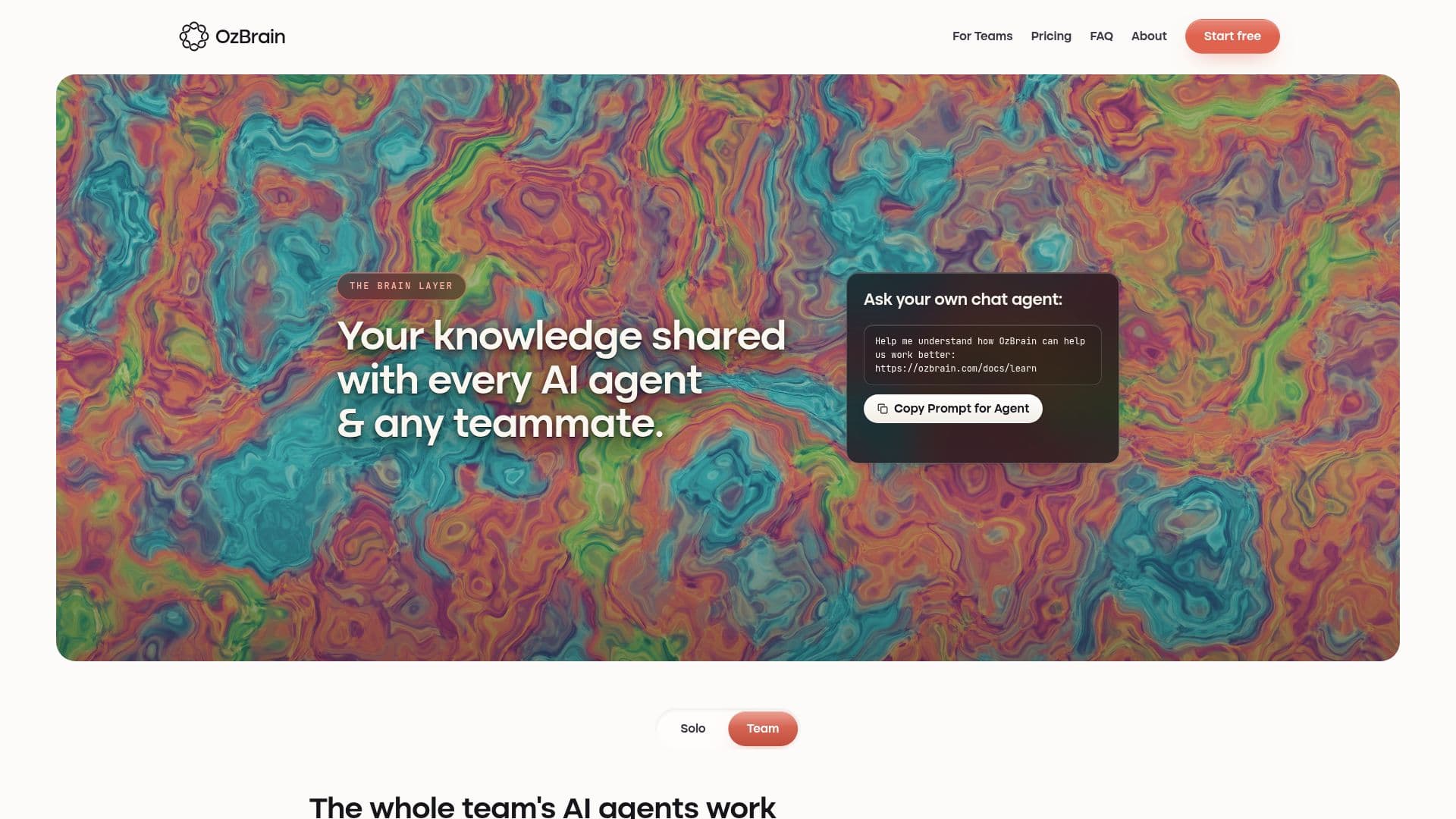
OzBrain is a shared knowledge base designed to unify the information that AI agents like Claude, ChatGPT, and others use. By providing a single source of truth, OzBrain ensures that every AI agent accesses the same up-to-date information, eliminating the need for separate memories in each product. This platform is not a memory API but a brain that connects seamlessly with existing AI tools without requiring any coding. Users can easily add OzBrain from the connector menu in Claude or ChatGPT, sign in, and approve it.
Read More
OzBrain supports various platforms, including Claude Code, Cursor, OpenClaw, Hermes Agent, and Gemini Spark, where available. It offers a free plan with up to 50 articles, while Pro and Max plans provide more extensive capabilities for larger operations. The platform emphasizes privacy and security, ensuring that user data is encrypted and never used for training models or sold.
The core functionality of OzBrain revolves around organizing knowledge into linked markdown articles with provenance and freshness. This structure allows agents to pull only the necessary information for a task, reducing errors and improving efficiency. OzBrain also supports exporting knowledge as markdown, ensuring users are not locked into the platform.
OzBrain is particularly beneficial for teams, as it allows for shared decision-making and knowledge management. It keeps company knowledge fresh and accessible, enabling agents to perform tasks independently while maintaining a record of changes and decisions. This capability is crucial for maintaining coherence and continuity in team operations.
Overall, OzBrain offers a robust solution for managing shared knowledge across AI platforms, making it an invaluable tool for businesses and teams looking to streamline their AI operations.
- CategoryAI Knowledge Management
- Pricing ModelFreemium
- DeploymentCloud
- PlatformsClaude, ChatGPT, Cursor
OzBrain's Core Features
Shared knowledge base
Integration with Claude and ChatGPT
No coding required
Markdown export
Data encryption
Provenance and freshness tracking
Staged writes
Platform compatibility
How to use OzBrain?
Sign up: Create an account on OzBrain
Log in: Access your OzBrain dashboard
Configure: Connect OzBrain with your AI agents
Use: Start managing your knowledge base
Optimize: Regularly update and export your data
OzBrain's Use Cases
- Team Collaboration
- AI Integration
- Knowledge Management
- Data Security
- Seamless Connectivity