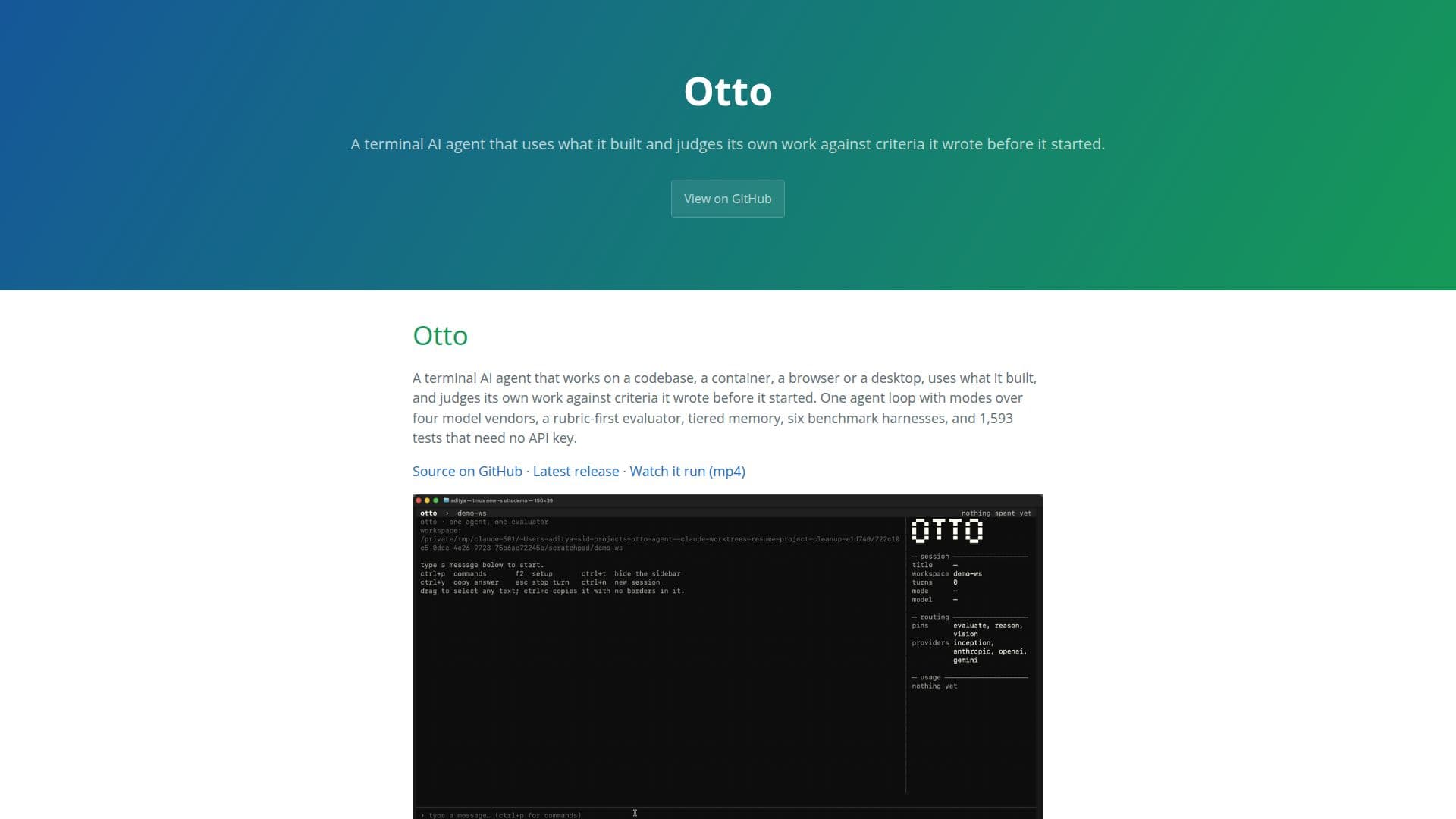
Description
Otto is a terminal AI agent designed to autonomously evaluate its own work against criteria it establishes before beginning a task. It functions across multiple platforms, including codebases, containers, browsers, and desktops. Otto employs a unique agent loop with modes over four model vendors, utilizing a rubric-first evaluator and tiered memory to maintain high performance. The system is equipped with six benchmark harnesses and 1,593 tests that do not require an API key. Otto's design emphasizes efficiency, with a one-tool task costing only three model calls and a write-and-run task judged in seven calls and 31 seconds. The agent's memory system features type-aware compaction, ensuring that user input is never summarized, and employs a two-stage semantic recall over a content-addressed store. Otto's development was meticulously logged, with 138 commits made between September 7 and 14, 2026, each detailing changes and measurements. The agent is MIT licensed and developed by Siddharth Priyadarshi. Otto's capabilities are extensive, including the ability to handle complex tasks such as code, math, and NP-hard problems with real checkers, achieving a perfect score on a golden set of 20 tasks. The system's design also includes a mutation gate to prevent irreversible actions without proper evaluation. Otto's architecture allows it to adapt and learn from its interactions, making it a robust tool for developers and researchers seeking an AI agent capable of self-assessment and improvement.
- CategoryAI Agent Builders
- Pricing ModelOpen Source
- DeploymentCloud, Self-hosted
- PlatformsMulti-platform
Otto's Core Features
Terminal AI agent
Rubric-first evaluator
Tiered memory system
Six benchmark harnesses
1,593 tests without API key
Type-aware compaction
Two-stage semantic recall
Mutation gate for safety
Golden set task handling
Self-assessment capabilities
Multi-platform operation
Efficient model call usage
Comprehensive development log
MIT licensed
Built by Siddharth Priyadarshi
How to use Otto?
Install: Set up Otto on your preferred platform
Configure: Adjust settings and criteria for tasks
Use: Deploy Otto to evaluate tasks autonomously
Optimize: Review Otto's performance and adjust criteria
Otto's Use Cases
- Code Evaluation
- Task Automation
- Research Assistance
- Development Support
- Quality Assurance