Description
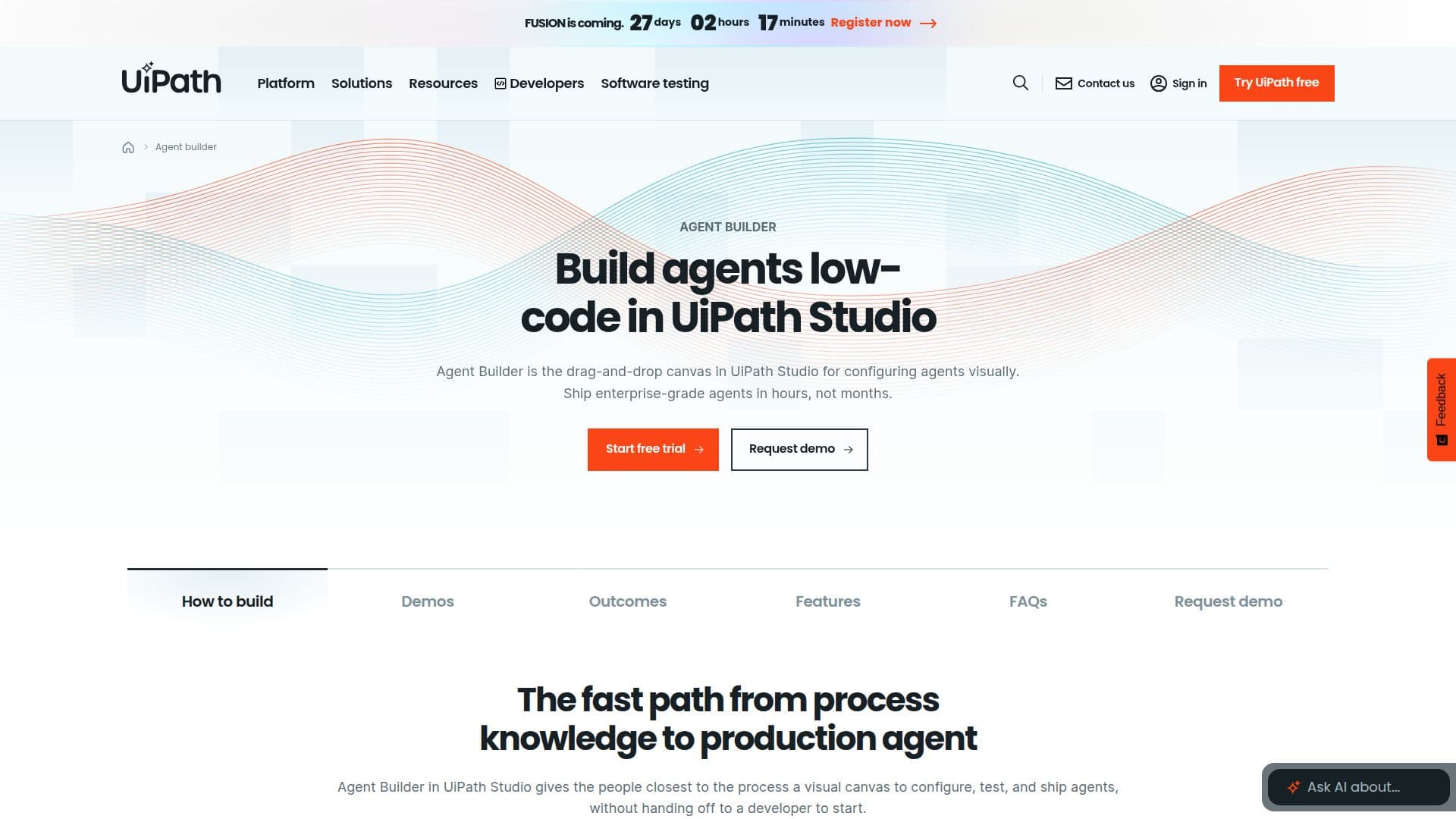
Agent Builder is a feature within UiPath Studio designed to facilitate the rapid development of AI agents through a low-code, drag-and-drop interface. This tool empowers users to visually configure agents, making it possible to deploy enterprise-grade solutions in just hours rather than months. With built-in functionalities such as retries, observability, evaluations, and governance, Agent Builder ensures that every agent is production-ready by default.
Read More
The platform offers starter templates for various use cases, including ticket classification, document extraction, knowledge retrieval, and content generation. Agents built with Agent Builder can operate across multiple automation types, including UI automation, APIs, and reusable RPA workflows. Additionally, the integration of human-in-the-loop capabilities allows for approvals and exception handling via the Action Center, ensuring that critical decisions can be made efficiently.
One of the standout features of Agent Builder is its model-agnostic design, which allows users to connect any third-party large language model (LLM) or utilize UiPath-curated models. This flexibility means that users are not locked into a single model and can switch between different models without the need to rebuild their agents. Furthermore, the platform adheres to strict governance standards, incorporating identity and access controls, audit logs, and PII filtering, all certified to ISO 42001 and AIUC-1.
Agent Builder operates on the UiPath Platform, which orchestrates the execution of agents alongside robots, APIs, and human workflows. This orchestration is managed through UiPath Maestro, which coordinates long-running cases and schedules agent jobs. The combination of these features makes Agent Builder a powerful tool for organizations looking to enhance their automation capabilities and streamline their processes.
- CategoryAI Agent Builders
- Pricing ModelFree
- DeploymentCloud
- PlatformsUiPath Platform
UiPath Agent Builder's Core Features
Low-code drag-and-drop interface
Built-in retries and observability
Starter templates for various use cases
Human-in-the-loop capabilities
Model-agnostic design
Governance features including audit logs
Integration with UiPath Platform
Supports UI automation, APIs, and RPA workflows
How to use UiPath Agent Builder?
Configure: Use the drag-and-drop canvas to visually configure your AI agents.
Select: Choose from starter templates for specific tasks like document extraction.
Integrate: Connect third-party LLMs or use UiPath's curated models.
Deploy: Ship your agents on the enterprise runtime for immediate use.
Monitor: Utilize built-in observability features to track agent performance.
Govern: Implement identity and access controls for compliance.
Optimize: Use the Action Center for human approvals and exception handling.
UiPath Agent Builder's Use Cases
- Clinical Trials
- Wealth Management
- Mortgage Origination
- Document Processing
- Customer Support