
Description
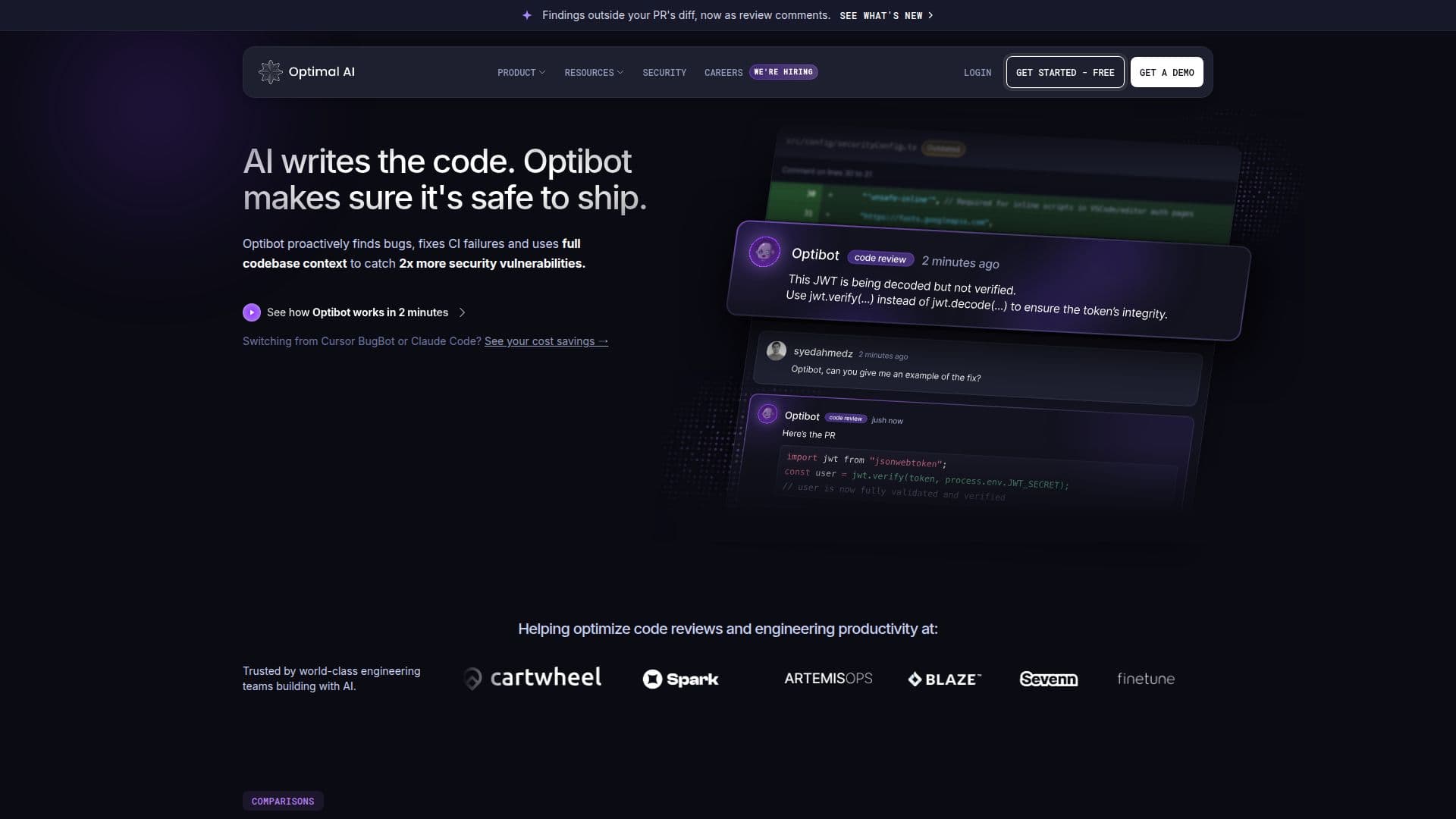
Optibot by Optimal AI is an advanced AI code review tool designed for engineering teams using GitHub and GitLab. It provides comprehensive reviews of pull requests by indexing the entire repository, not just the diff, to identify bugs, security vulnerabilities, and regressions that traditional diff-only reviewers might overlook. Optibot is particularly beneficial for teams with active pull-request volumes, offering a 30-75% reduction in PR cycle time and doubling the detection of security vulnerabilities. Reviews are completed swiftly, typically in 1-4 minutes, without slowing down CI/CD workflows.
Optibot builds a knowledge graph of the entire repository, mapping file relationships, module dependencies, and team conventions. This allows it to understand the full impact of every change. It includes specialized agents for security, dependency management, and performance optimization, providing remediation suggestions inline on the PR. Optibot operates asynchronously, ensuring it doesn't block builds or workflows.
The platform offers a free trial starting on the Max plan, allowing users to experience the full suite of features, including multi-repo context and security scanning, without any initial cost. Pricing is predictable, with plans starting as low as $29 per month. Optibot's pricing model is per user, and review limits are calculated per user per month.
Optibot is SOC 2 Type II certified, ensuring data security with zero code retention. It processes code ephemerally and offers single-tenant deployments for teams with strict compliance needs. Integrations with GitHub are currently available, with GitLab and Bitbucket integrations coming soon. Optibot is an ideal solution for engineering teams looking to enhance their code review process with AI, ensuring higher code quality and security.
Optibot by Optimal AI's Core Features
Full codebase context reviews
Deep security scanning
DORA metrics tracking
Free trial available
Zero code retention
SOC 2 Type II certified
GitHub integration
Asynchronous operation
How to use Optibot by Optimal AI?
Configure: Set up Optibot with your GitHub or GitLab repository
Use: Submit pull requests for AI-powered code reviews
Optimise: Review AI-generated insights and improve code quality
Monitor: Track metrics and security vulnerabilities
Optibot by Optimal AI's Use Cases
- Bug Detection
- Security Scanning
- Performance Optimization
- Code Quality Improvement
- Compliance Assurance